46 Installation and Operation Guide
PolyVision
®
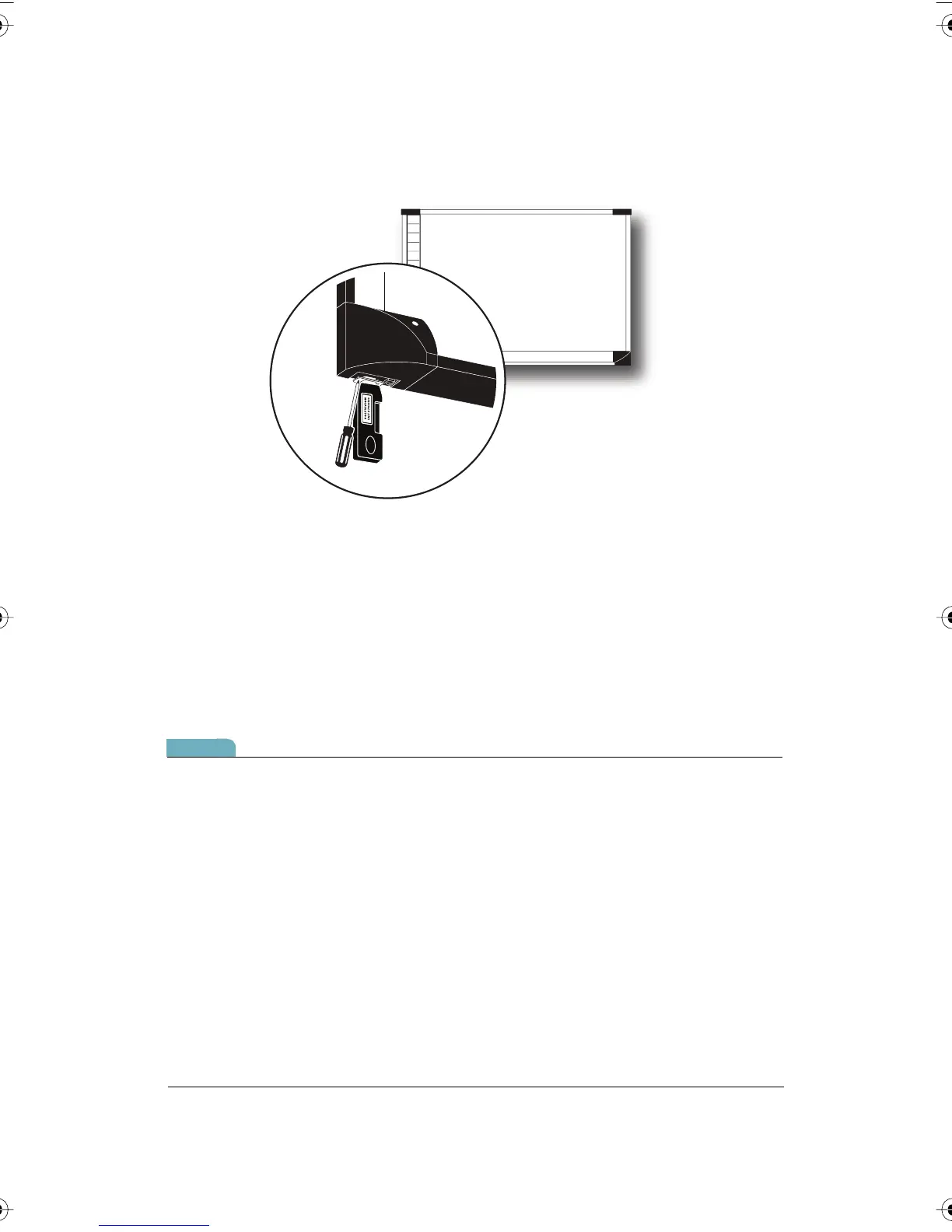
4 Use a screwdriver to install and tighten the two screws supplied for the
adapter.
5 Finish installing the TS 600 interactive whiteboard.
6 Register the wireless communication link between your computer and
the whiteboard as described below.
Registering the Whiteboard In Windows
For each Walk-and-Talk or TS 600 whiteboard that you want to share
wireless Bluetooth communication with your computer, you must register
the whiteboard with your computer.
note:NOTE:
Instructions below describe registering the whiteboard’s Bluetooth
connection with your computer using Bluetooth software provided with
Windows. If you installed an adapter made by another company on your
computer to add Bluetooth capability, the menus and Wizards may differ.
Be sure to connect any needed Bluetooth adapter to your computer and
install the adapter software on your computer before you connect the TS
Bluetooth adapter to the whiteboard and apply power to the whiteboard.
PolyVision I&O.book Page 46 Thursday, October 16, 2008 4:18 PM



 To Next Page