24 Installation and Operation Guide
PolyVision
®
• TS models: tap the Large or Small Eraser icon on the board and erase
using the circular felt eraser provided, or using your finger for small
erasures.
• To erase everything and start fresh, press the Erase All button on the
remote control (Walk-and-Talk models) or tap the Erase All icon on the
whiteboard (TS models).
Projecting Your Computer onto the Whiteboard
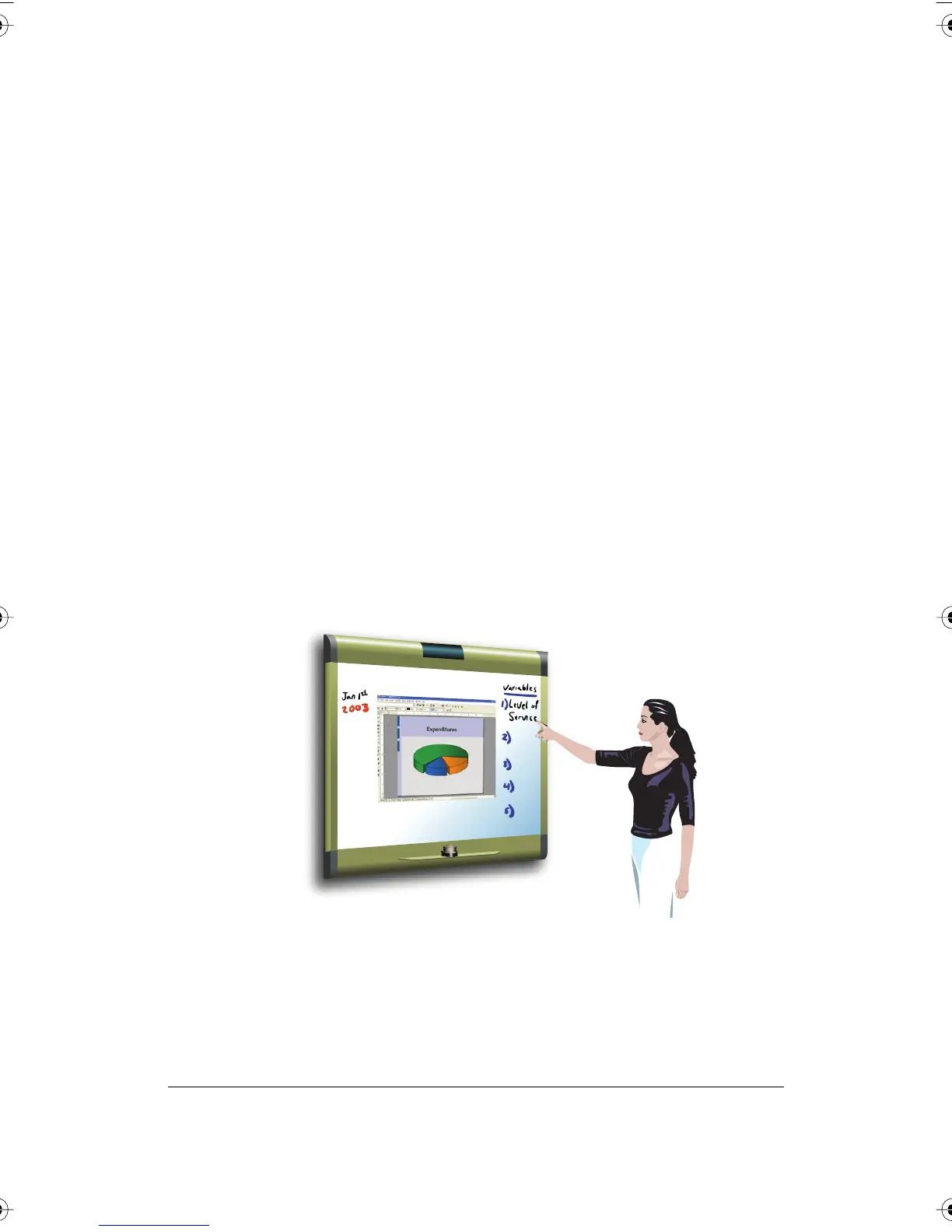
When you use the PolyVision interactive whiteboard with a projector
connected to your computer, a variety of powerful options becomes
available. You can:
• Control your computer from the whiteboard. For Walk-and -Talk
products, you can also roam freely about the room and interact with
the computer using the remote control.
• Run slide presentations and other software.
• Make notes and drawings over your computer’s projected screen that
you can print or save.
PolyVision I&O.book Page 24 Thursday, October 16, 2008 4:18 PM



 To Next Page