Installing the TS or TSL Whiteboard 21
PolyVision
®
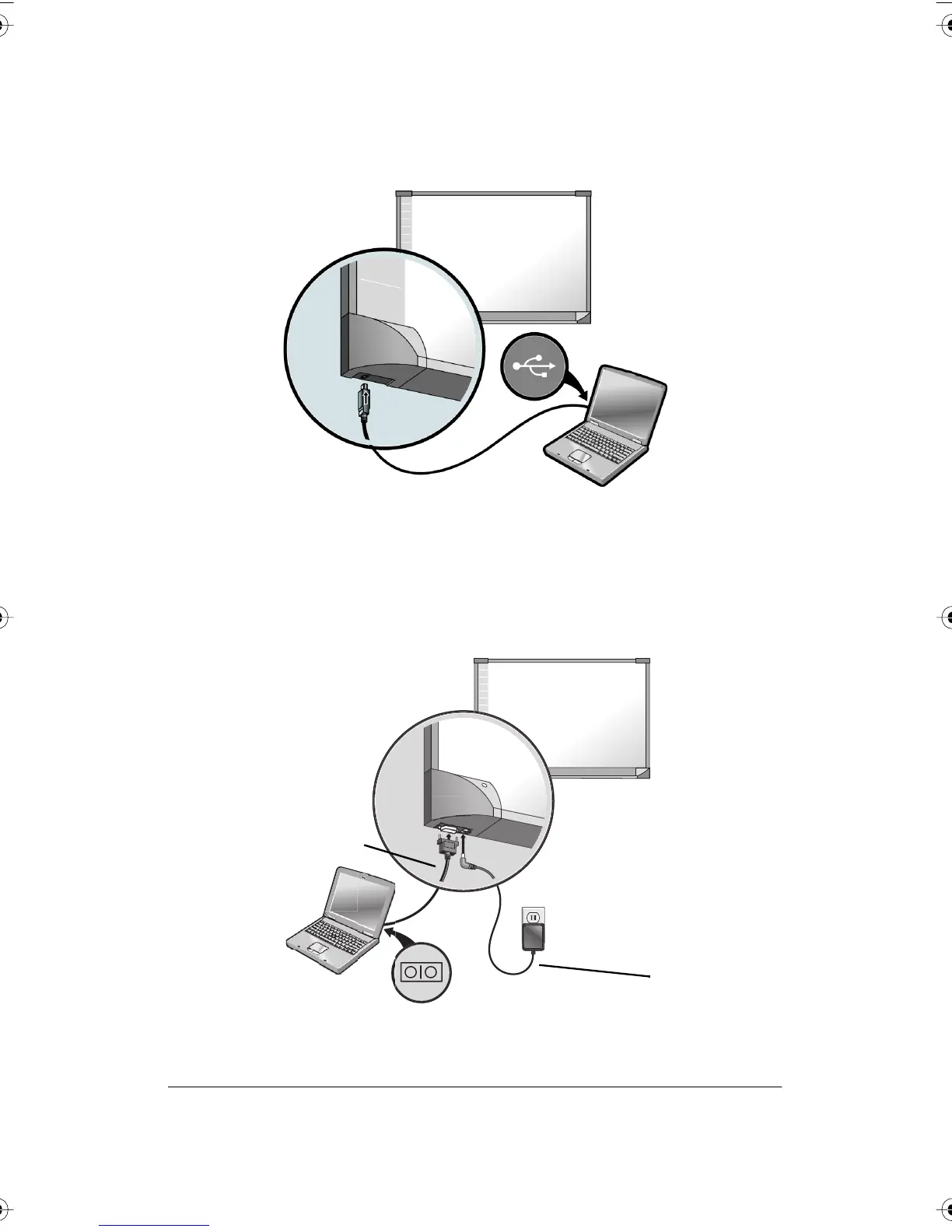
2 Plug the other end of the USB cable to the USB port on the
whiteboard.
Connections for TS 600 Model
To connect the whiteboard to your computer:
1 Plug the AC power cord into the power connector on the bottom of
the whiteboard, next to the serial port.
AC Power Cord
9-Pin Serial Cable
PolyVision I&O.book Page 21 Thursday, October 16, 2008 4:18 PM



 To Next Page