34 Installation and Operation Guide
PolyVision
®
Care and Maintenance
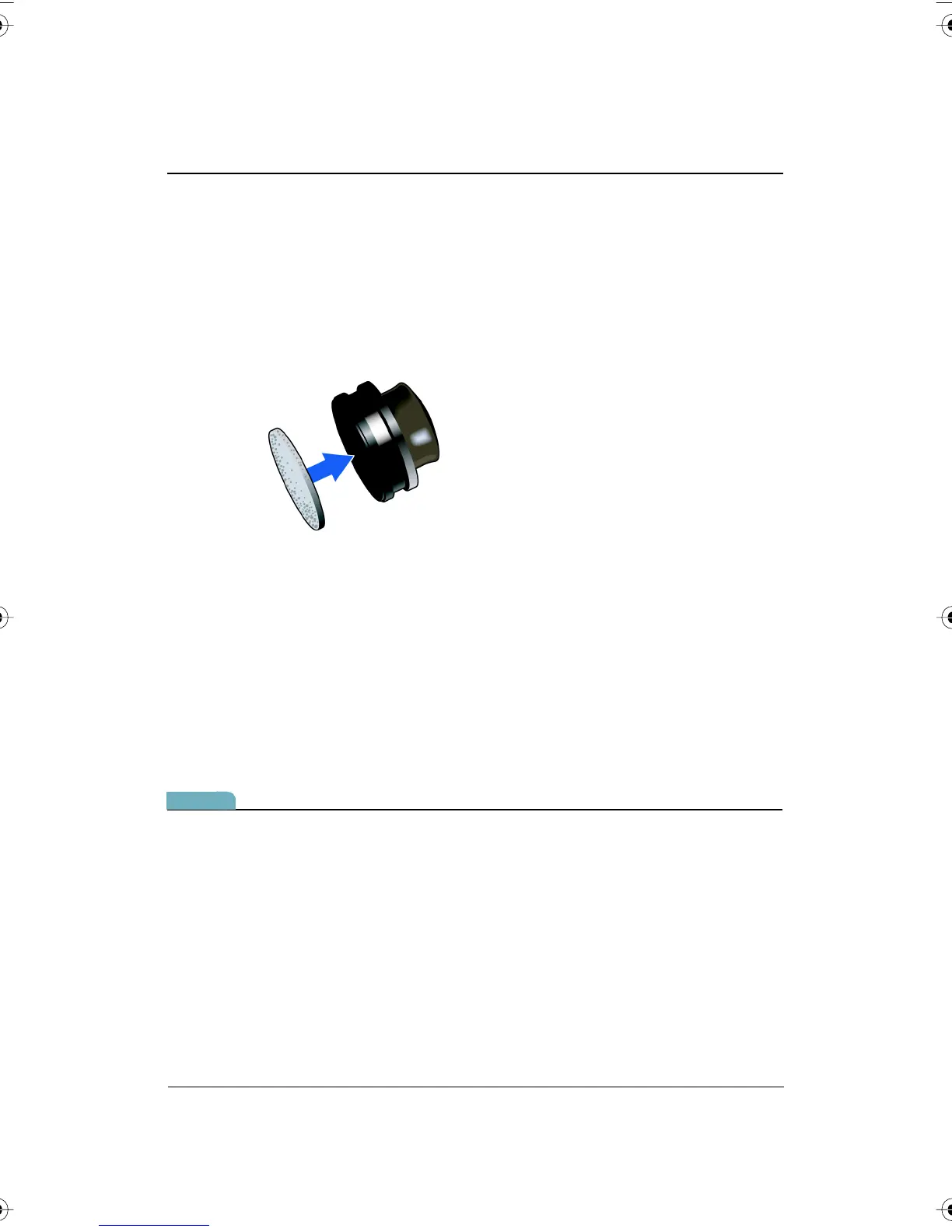
Replacing the Walk-and-Talk Eraser Pad
To replace eraser pads:
1 Peel off the old eraser pad.
2 Remove backing from the self-adhesive replacement pad.
3 Position the replacement pad over the eraser and press firmly.
Cleaning the Walk-and-Talk WhiteBoard
We recommend an initial cleaning of the board to remove any residue left
behind during manufacture.
1 For the initial cleaning, wipe your board with a clean cloth moistened
by a commercially available whiteboard cleaner.
2 Rinse with clear water to avoid future smearing. This step is simple but
very important.
3 Wipe dry with a clean cloth.
note:NOTE:
Do not let water seep into the sensitive Walk-and-Talk whiteboard
electronics. Your warranty does not cover damage caused by liquids.
Caring for the TS or TSL Whiteboard
Your whiteboard can have one of two possible surfaces. The appropriate
care of each surface is very different. To determine which whiteboard
surface you have, find the serial number located on the underside of the
whiteboard tray next to the power connection.
PolyVision I&O.book Page 34 Thursday, October 16, 2008 4:18 PM



 To Next Page