Using Your PolyVision Interactive Whiteboard 33
PolyVision
®
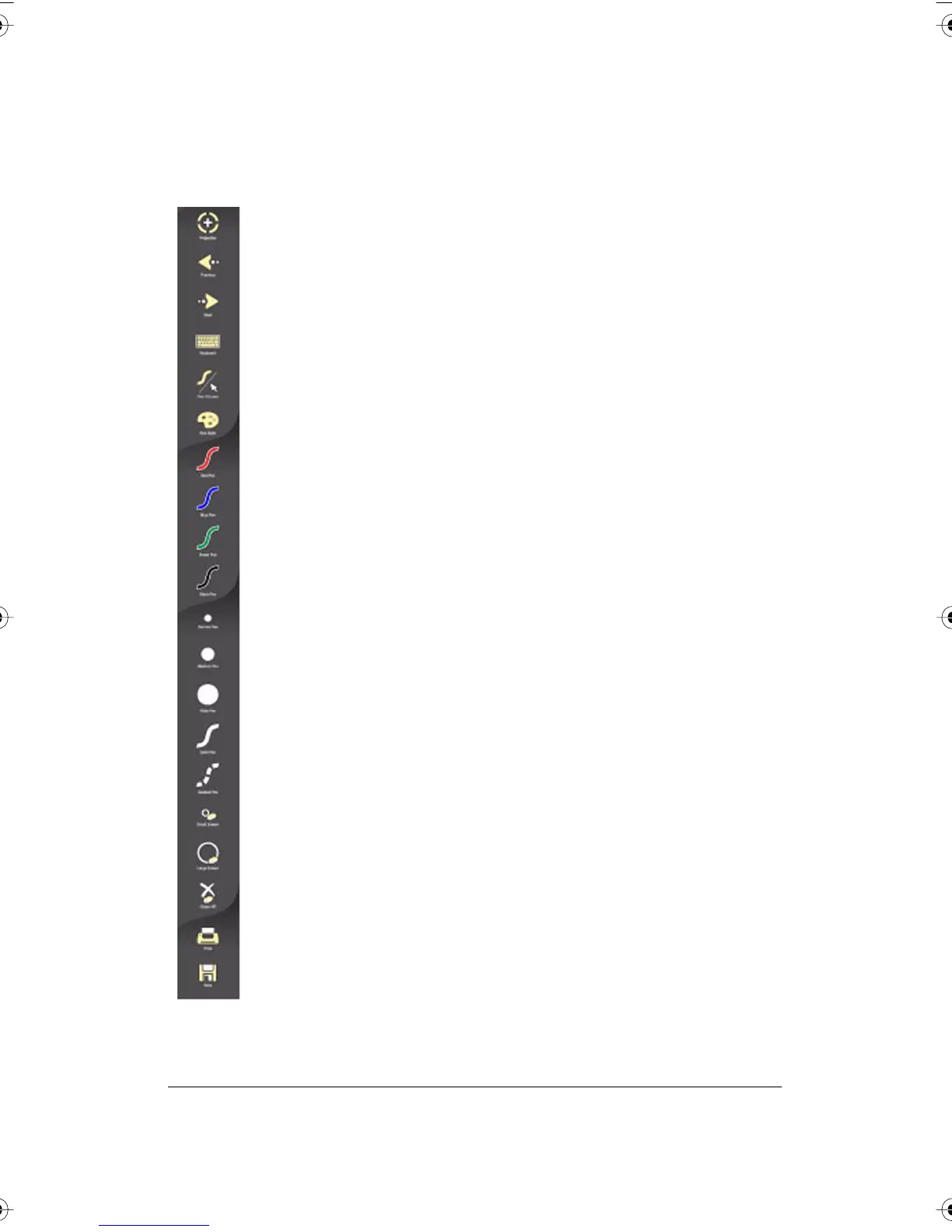
Toggles “projection mode” on and off. The first use starts the onscreen
alignment (calibration) process.
Goes to the previous PowerPoint slide or PgUp.
Goes to the next PowerPoint slide or PgDown.
Displays the on-screen keyboard.
Toggles between writing and cursor control.
Displays all pen size and color options.
The current pen color for writing on the board.
The current pen width.
Sets the pen to a solid line.
Sets the pen to a dashed line.
Small eraser width using the pen.
Large eraser width using the pen.
Clears all the writing.
TS Icon Operation
Prints a copy of the whiteboard.
Saves a copy of the whiteboard.
PolyVision I&O.book Page 33 Thursday, October 16, 2008 4:18 PM



 To Next Page