Installing the Wireless BT Option 47
PolyVision
®
To register a whiteboard for wireless communication with a Windows-
based PC:
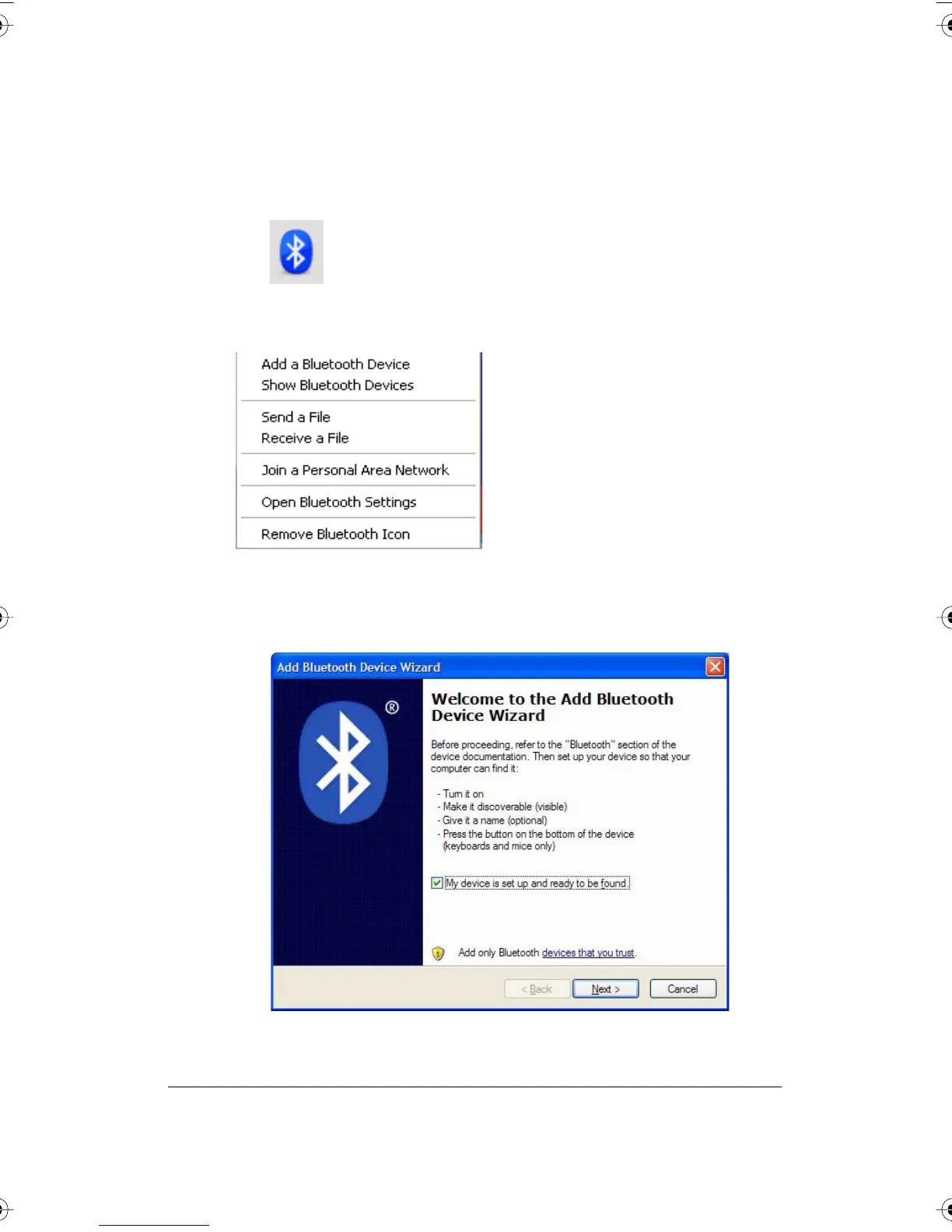
1 Right click the Bluetooth icon in your Windows taskbar.
You see the following menu. (Remember, if you use Bluetooth software not
provided by Windows, your menu may differ.)
2 Choose “Add a Bluetooth Device” from the menu. You see the dialog
box shown below.
PolyVision I&O.book Page 47 Thursday, October 16, 2008 4:18 PM



 To Next Page