48 Installation and Operation Guide
PolyVision
®
3 Make sure that the whiteboard Bluetooth adapter is connected and
the whiteboard is powered on.
4 Check “My device is set up and ready to be found.”
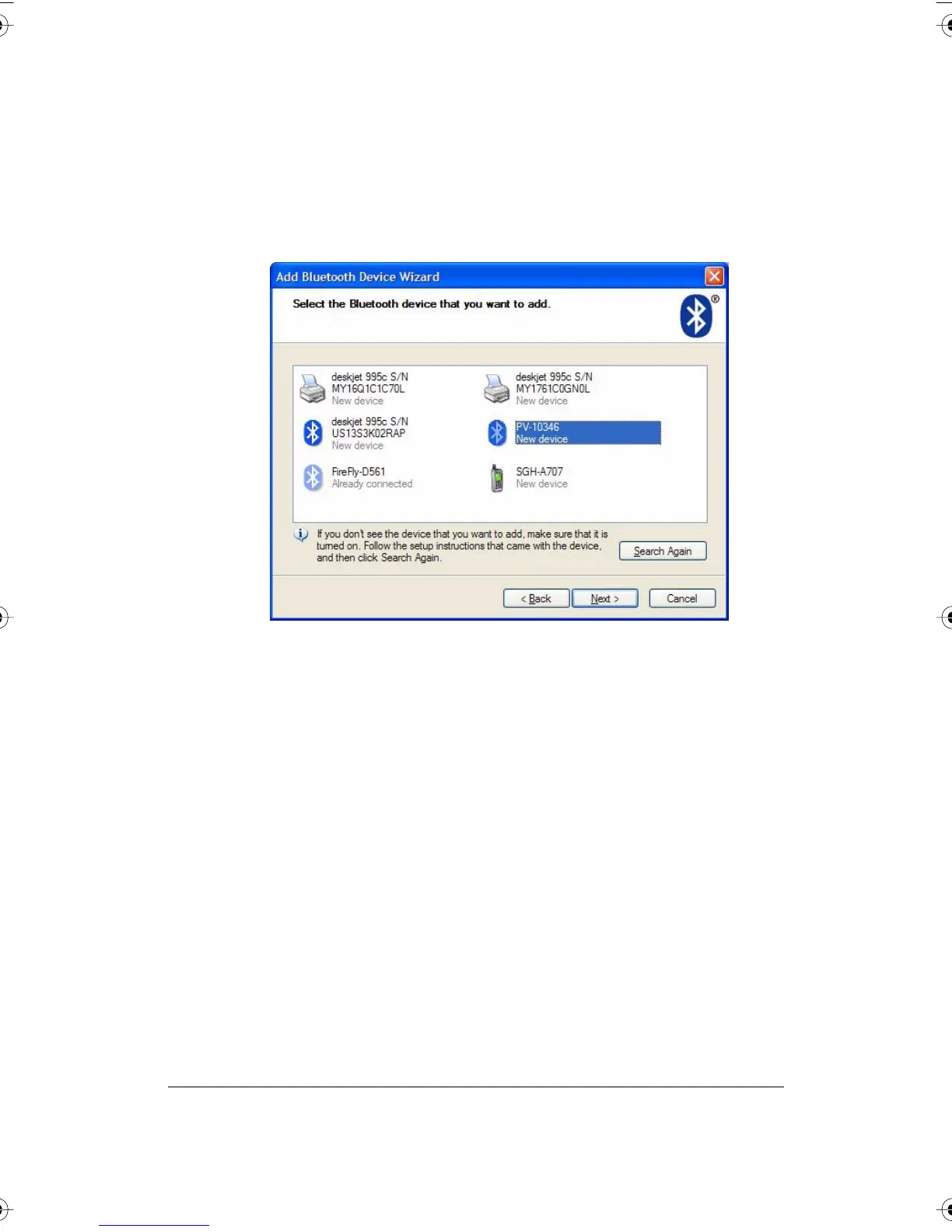
5 Click “Next.” You see the dialog box shown below.
PolyVision I&O.book Page 48 Thursday, October 16, 2008 4:18 PM



 To Next Page