Installing the Wireless BT Option 45
PolyVision
®
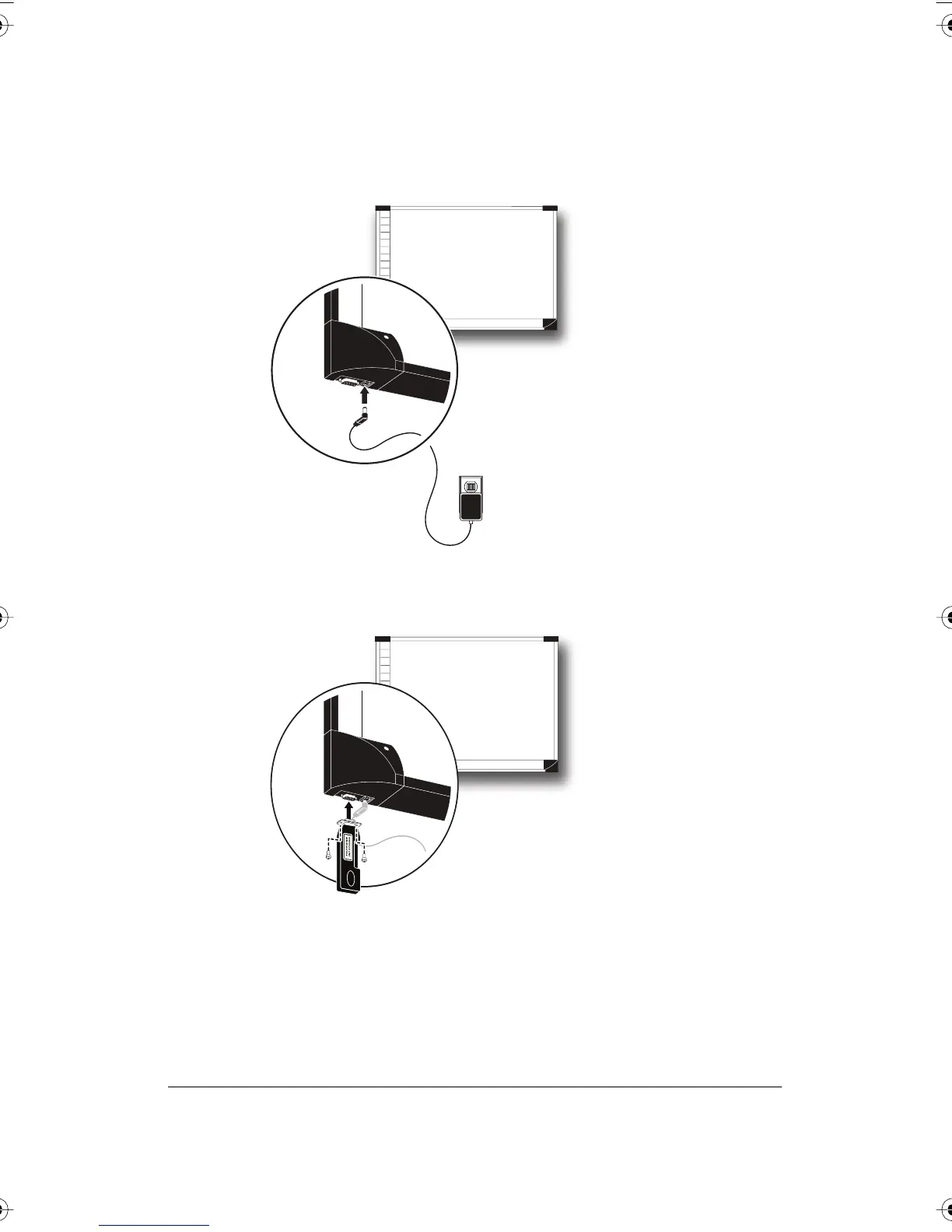
2 Connect the TS series interactive whiteboard power adapter cord to
the whiteboard and to a power outlet.
3 Connect the TS 600 Bluetooth adapter to the serial port on the
whiteboard.
PolyVision I&O.book Page 45 Thursday, October 16, 2008 4:18 PM



 To Next Page