Installing the Wireless BT Option 43
PolyVision
®
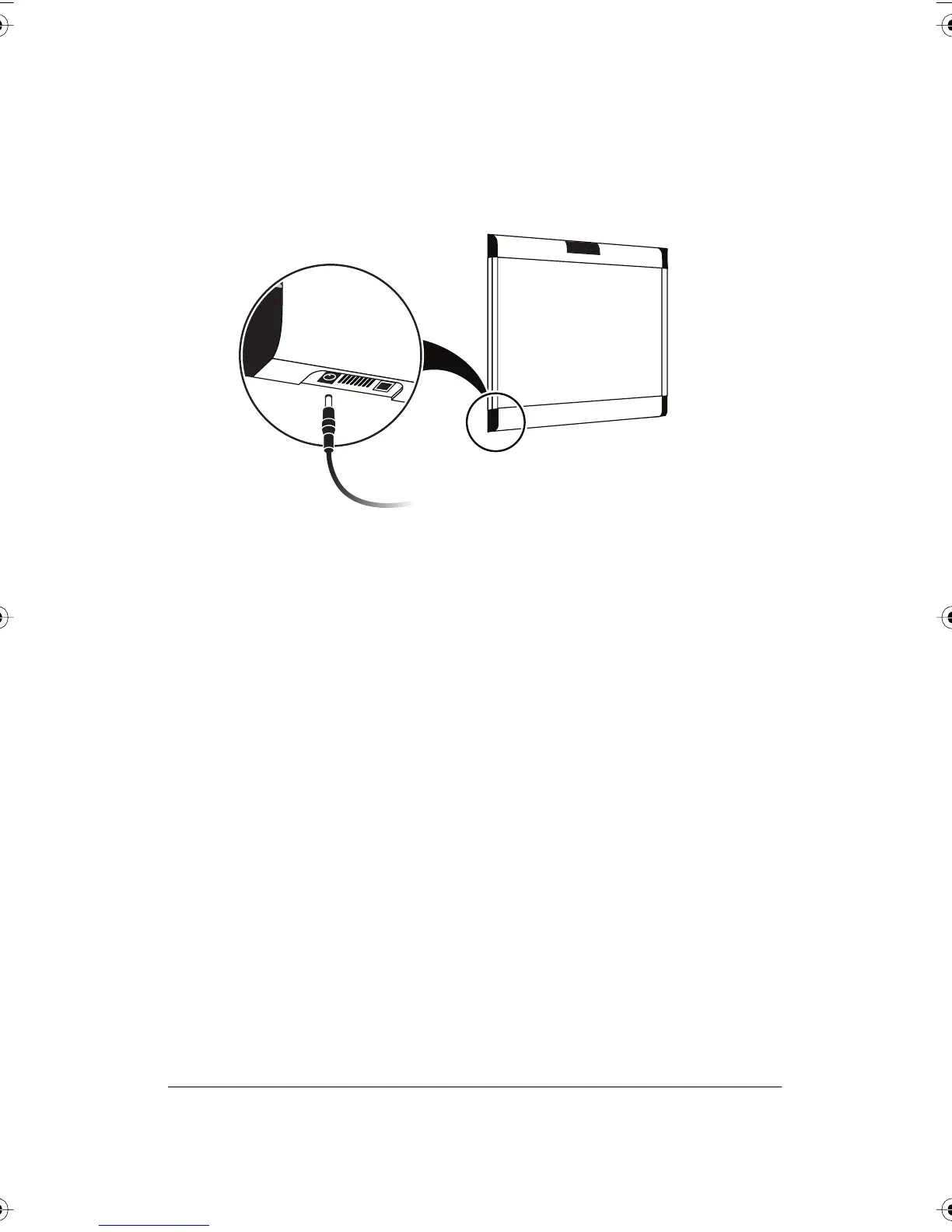
9 Connect the Walk-and-Talk whiteboard power adapter cord to the
whiteboard and to a power outlet.
10 Finish installing the Walk-and-Talk Series Interactive Whiteboard.
11 Register the wireless communication link between your computer and
the whiteboard as described in “Registering the Whiteboard In
Windows” on page 46.
12 Test the wireless communication link as described in “Confirming
Bluetooth Registration” on page 55.
PolyVision I&O.book Page 43 Thursday, October 16, 2008 4:18 PM



 To Next Page