206
5-1. Using the air conditioning system and defogger
RUSH_OM_General_OMBZ265
Turn ON the fan of the front air conditioning system.
To adjust the fan speed, slide the rear fan speed control lever the right
(increase) or the left (decrease).
Sliding the lever to “OFF” turns off the fan.
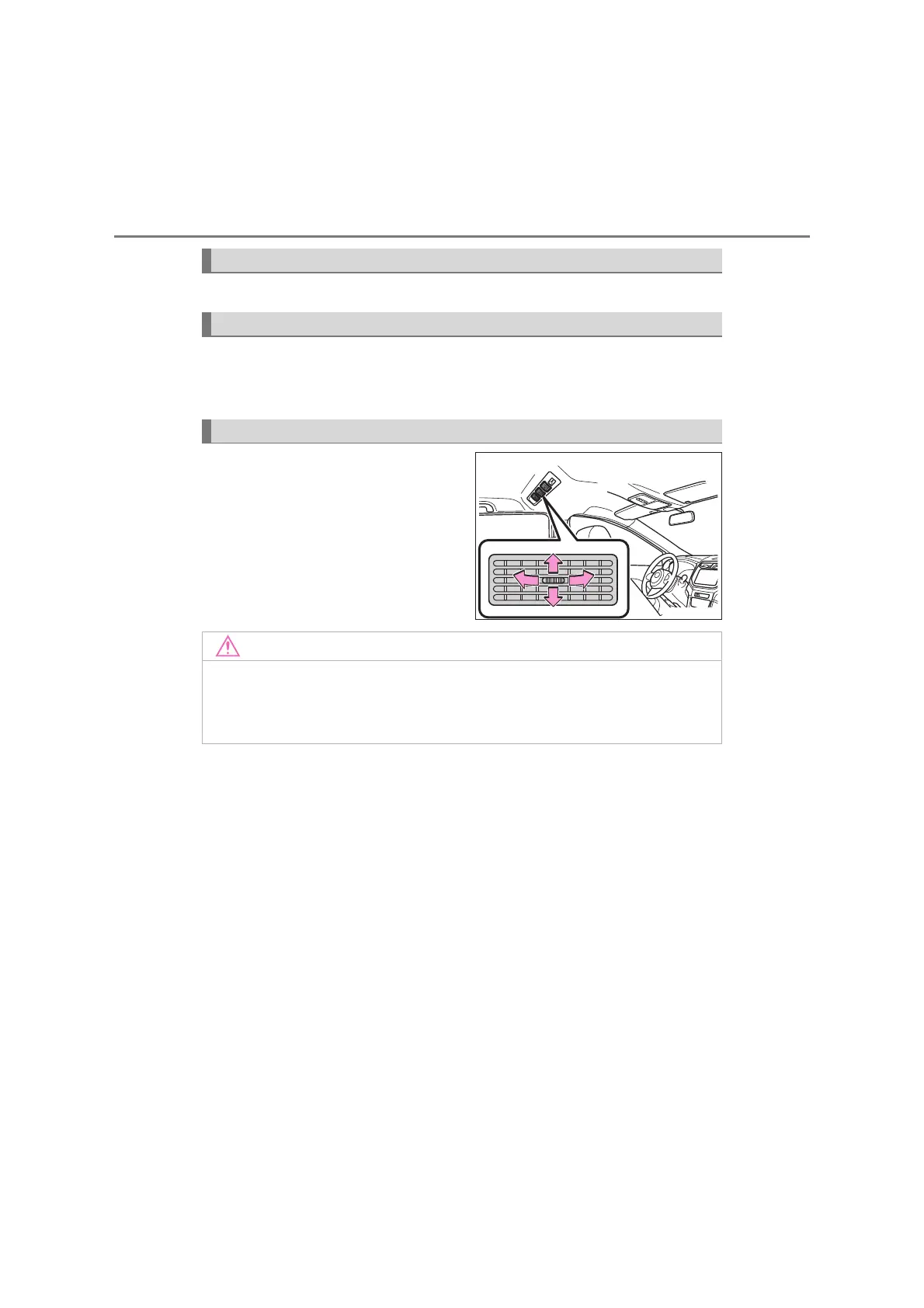
Direct air flow to the left or right,
up or down.
Using the rear cooler system
Adjusting the fan speed
Adjusting the position of the air outlets
KBTE610202E
■ To prevent battery discharge
Do not leave the rear cooler system on longer than necessary when the
engine is stopped.



 To Next Page