87
2. Instrument cluster
2
Instrument cluster
RUSH_OM_General_OMBZ265
■
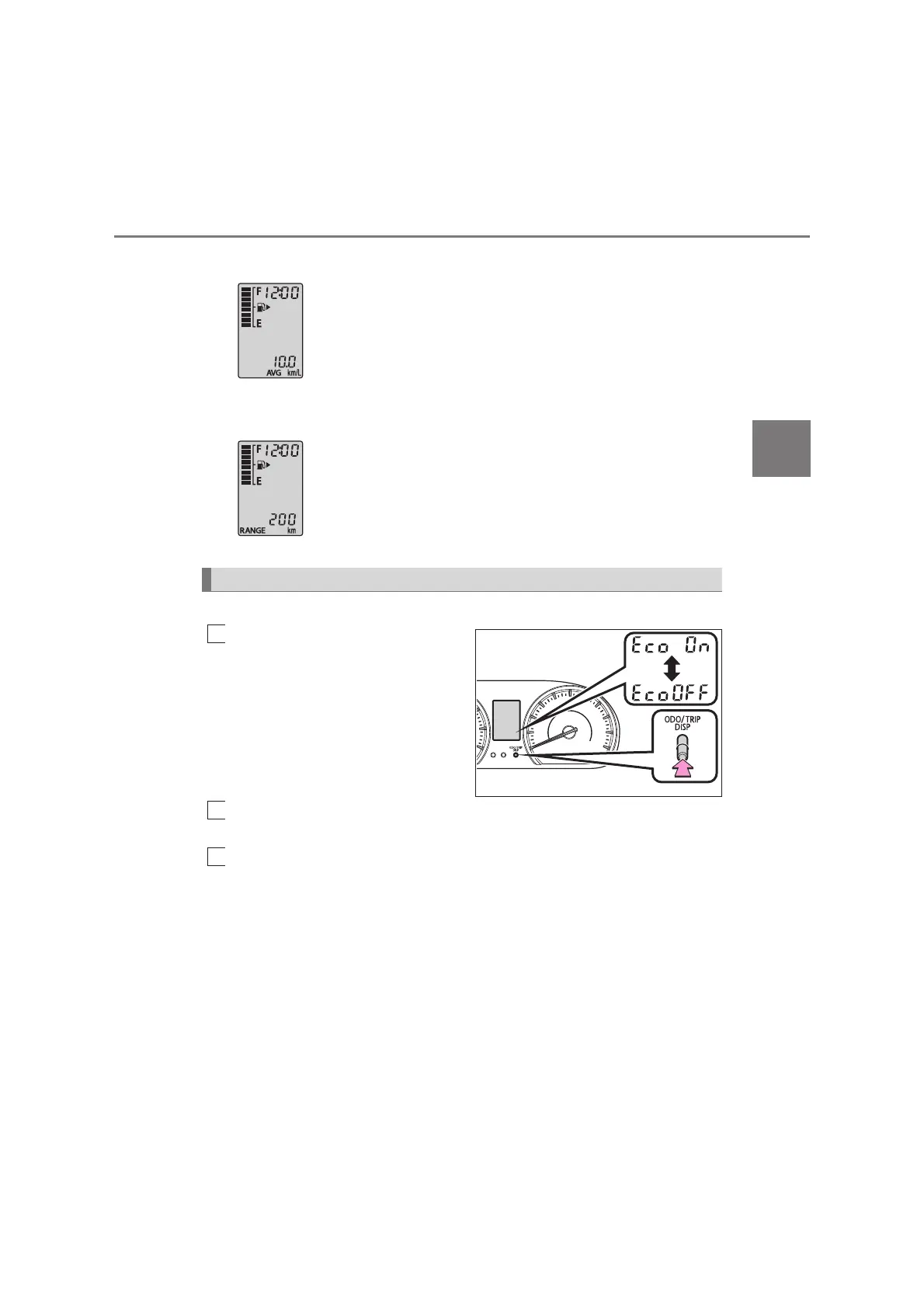
Average fuel consumption
Displays the average rate of fuel consumption since the
function was last reset.
• The function can be reset by pressing and holding the dis-
play change button when the average fuel consumption is
displayed.
• Use the displayed average fuel consumption as a refer-
ence.
■
Driving range
Displays the estimated maximum distance that can be
driven with the quantity of fuel remaining.
• This distance is computed based on your average fuel con-
sumption. As a result, the actual distance that can be driven
may differ from that displayed.
• When only a small amount of fuel is added to the tank, the
display may not be updated.
Eco Driving Indicator can be activated or deactivated.
While the odometer is being
displayed, press and hold the
display change button to dis-
play the Eco Driving Indicator
customization screen.
Press and hold the display change button to set Eco Driving Indica-
tor to on or off.
Press the display change button to complete the setting (“End” is
displayed).
Eco Driving Indicator customization



 To Next Page