262
6-3. Do-it-yourself maintenance
RUSH_OM_General_OMBZ265
■
The tire pressure warning system must be initialized in the fol-
lowing circumstances:
● When rotating front and rear tires which have different tire infla-
tion pressures
● When changing the tire size
When the tire pressure warning system is initialized, the current tire
inflation pressure is set as the benchmark pressure.
■ How to initialize the tire pressure warning system
Park the vehicle in a safe place and turn the engine switch to
OFF mode.
Initialization cannot be performed while the vehicle is moving.
Adjust the tire inflation pressure to the specified cold tire inflation
pressure level. (→P. 353)
Make sure to adjust the tire pressure to the specified cold tire inflation
pressure level. The tire pressure warning system will operate based on
this pressure level.
Turn the engine switch to IGNITION ON mode.
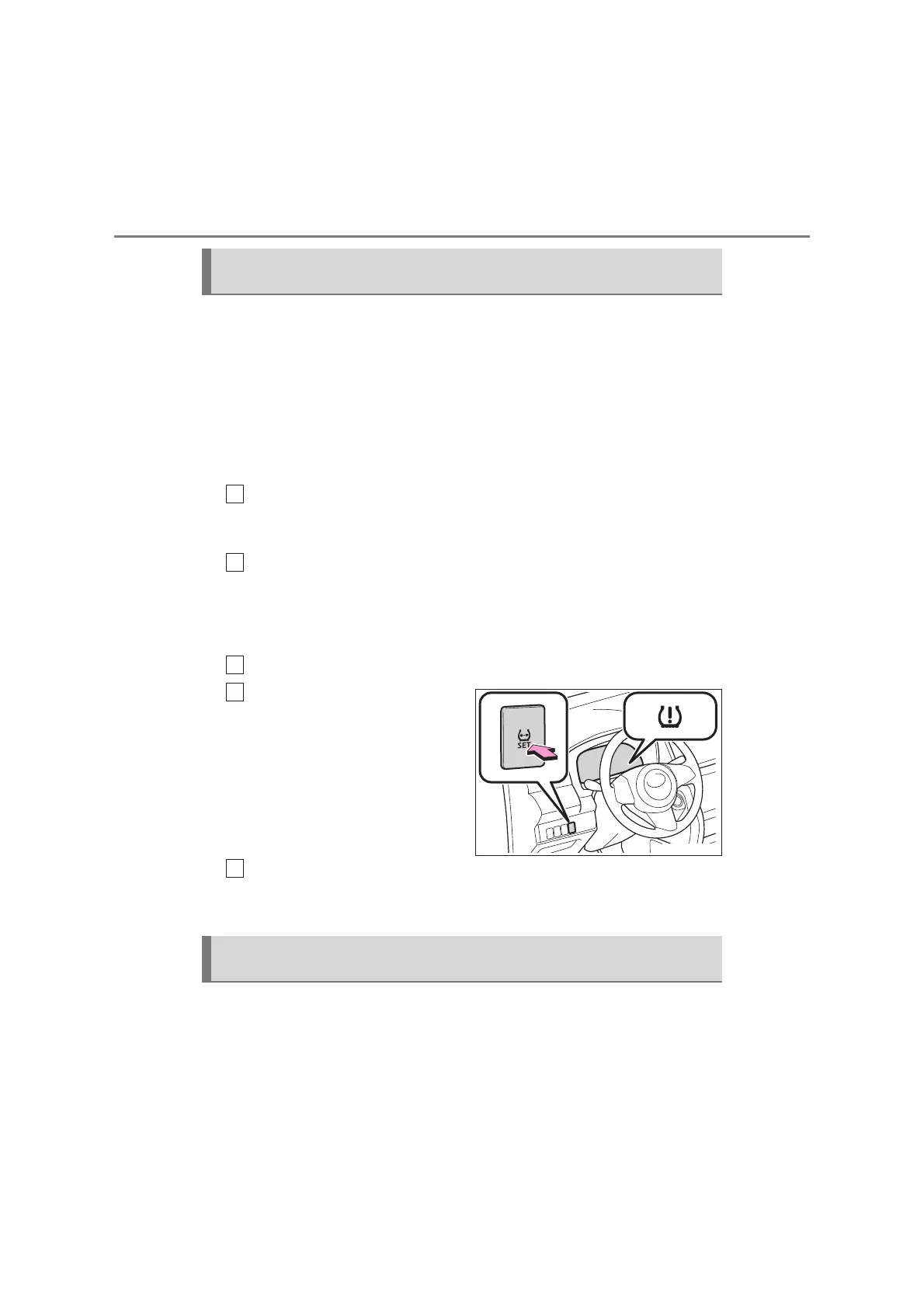
Press and hold the tire pres-
sure warning reset switch
until the tire pressure warn-
ing light blinks slowly 3 times.
Wait for a few minutes with the engine switch in IGNITION ON
mode and then turn the engine switch to ACCESSORY or OFF
mode.
The tire pressure warning valve and transmitter is equipped with a
unique ID code. When replacing a tire pressure warning valve and
transmitter, it is necessary to register the ID code. Have the ID code
registered by your Toyota dealer.
Initializing the tire pressure warning system (vehicles with a tire
pressure warning system)
1
2
3
4
Registering ID codes (vehicles with a tire pressure warning sys-
tem)
5



 To Next Page