6
Chapter 1
Get to Know About Your Router
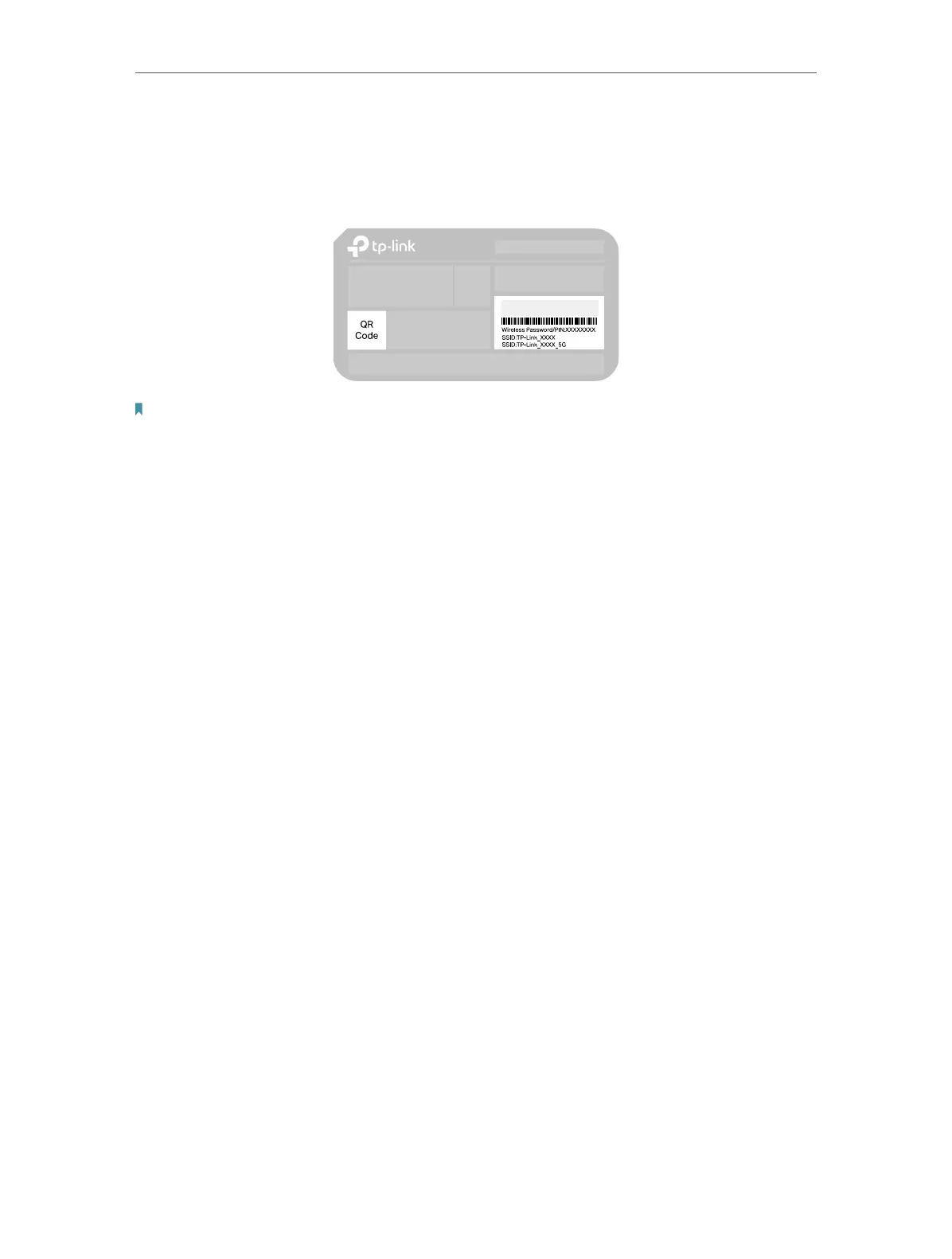
1. 2. 3. The Bottom
You can find the product label at the bottom of the router, then use default information
on it to connect to the router.
Note:
1. Use the default network names (SSIDs) and password to join the networks. Or scan the QR code to join the preset
2.4 GHz network directly.
2. Internet is not available until network setup completed.













 To Next Page