11
Chapter 2
Connect to the Internet
Note:
If the above screen does not pop-up, it means that your IE Web-browser has been set to a proxy. Go to menu Tools
> Internet Options > Connections > LAN Settings, in the screen that appears, untick the Using Proxy checkbox,
and click OK.
4. Follow the Quick Setup to set up the internet connection.
5. Enjoy! For wireless devices, you may have to reconnect to the wireless network if you
have customized the SSID (wireless name) and password during the configuration.
2. 2. 2. Range Extender Mode
This mode boosts your home wireless coverage.
1. Connect the power adapter to the router.
2. Connect a computer to the router via an Ethernet cable or wirelessly by using the
SSID (wireless name) and password printed on the bottom label of the router.
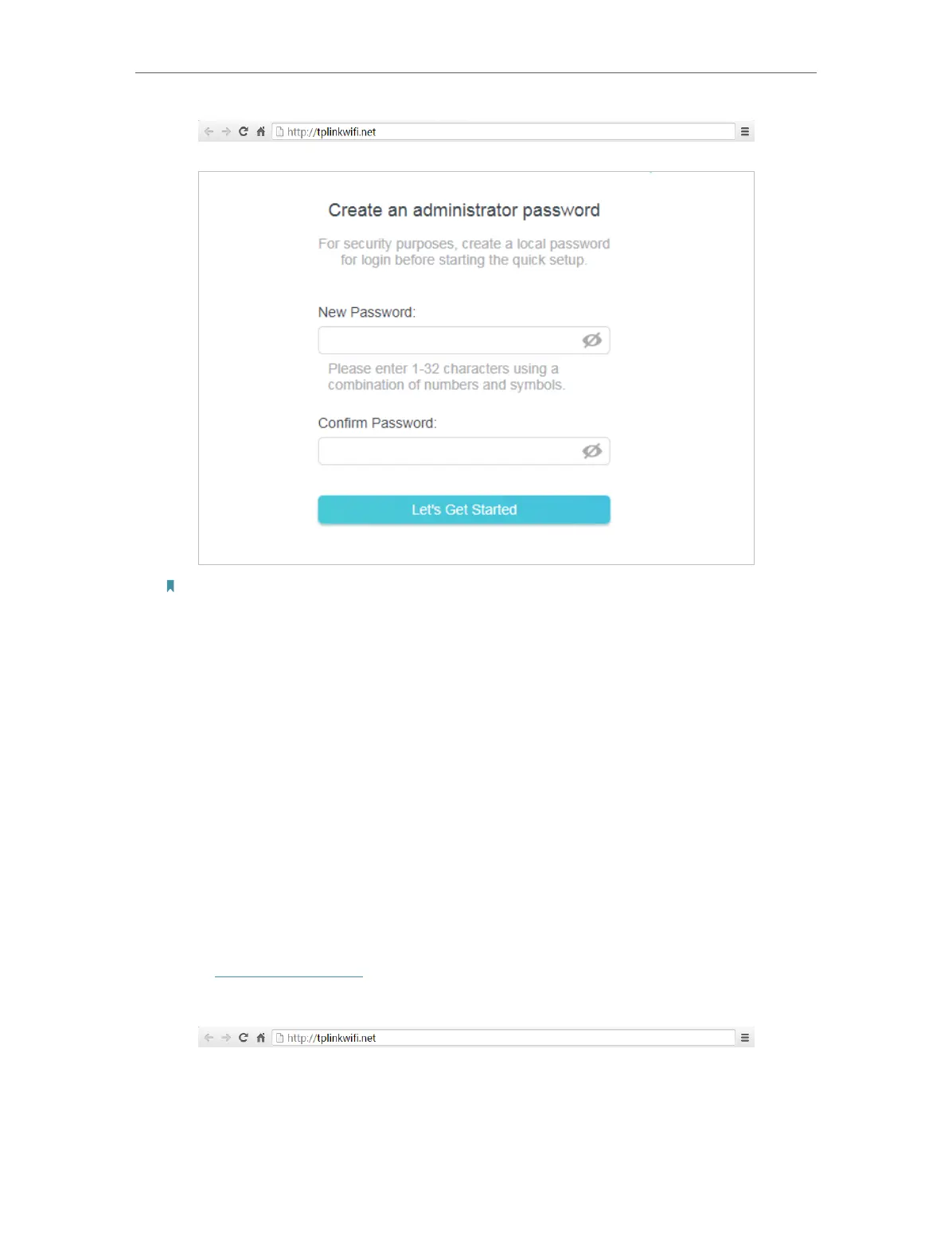
3. Enter http://tplinkwifi.net in the address bar of a web browser. Create a password
to log in.













 To Next Page