53
Chapter 4
Configure the Router in Wireless Router Mode
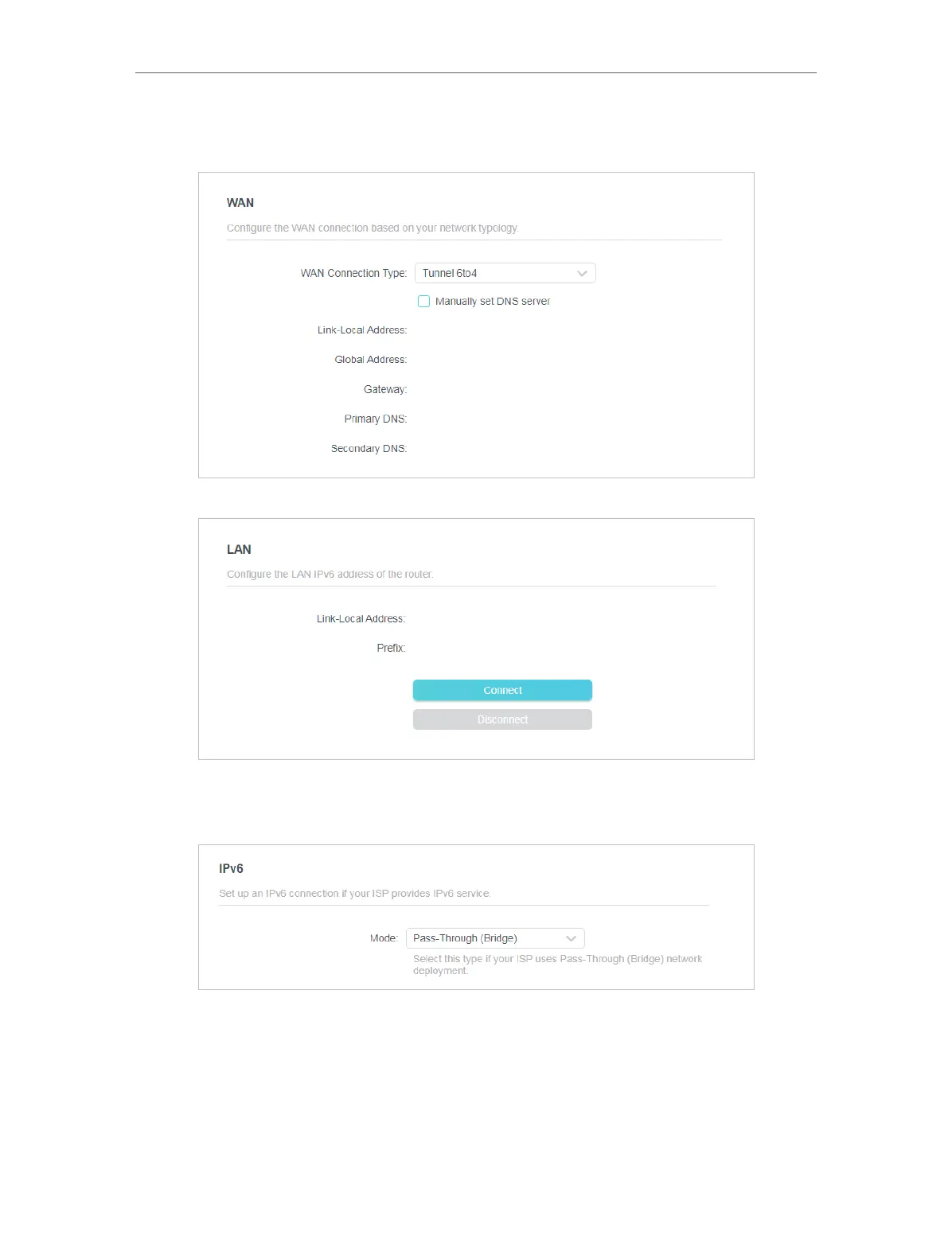
3. Tunnel 6to4: Select this type if your ISP uses 6 to 4 deployment fort assigning address.
1 ) Configure the WAN settings.
2 ) Configure the LAN settings.
• If you select Pass-Through (Bridge):
Click SAVE . No configuration is required.
4. 10. System
4. 10. 1. Firmware Upgrade
TP-Link is dedicated to improving and richening the product features, giving users a
better network experience. We will release the latest firmware at TP-Link official website













 To Next Page