Layer 3 managed switch installation manual
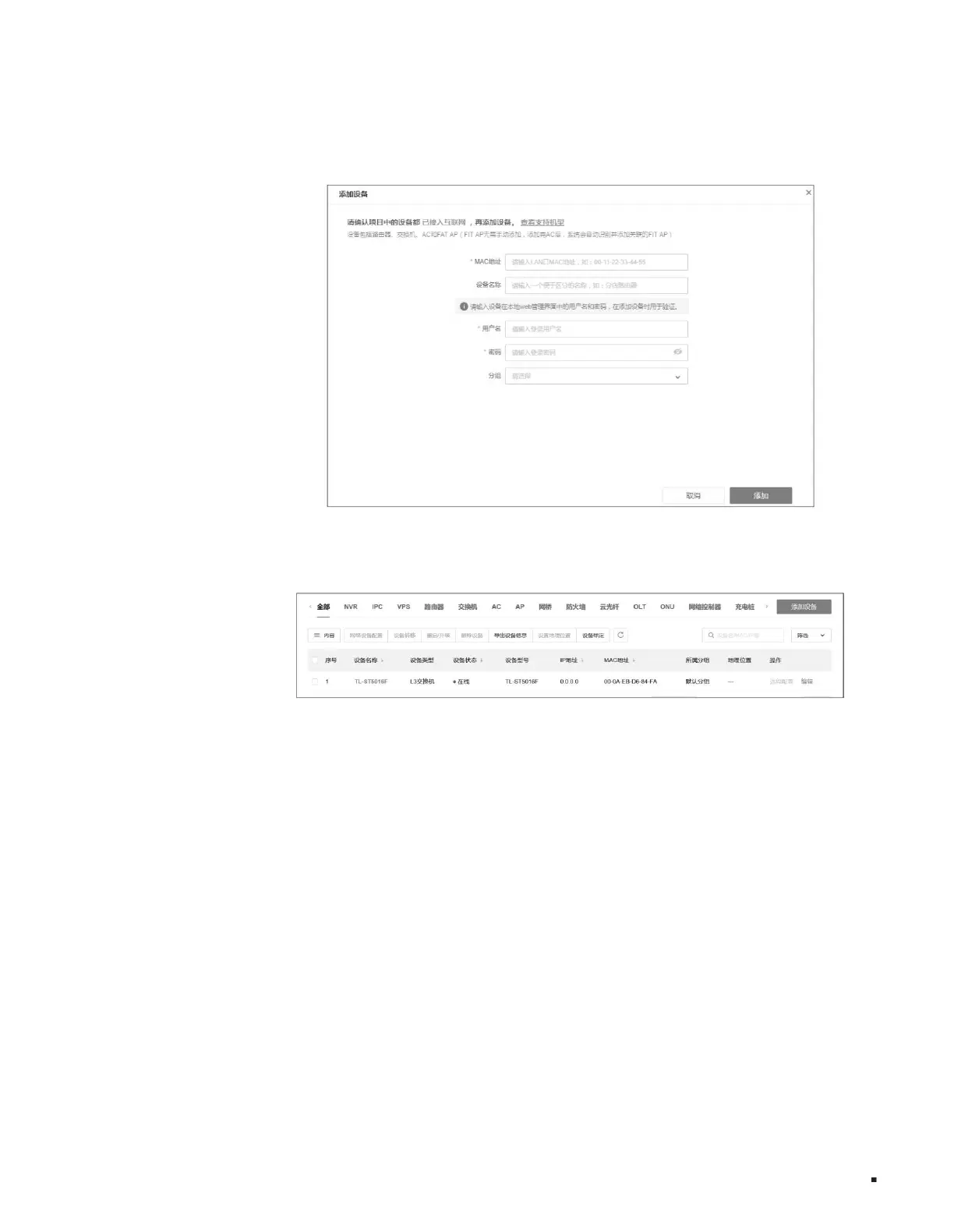
Figure 4-12 Adding device
Figure 4-13 Remote management
20
The name, password, group, and MAC address can be obtained by scanning the QR code on the product specification label, or you can query it through the switch web
page.
3. Click Project Centralized Management > Device List > Add Device, enter the MAC address, device name, and user
4. After successfully adding the device, you can find the corresponding switch entry on the device information page and click <Remote Configuration>, that is
The switch can be managed remotely through the cloud platform.
Configuration Guide
Machine Translated by Google



 To Next Page