3. Dissolved Oxygen Mode
3.1 Selecting Dissolved Oxygen Mode
1. Select Dissolved Mode ( →→ F2:Mode →→ F1:Oxygen).
2. The Dissolved Oxygen readout units selection screen is now displayed…
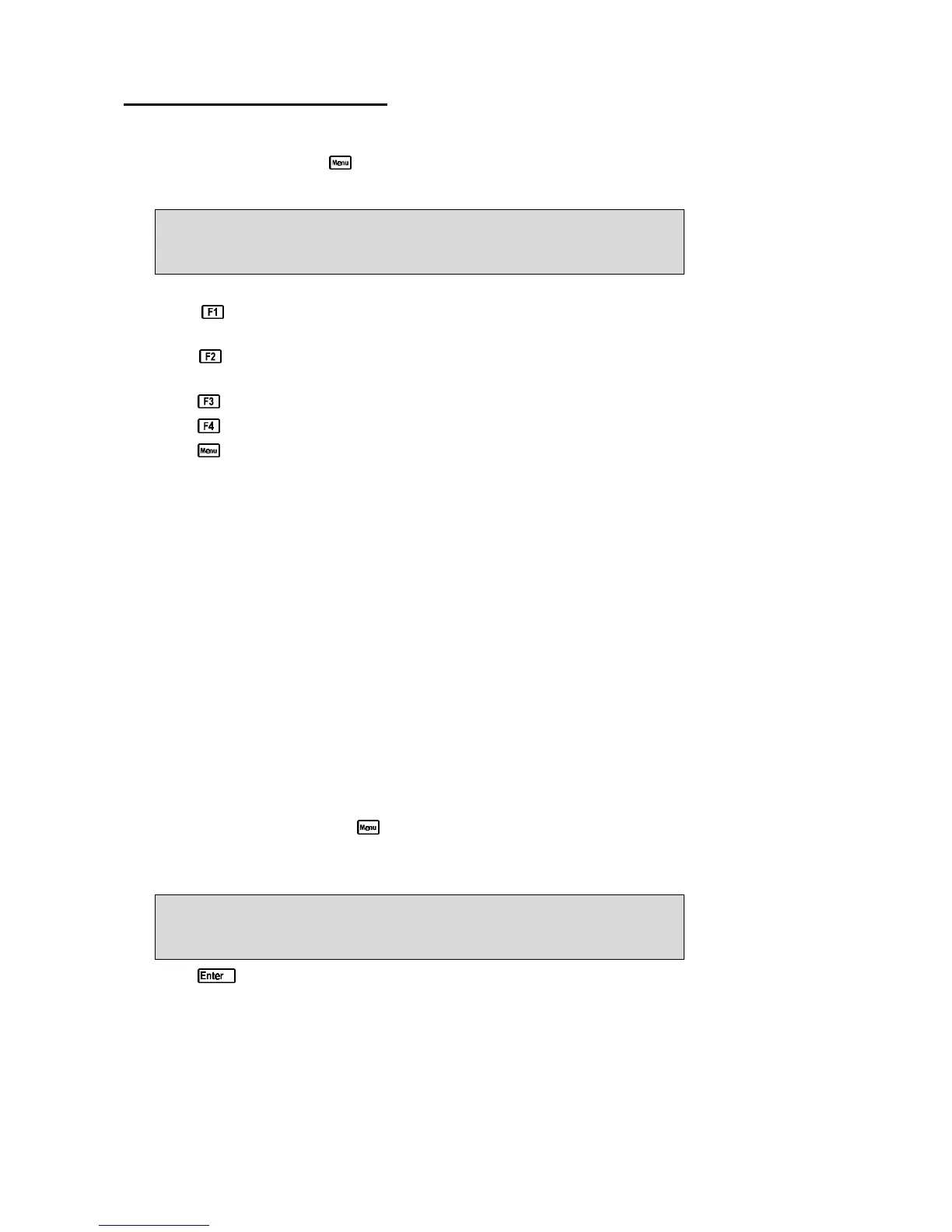
MODE F1:ppm F2:ppM (Sal)
>F3:% Sat F4:% Gas
The arrow indicates the current selection.
Press to select Dissolved Oxygen readout in ppm units. This selection will not apply
Salinity correction to the displayed readings.
Press to select Dissolved Oxygen readout in Salinity-corrected ppM units. This selection
will use the Conductivity or TDS reading for automatic salinity correction.
Press to select Dissolved Oxygen readout in % Saturation units.
Press to select Dissolved Oxygen readout in % Gaseous units.
Press to quit without changing the current setting.
3.2 Dissolved Oxygen Calibration
1. Plug the Dissolved Oxygen sensor into the Oxygen socket.
2. Switch the meter on.
3. Select the Dissolved Oxygen readout mode to be used, as detailed in section 3.1.
4. Ensure that the Temperature readout has been calibrated (see section 7.1) or manually set (see
section 7.4) when calibrating either of the ppM modes..
5. Rinse the Dissolved Oxygen sensor in distilled water and blot dry.
3.2.1 Zero Calibration (all Oxygen modes)
1. Place the Dissolved Oxygen sensor into an oxygen-free solution. This solution may be prepared
by dissolving 2g of Sodium Sulphite in 100mL of distilled water. A 50g bottle of Sodium
Sulphite powder (part number 123302) is supplied with a new Dissolved Oxygen sensor or
Membrane Kit for this purpose.
2. Allow the reading to stabilise at or near zero. This may take 2-3 minutes.
3. Select Oxygen Calibration. ( →→ F1:Calibrate →→ F1:Oxygen)
When the reading is below approximately 25 % Saturation, 2 ppM or 5% Gaseous, the
90-FL will display the ZERO calibration screen…
1*0%Sat 25.0
o
c
Oxygen ZERO Calibration, Press Enter
4. Press to calibrate.
A “∗” will not be removed from the display after a Zero Calibration.
5. Remove the sensor from the Zero solution, rinse well in distilled water and blot dry.
The 90-FL will now prompt you to perform an AIR calibration.



 To Next Page