8. Good Laboratory Practices (GLP)
The 90-FL keeps a record of the date and time of the last calibrations for all parameters as part of
GLP guidelines.
8.1 To recall GLP information on the display
1. Switch the meter on.
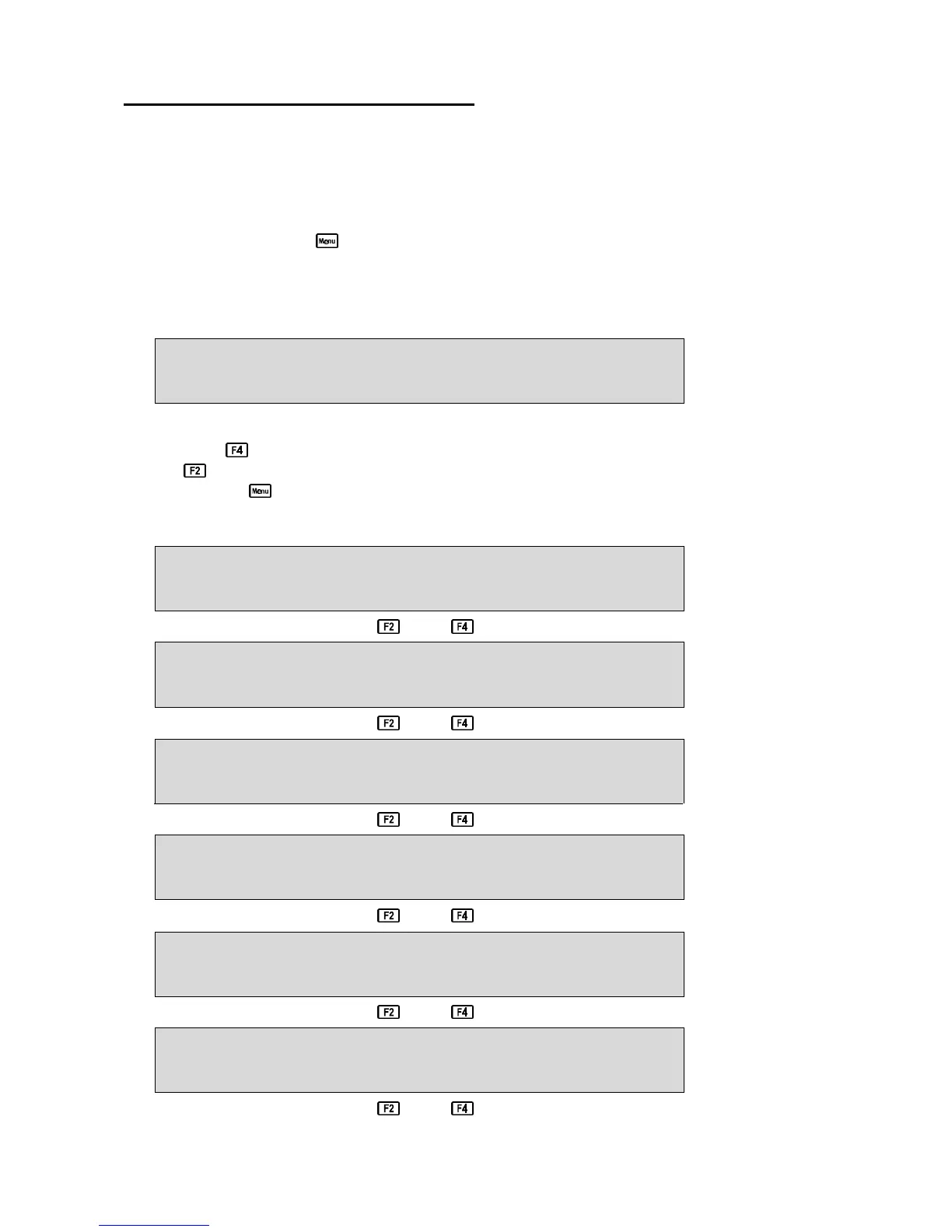
2. Select the GLP menu ( →→ F4:Setup →→ F2:GLP).
3. Select F1:Recall from the menu.
4. The instrument model, firmware version number, and instrument serial number are displayed,
along with a prompt describing how to scroll through the GLP information.
90FLm V6.0 S1234 @ 31/12/00 12:00
F4:Next
The “m” after the model name is displayed when the Dissolved Oxygen stirrer is enabled.
5. Press the key to sequentially scroll through the GLP information for all parameters. Press
the key to scroll back to previous data. The sequence of information displayed is shown
below. Press to abort at any time.
GLP Display sequence…
90FLm V6.0 S1234 @ 31/12/00 12:00
F4:Next
↑↑ ↓↓
Oxygen Zero=0.1% 31/12/00 12:00
Oxygen Calibrated F2:Back F4:Next
↑↑ ↓↓
Oxygen Span=100.0% 31/12/00 12:10
Oxygen Calibrated F2:Back F4:Next
↑↑ ↓↓
Cond. Zero=0.01uS 31/12/00 12:20
Cond Calibrated F2:Back F4:Next
↑↑ ↓↓
Cond. k=10.1 31/12/00 12:40
Cond Calibrated F2:Back F4:Next
↑↑ ↓↓
TDS Zero=0.01ppM 31/12/00 12:50
TDS Calibrated F2:Back F4:Next
↑↑ ↓↓
Continued over the page…



 To Next Page