10. RS232 Port
10.1 Setting the Baud Rate
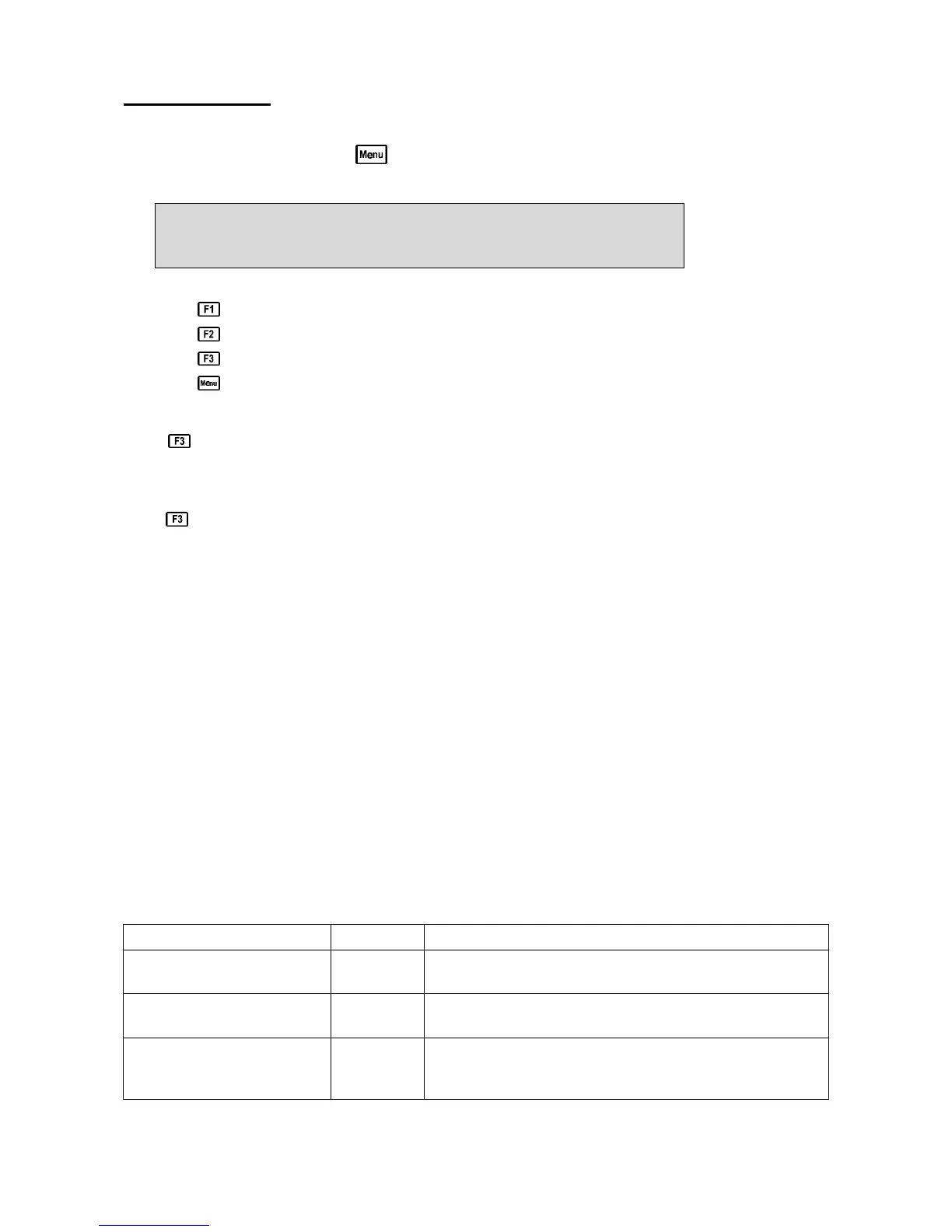
1. Select the Baud Rate menu ( →→ F5:System →→ F3:Baud Rate)
2. The available baud rates are listed, along with the RS232 port configuration…
Baud Rate: F1:300 >F2:9600 F3:19200
8 bits, No Parity, 1 Stop bit, XON/XOFF
The arrow indicates the current selection.
3. Press to select 300 baud.
Press to select 9600 baud.
Press to select 19200 baud.
Press to quit and retain the current setting.
10.2 Sending Readings to the RS232 Port
Press to instantly send readings to the RS232 port whenever the 90-FL is in normal display
mode.
Each time the 90-FL logs a reading, that reading is sent directly to the RS232 port.
Press while recalling data on the display (see section 9.4) to send that record to the RS232 port.
10.3 RS232 Configuration
The 90-FL RS232 configuration is 8 Bits, No Parity, 1 Stop Bit, XON/XOFF Protocol.
This information is displayed when setting the baud rate (see section 10.1)
10.4 Communication and Statistical Software
Communication between the 90-FL and a PC can be handled with any RS232 communication
software. A TPS communication software package for Windows
is optionally available (part
number 130086).
Once the data is saved to disk, the next problem is how to use it. The data sent by the 90-FL is
formatted in fixed-width columns that can be imported by programs such as Microsoft
®
Excel
®
and
Lotus 123
®
.
Help on importing the data into Microsoft
®
Excel
®
is provided in section 10.8 and the “excel.txt”
file in the folder where you installed the WinTPS program.
10.5 Commands
The following commands can be sent from a PC to the 90-FL. Note that <cr> denotes carriage
return and <lf> denotes a line feed.
Action Command Notes
Request current data ?D<cr>
Returns the current data of all parameters plus date and time from
the 90-FL. The log number returned is set to Zero.
Request logged data ?R<cr>
Returns all logged records from the 90-FL memory. The data
ends with the message ENDS<cr> .
Erase logged data ?E<cr> Erases all logged records from the 90-FL memory. Returns the
message ERASED<cr> to confirm that the records have been
erased.
Continued over the page…



 To Next Page