12. Initialising the 90-FL
If the calibration settings of the 90-FL exceed the allowable limits, the unit may need to be
initialised to factory default values. This action may be required if a sensor is replaced or if the
memory is corrupted.
To initialise the 90-FL…
1. Select the GLP menu ( →→ F4:Setup →→ F2:GLP).
2. Select F4:Initialise Meter from the menu.
3. The 90-FL will now ask if you are sure that you wish to initialise the unit…
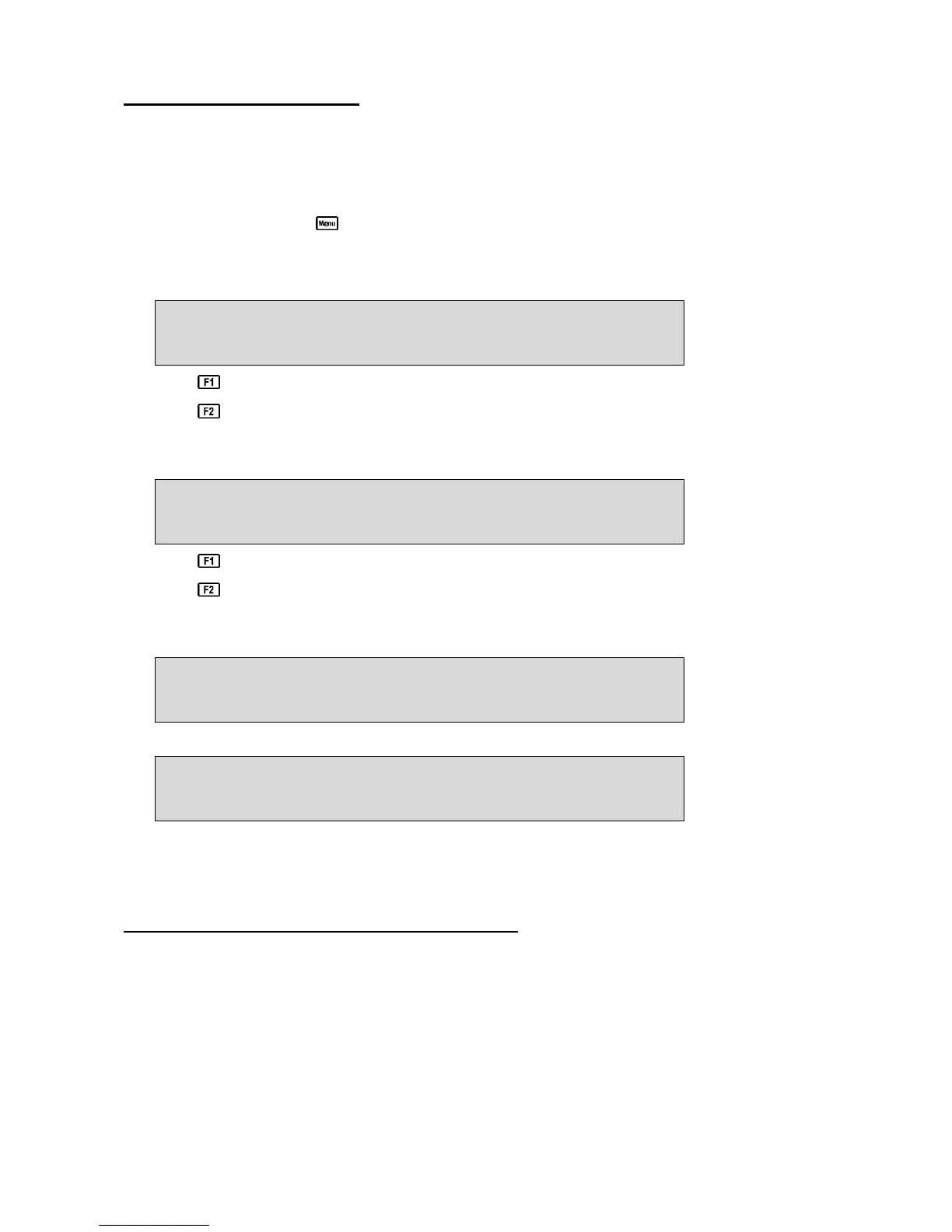
Initialise Unit, Are you sure ?
F1:Yes F2:No
Press to initialise the 90-FL and reset all calibration data and erase all logged readings.
Press to quit and retain the current calibration settings and logged readings.
4. If F1:Yes was selected above, the 90-FL will display the number of logged readings in
memory and provide an additional warning that these will be erased. For example…
Logger contains Data. 1360 readings
will be Erased. Continue ? F1:Yes F2:No
Press to initialise the 90-FL and reset all calibration data and erase all logged readings.
Press to quit and retain the current calibration settings and logged readings.
5. If F1:Yes was selected above, the 90-FL will display the following messages to indicated that
the unit has been successfully initialised.
Initialising
then…
Initialised
Re-Calibrate unit before use.
6. The meter then goes back to the GLP menu. When returning to display mode later, note that
each of the decimal points has been replaced with a “ ∗∗ ” to indicate that each parameter
requires re-calibration.
13. Instrument firmware version number
If you need to phone or fax TPS for any further technical assistance, the version number of your
90-FL firmware may of benefit to us. The version number is displayed by the 90-FL at turn-on.



 To Next Page