9.3.3 Sampling Period and Duration Datalogging
Programming Sampling Period and Duration Datalogging
1. Select the Logger Program menu ( →→ F3:Logger F5:Program)
2. Select F3:Sampling Period and Duration from the menu.
3. The 90-FL now prompts you to enter the sampling period in seconds. The current sampling
period is displayed…
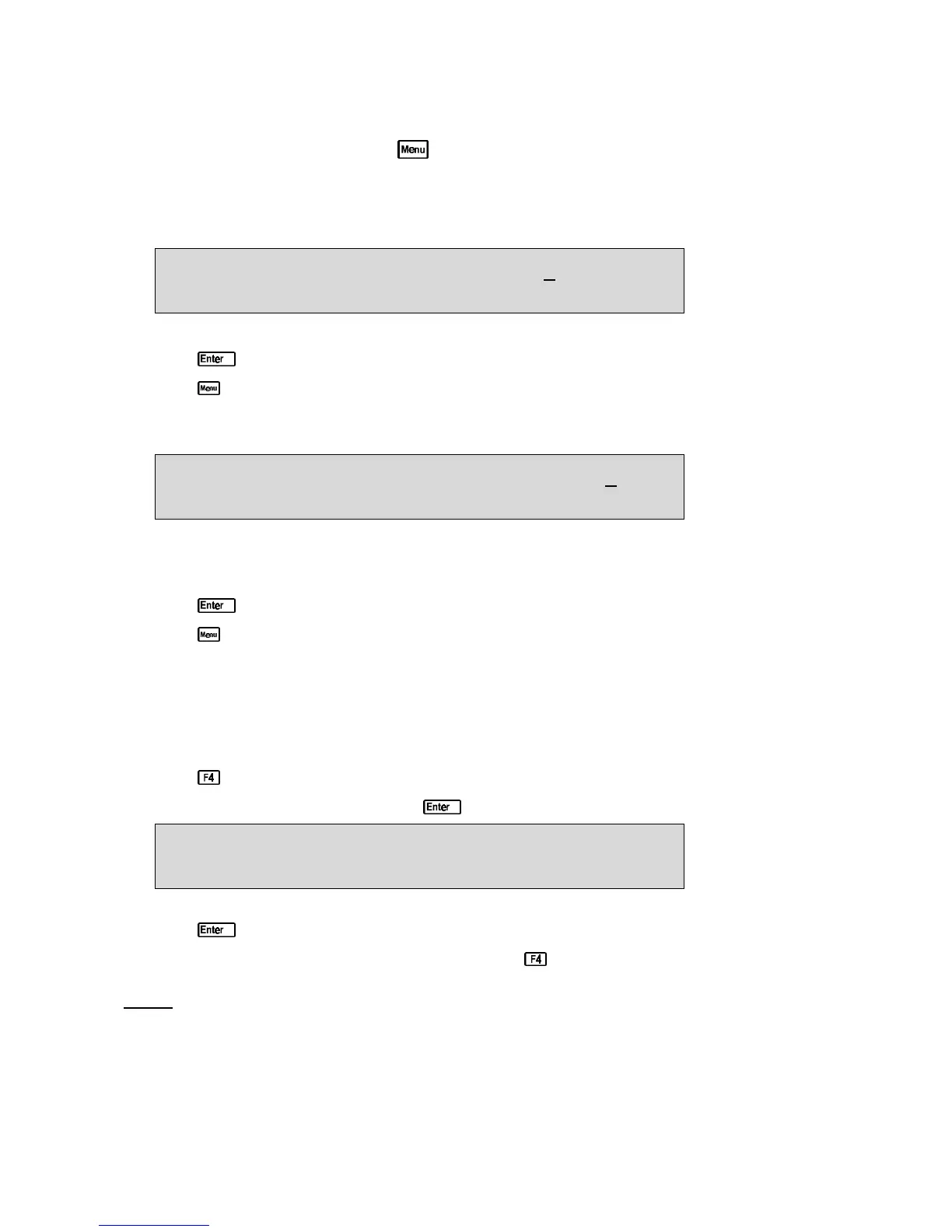
Enter Sampling Period (secs) : 5
Use the Numeric Keypad to set the 90-FL to log a reading every 1 to 300 seconds.
Press to save the new sampling period and move to setting the duration.
Press to retain the previous sampling period and move to setting the duration.
4. The 90-FL now prompts you to enter the duration in minutes. The current duration is
displayed…
Enter Duration of Sampling (mins) : 10
Enter 0 for continuous
Use the Numeric Keypad to set the total duration for which the 90-FL will log readings into
memory from 1 to 720 minutes. Alternatively, enter 0 to log continuously until logging is
stopped by the user or the memory is full.
Press to save the new duration.
Press to quit and retain the previous duration.
5. The Sampling Period and Duration datalogging is now programmed, and can be started and
stopped as required.
Starting and Stopping Sampling Period and Duration Datalogging
Starting and stopping Sampling Period and Duration datalogging is a two step process…
1. Press in normal measurement mode.
2. The 90-FL now prompts you to press to begin logging. For example…
Press Enter to Sample every 5 seconds,
For 10 minutes, or Menu to Quit 12:00:00
The time is shown to enable the user to synchronise the sampling times if required.
4. Press to start logging.
To stop logging before the end of the duration press .
Notes
1. The 90-FL remains switched on continuously for Sampling Period and Duration datalogging.
2. If the Dissolved Oxygen stirrer is enabled, it is switched on continuously for Sampling Period
and Duration datalogging.



 To Next Page