Printed in the Federal Republic of Germany TR-Electronic GmbH 2020, All Rights Reserved
10/07/2020 TR-ECE-BA-GB-0163 v03 Page 79 of 91
11.1.2.2 Setting and saving IP parameters
The IP parameters can be set or saved via the TCP/IP Interface Object, Class code 0xF5, in
two ways:
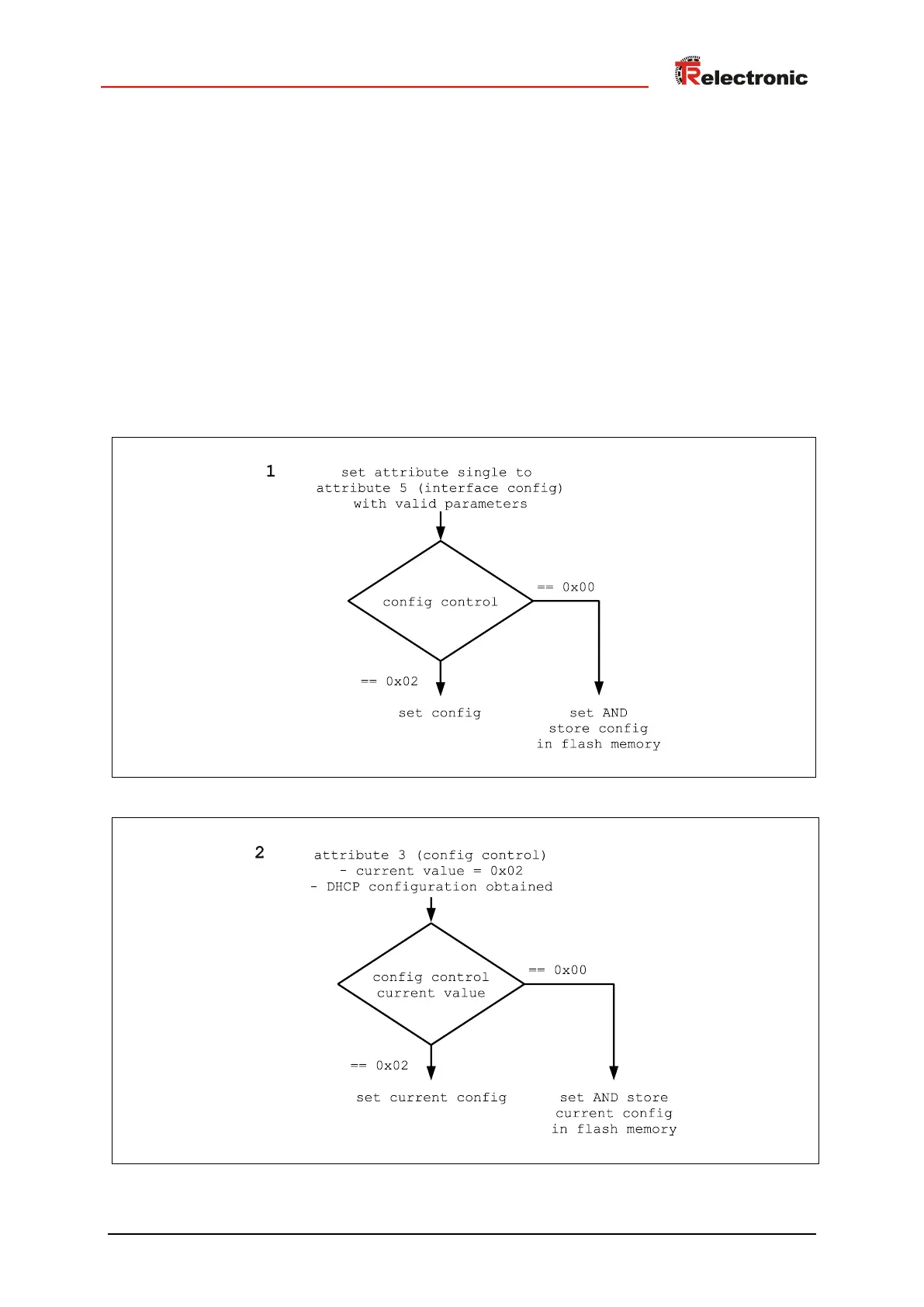
1. A Set_Attribute_Single service on Attribute 5 Interface Configuration causes
the values transferred as parameters to be set. The configuration is also permanently stored in
the FLASH if the value of Attribute 3 Configuration Control = 0x00 during executing of
the action.
2. The current configuration is permanently saved in the FLASH if the measuring system has
received a configuration via DHCP, the current value of Attribute 3 Configuration Control =
0x02, and the Configuration Control value is set to 0x00.
Flowcharts









 To Next Page