EasyManua.ls Logo

TR-Electronic CDH582 - User Manual

Default Icon
91 pages
Print Icon
To Next Page IconTo Next Page
Loading...
TR-ECE-BA-GB-0163 v03 10/07/2020
User Manual
Interface
_Safety instructions
_Installation
_Commissioning
_Parameterization
_Error causes and remedies
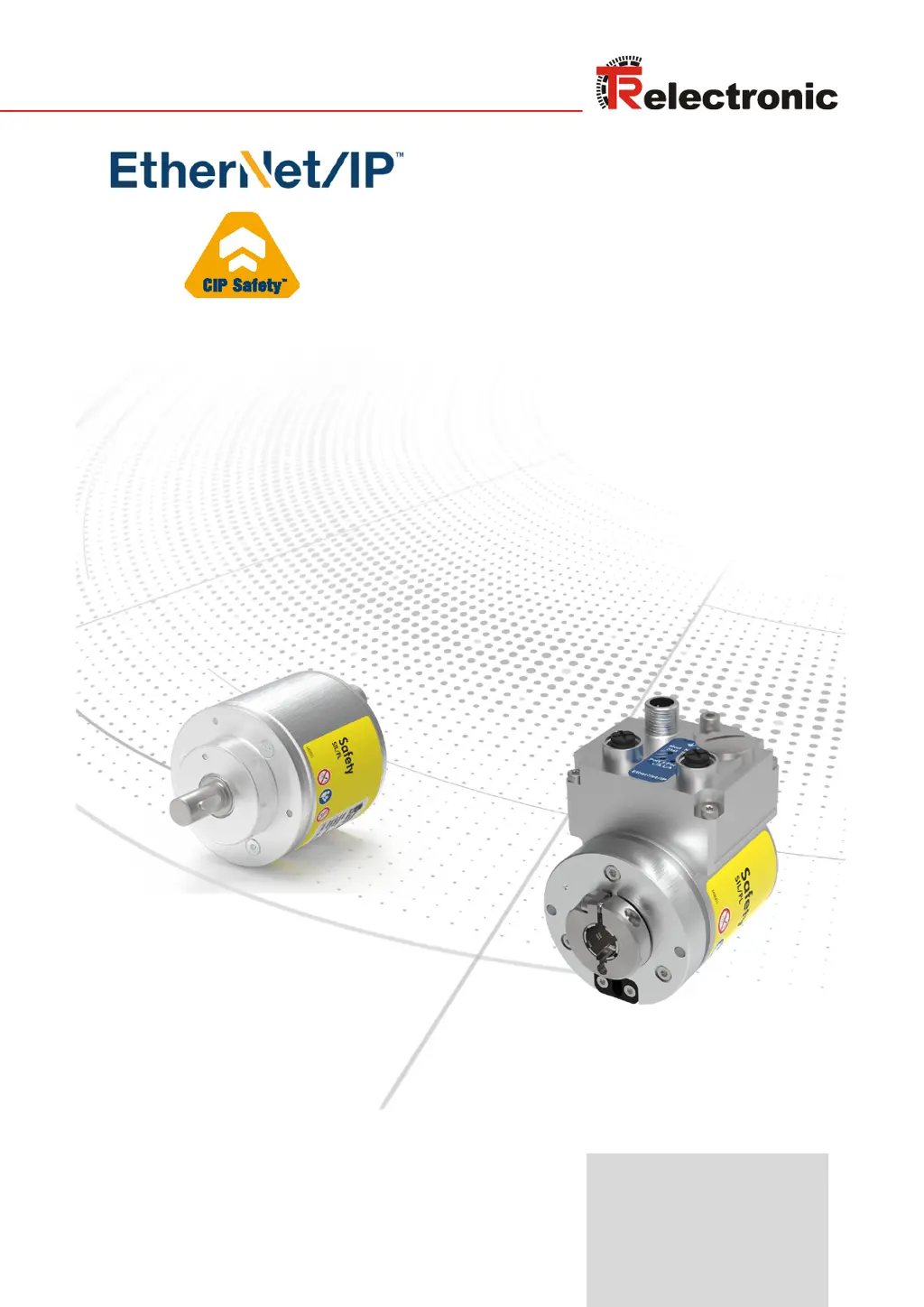
Absolute Encoder CD_582
EtherNet/IP
/ CIP Safety
OPTION: Optional interface
Original manual
DIN EN 61508 / DIN EN 62061: SIL2 / SIL CL 2, SIL3 / SIL CL 3
DIN EN ISO 13849:
PL d / PL e
CDV582
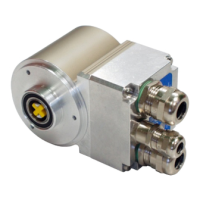
Pictures are similar
Notice: This PDF is not subject to an updating service
Get the most recent version:
https://www.tr-electronic.de/f/TR-ECE-BA-GB-0163

Table of Contents

Other manuals for TR-Electronic CDH582

Questions and Answers

Summary

General Information

Principle of the safety function

Explains how system safety is established.

Safety Instructions

Safety-related requirements when using CIP Safety devices

Lists essential requirements for safe operation.

Safety functions of the fail-safe processing unit

Describes safety mechanisms and error handling.

Installation; Preparation for Commissioning

Basic rules

General installation guidelines and warnings.

EtherNet;IP transmission technology, cable specification

Details on network topology, cables, and switch settings.

Connection - Notes

Important notes on connectors, IP protection, and supply voltage.

Defining the Target Unique Network Identifier (TUNID)

Explains TUNID for network identification.

Setting the Node ID or IP address

Procedure for setting network addresses.

Programming the Safety Network Number (SNN)

Details on configuring the SNN.

Commissioning

Device identification

Attributes for device identification and electronic keying.

Downloading the safety-related configuration

Process for downloading configuration data.

Via the TR SNCT tool - SafetyOpen Type 2

Method for configuration download.

Resetting the safety-related device parameters

Parameter description

Object 0 x23 (Instance 1), Position Sensor

Attributes for the position sensor object.

TR Safety Parameters

Key safety parameters like SIL/PL, position, and velocity.

TR Safety - Preset Adjustment Function

Procedure

Step-by-step guide for the preset adjustment function.

Calculating the delay for a moving axis

Obtain IP parameters via Flash or DHCP

Example, obtaining IP parameters via DHCP server

Practical guide for DHCP parameter acquisition.

Requirements

Necessary software and setup for DHCP server.

Procedure

Steps to configure IP parameters using DHCP.

Error causes and remedies

Checklist, Part 2 of 2

TR-Electronic CDH582 Specifications

General IconGeneral
BrandTR-Electronic
ModelCDH582
CategoryMedia Converter
LanguageEnglish

Related product manuals