TRAK KMX Knee Mill, Bed Mill & ProtoTRAK KMX CNC Retrofit Safety, Programming, Operating & Care Manual
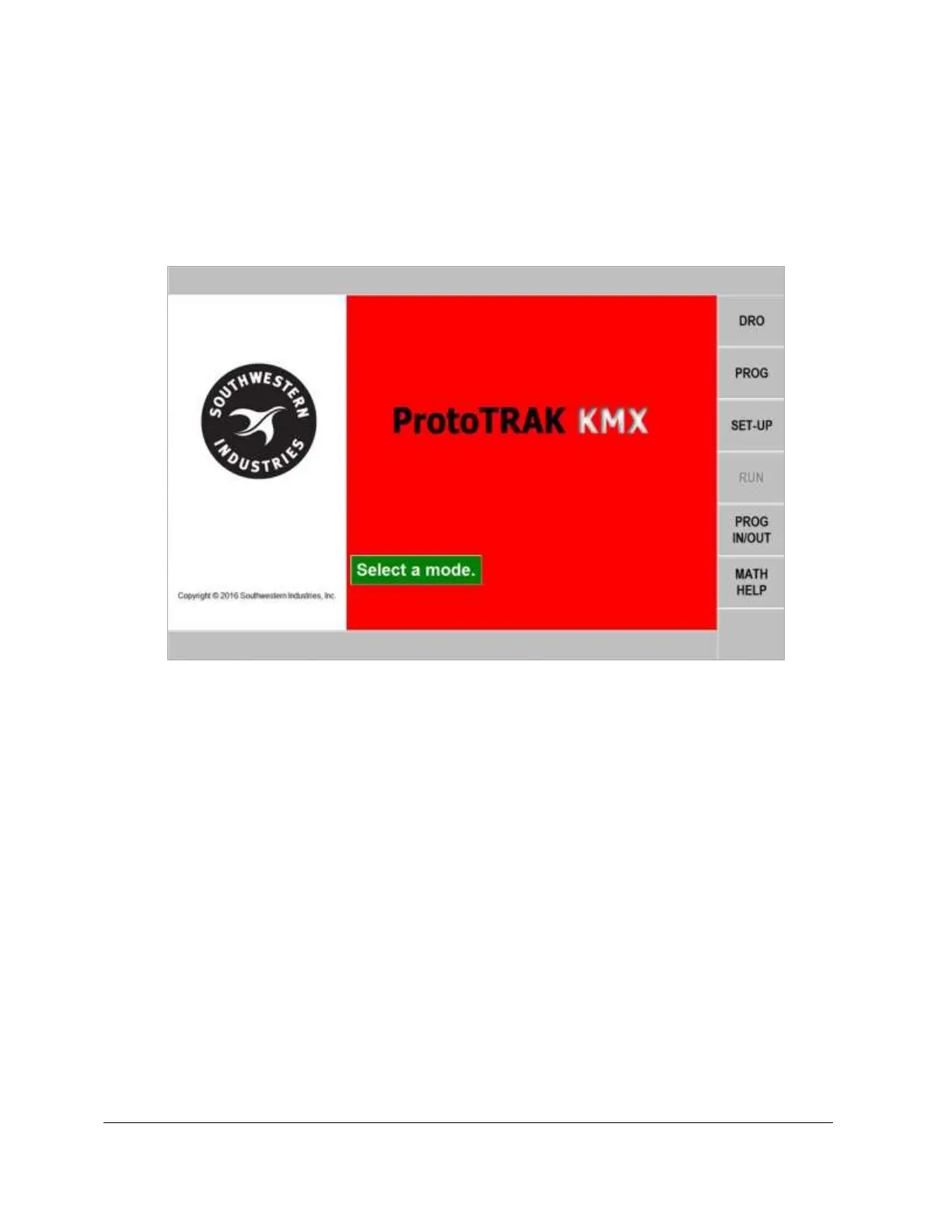
• SETUP: Where the machine and control are set up to run. This also contains
the softkey for the Service Codes.
• PROG IN/OUT: To store and retrieve part programs from the thumb drive.
• MATH HELP: Routines to help you quickly and easily calculate intersections,
tangencies, centers and more.
4.1.5 Emergency Stop
Press the button to shut off power to the axis motors. Power is also shut off to
the spindle motor for TRAK Mills. Rotate the switch to release.
4.2 Machine Operation
This section covers the operation of the TRAK Mills. If you purchased your ProtoTRAK
KMX CNC as a retrofit, please refer to the user manual that came with your machine.
4.2.1 Spindle On/Off, Forward/Reverse
The spindle switch is located on the left side of the milling head.
• Turn the Spindle switch to left to 1 for forward (clockwise) spindle rotation if
the Hi-Lo-Neutral lever is in the low position.
• Turn the Spindle switch right to 2 for forward (clockwise) spindle rotation if
the Hi-Lo-Neutral lever is in the high position.
• Turn the Spindle switch straight ahead for off.


 To Next Page