Change your device name
Advanced > Administrator > Management
1. Log into your router management page (see “Access your router management page”
on page 9).
2. Click on Advanced, then click on Administrator, and click on Management.
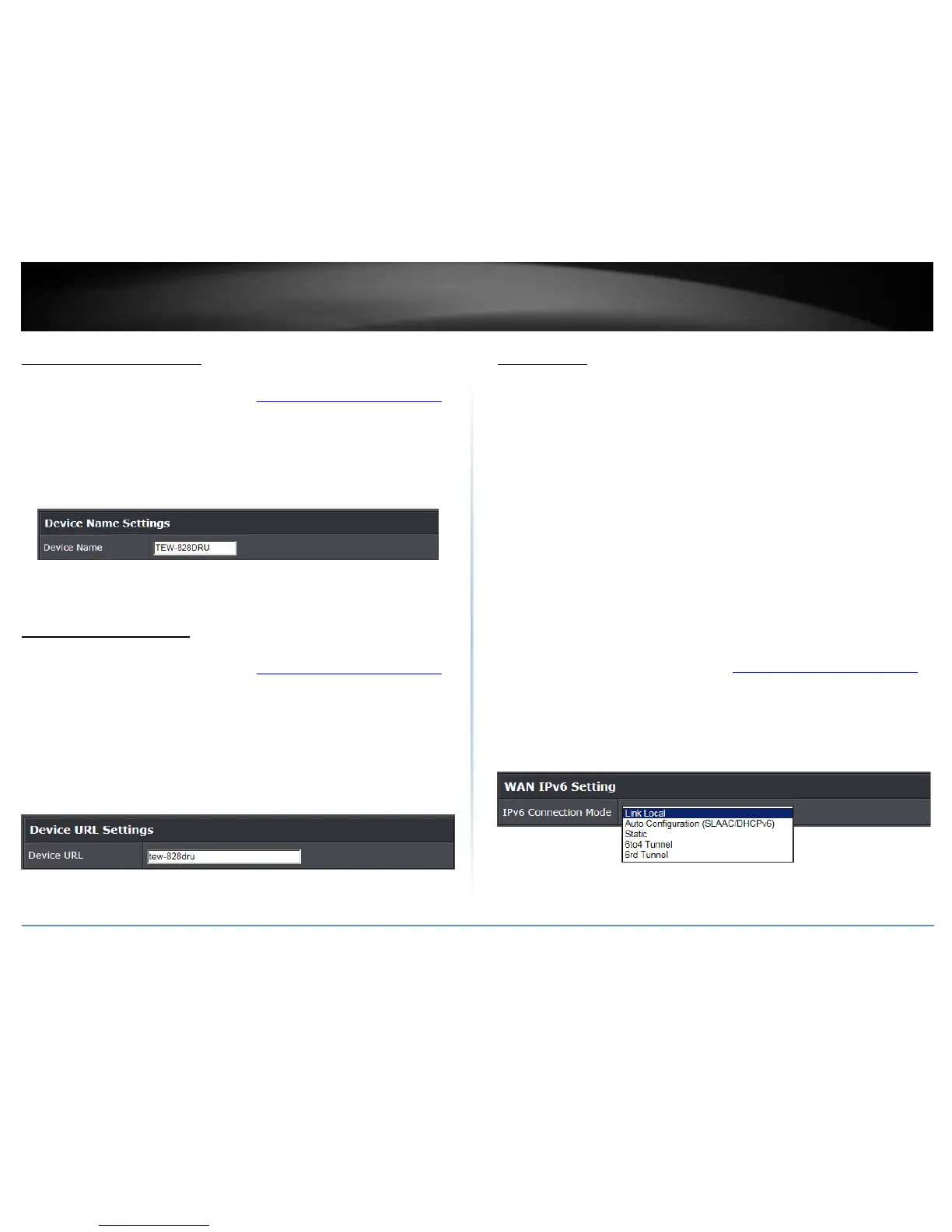
3. Under the Device Name Settings section, in the Device Name field, enter the new
device name to display on your network to identify the router.
4. To save changes, click Apply.
Change your device URL
Advanced > Administrator > Management
1. Log into your router management page (see “Access your router management page”
on page 9).
2. Click on Advanced, then click on Administrator, and click on Management.
3. Under the Device URL Settings section, in the Device URL field, enter the new device
URL used to log into the router management page.
Note: Even if the LAN IP address of the router is changed, the device URL will still allow
to use the name as reference to log into the router management page.
4. To save changes, click Apply.
IPv6 Settings
Advanced > Setup > IPv6
IPv6 (Internet Protocol Version 6) is a new protocol that significantly increases the
number of available Internet public IP addresses due to the 128-bit IP address structure
versus IPv4 32-bit address structure. In addition, there are several integrated
enhancements compared to the most commonly used and well known IPv4 (Internet
Protocol Version 4) such as:
Integrated IPsec – Better Security
Integrated Quality of Service (QoS) – Lower latency for real-time applications
Higher Efficiency of Routing – Less transmission overhead and smaller routing
tables
Easier configuration of addressing
Note: In order to use IPv6 Internet connection settings, it is required that your ISP
provide you with the IPv6 service. Please contact your ISP for availability and more
information about the IPv6 service.
1. Log into your router management page (see “Access your router management page”
on page 9).
2. Click on Advanced and click on Setup, then click on IPv6.
3. Review the IPv6 Internet Connection settings and enter information settings specified
by your ISP. Click Apply to save changes.
Note: Please contact your ISP for IPv6 service availability.
You can click on Advanced > Administrator > IPv6 Status to check the IPv6 connection
status.















 To Next Page