How to
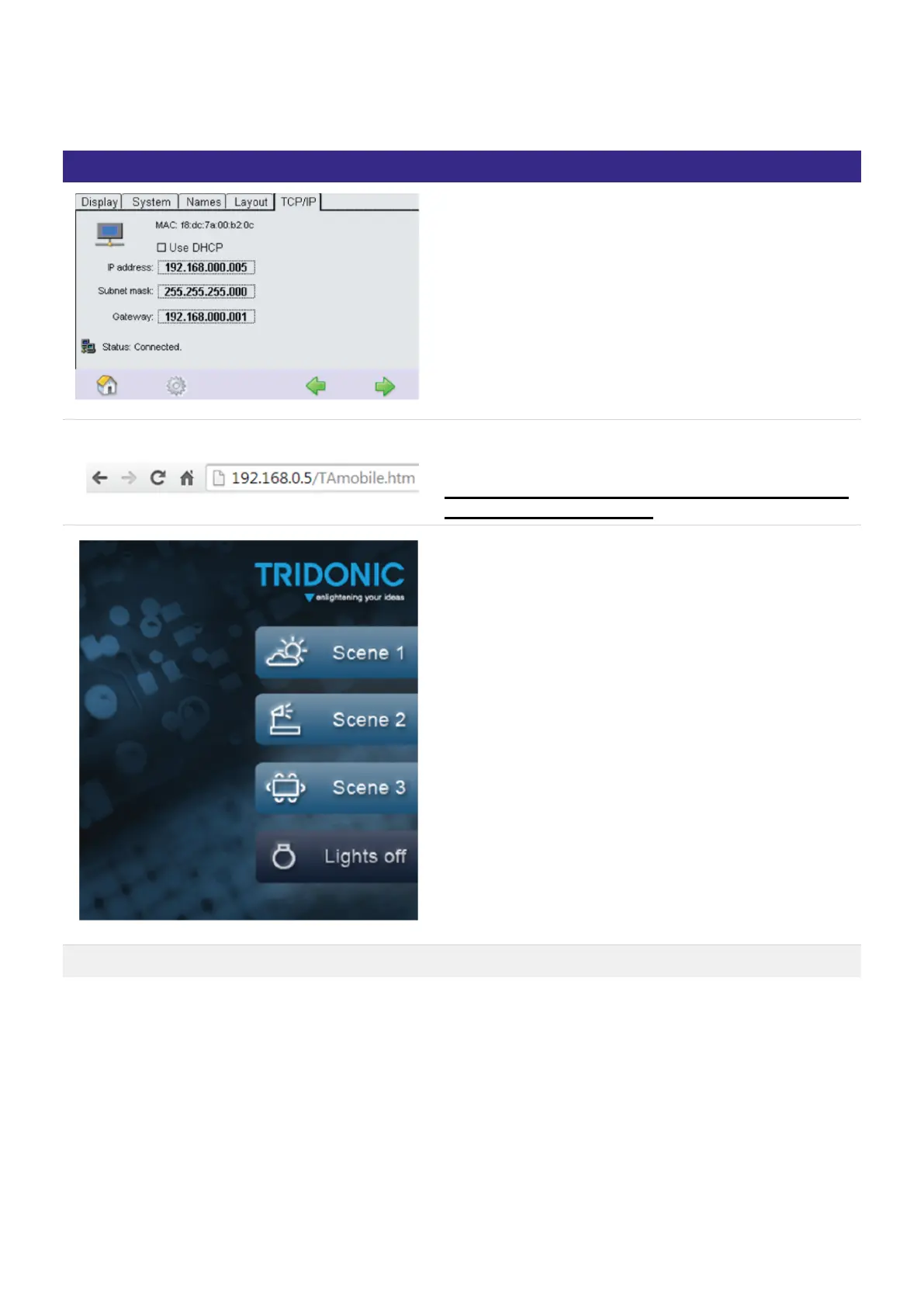
Connect your x/e-touchPANEL to Ethernet.
Type the IP address followed by /TAmobile.htm in your
Web Browser
! Attention The xetouch software is case sensitive. Pay
attention to correct spelling.
You will see the TA_mobile Webpage.
On this Page you can recall Scene 1-3 and Switch the
lights off.
How to Editing the page example Google Chrome



 To Next Page