1.
2.
7.5. Uploading / downloading files and test protocols
You can download files to a PC/laptop or upload files from a PC/laptop to the x/e-touchPANEL via Ethernet.
7.5.1. Downloading configuration file and/or testbook
x/e-touchPANEL is connected via the Ethernet interface.
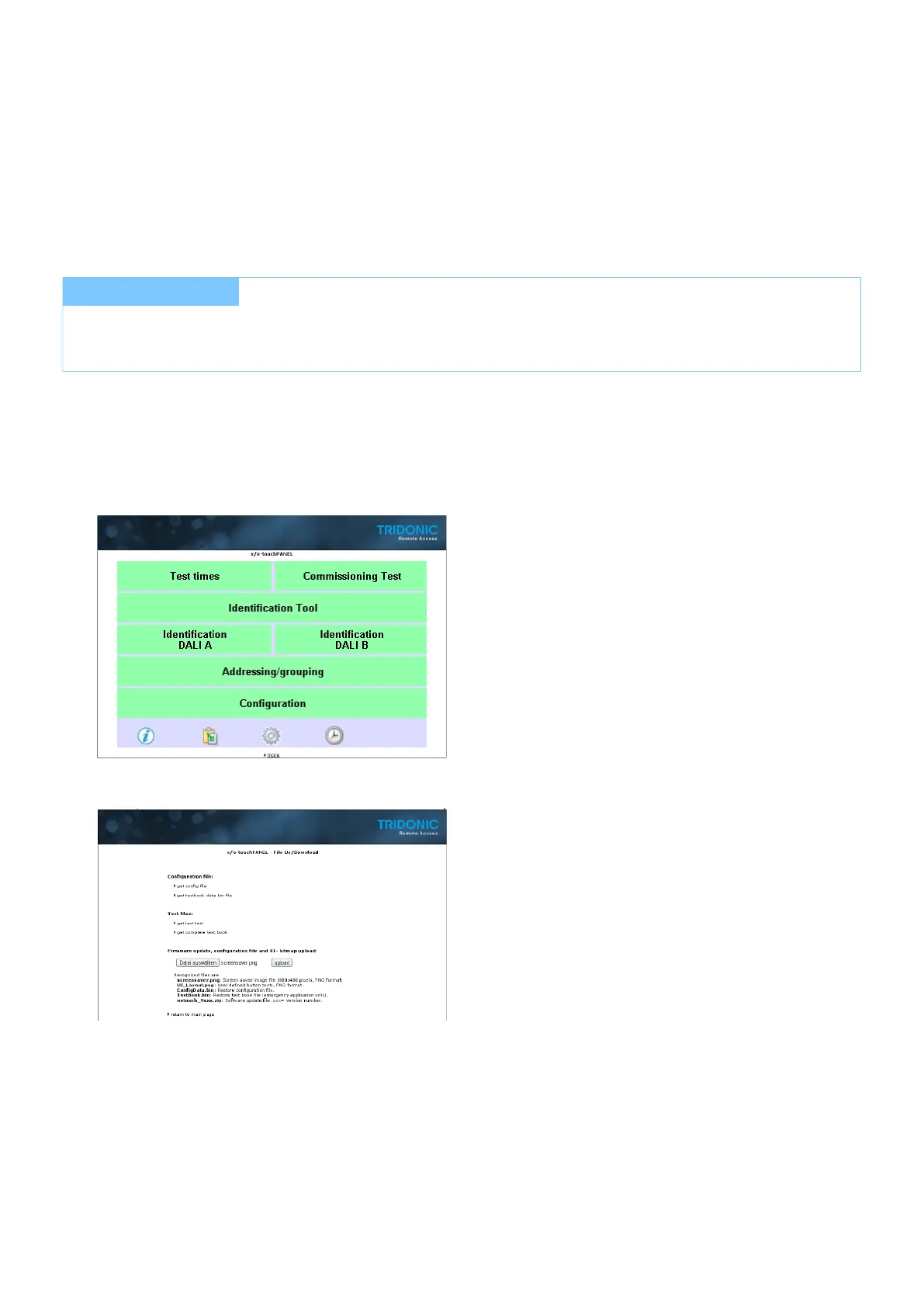
Click the link "more..." at bottom of the page.
-> Page "File Up/Download" is displayed.
Click link "get config file" to download configuration file from x/e-touchPANEL:
-> Configuration file is saved to PC / Laptop.
7.5.2. Download test protocol
x/e-touchPANEL is connected via the Ethernet interface.
I NOTICE
A security enquiry informs you that the x/e-touchPANEL will be reset after uploading a configuration file. No test
protocols are deleted during resetting.



 To Next Page