6.4. Colour Application
This chapter only explains the operating steps that are different from the Basic Application.
The chapter contains the following topics:
The following topics are performed identically in both Applications. They are explained at the points indicated.
6.4.1. Changing Applications
Changing the Application is described in the section " ".Selecting the Application, p.
When the Application is changed, the ›x-touch‹ software is automatically restarted.
6.4.2. Addressing and zone assignment
Addressing Addressing of the operating devices is performed in the same way in the Colour and Basic Applications
(see " "). Addressing and grouping, p. 54
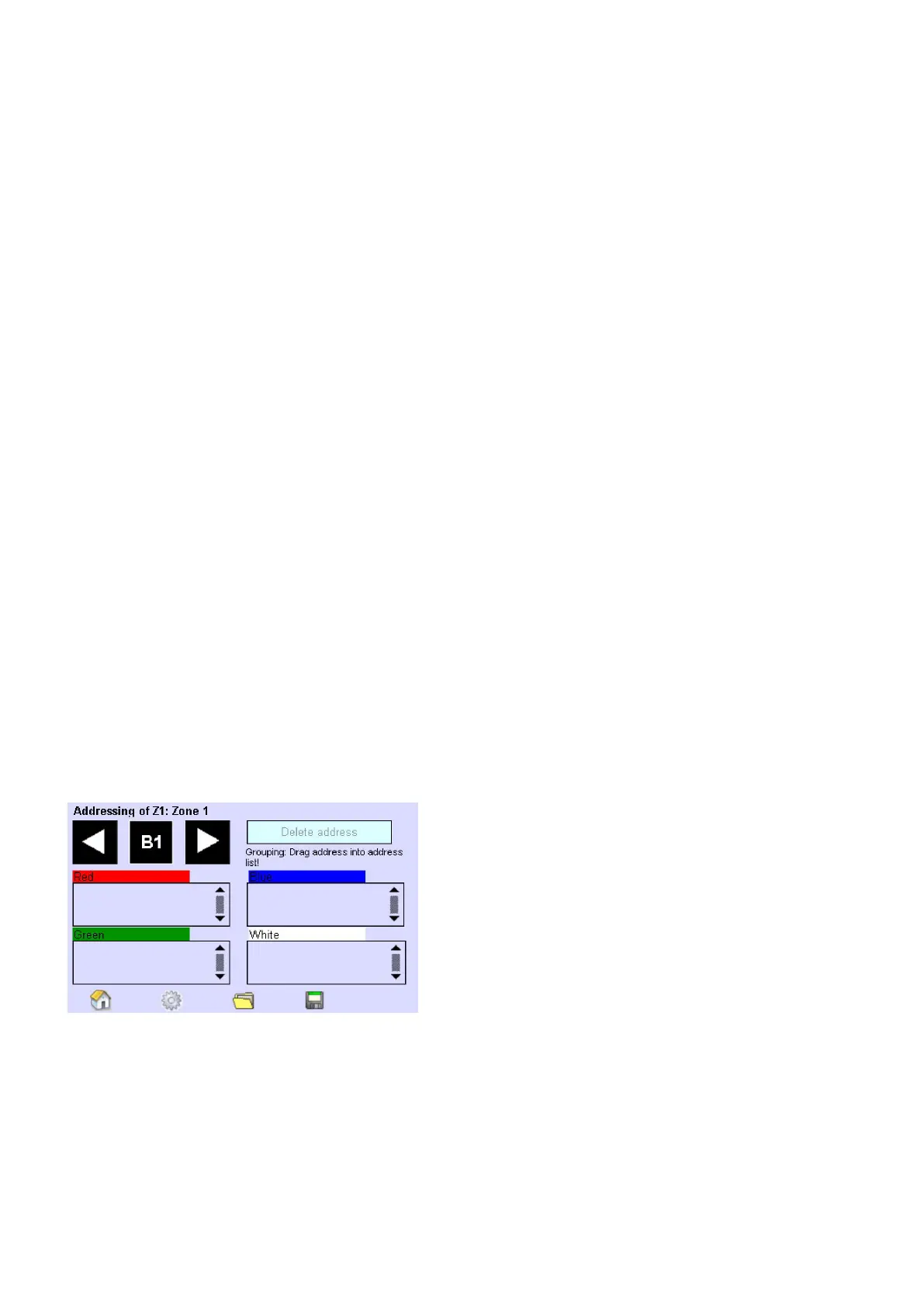
Zone assignment In the ›x-touch‹ software, each RGB-/RGBW operating device is assigned to the colour scale (red,
green, blue, white) of a zone using Drag & Drop. Four zones with 4 colour scales are available. Each colour scale of
a zone corresponds to a group.
Since the three groups Red, Green and Blue are necessary for colour mixing and only the group White is not
required, only the groups White (max. 4 groups) can be controlled individually. For basic lighting, e.g. the group
White of the four zones is used.
The groups White can be dimmed, masked or switched off and saved in scenes in a similar way to the Basic
Application. Depending on the configuration, the groups can be switched and dimmed individually in the Home
menu (see " ").Creating a layout for the Home menu, p. 78
Changing the Application to Colour_
Addressing and zone assignment_
Colour sequences_
Configuring scenes (see " ").Configuring scenes, p. 62_
Configuring schedules (see " )".Schedule (SDL, p. 66_
Configuring a schedule list (see " ").Configuring a schedule list, p. 69_



 To Next Page