5.1. Overview
5.1.1. Design and function
Up to 120 DALI emergency units can be controlled and monitored with the x/e-touchPANEL in Emergency
Application. In addition, the emergency lighting tests prescribed in the relevant standards can be performed
automatically. The test results are recorded in a log file for verification.
The x/e-touchPANEL with a colour touchscreen provides the following functions for operating the emergency units:
A frame light is integrated in the x/e-touchPANEL. It supports the status line of the system.
5.1.2. Main pages
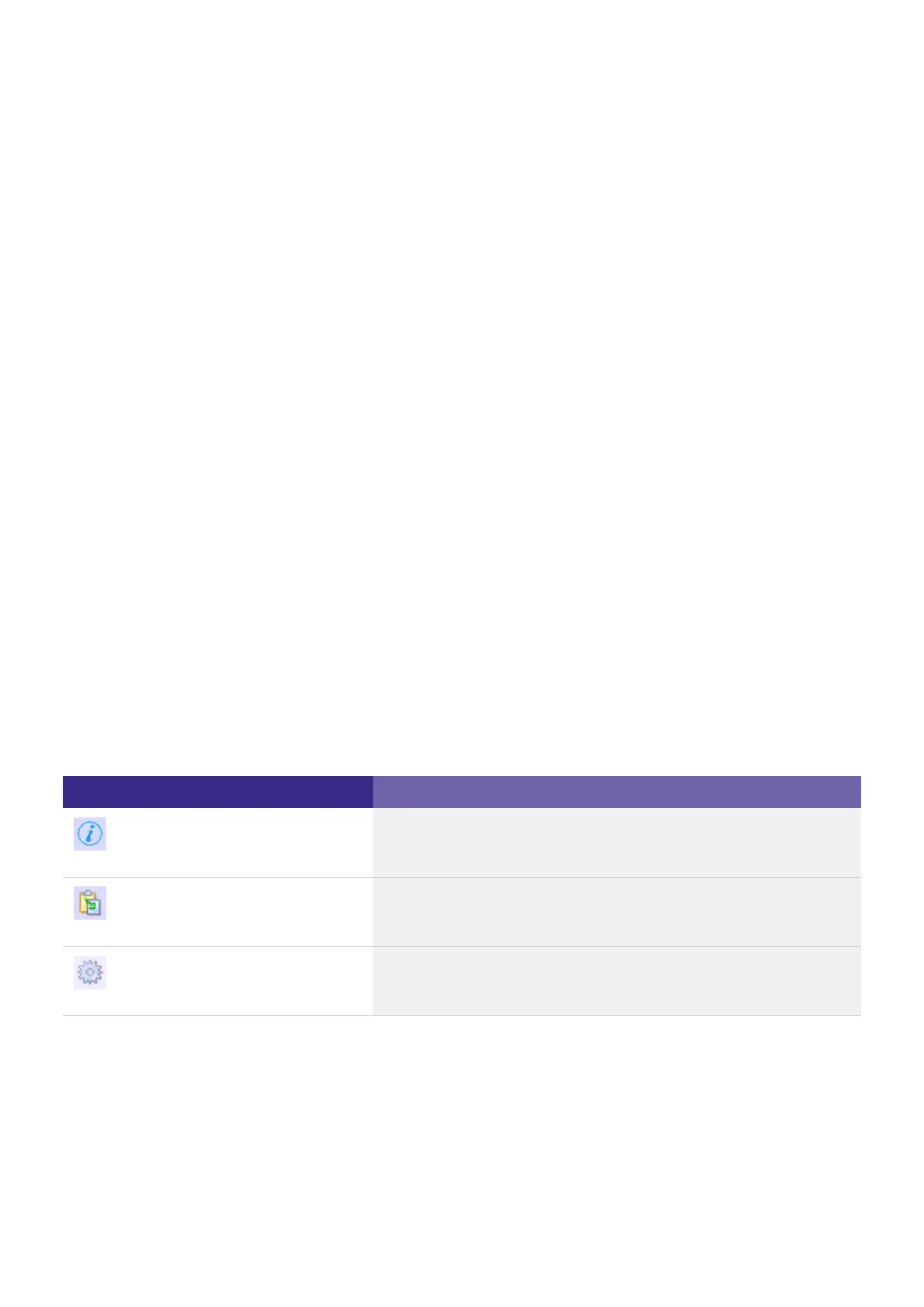
The menu of the x/e-touchPANEL consists of three main pages:
These pages are opened by clicking on the following symbols:
Symbol Page
System status
Test protocol
Main menu
Addressing and grouping_
Identification_
Manual tests_
Time-controlled function and duration tests_
User-friendly software_
System status_
Test protocol_
Main menu_



 To Next Page