1.
2.
3.
4.
5.
6.
5.5. Programming the prolong time
If necessary, emergency lighting operation can be prolonged by a maximum of one hour once the power has been
restored, e.g. to bridge the restarting time of high-pressure lamps in the case of short mains voltage interruptions.
The basic setting of the emergency units is 0 minutes.
Click on the "Main menu" symbol.
-> The "Main menu" is displayed.
Click on the "Configuration" button.
-> The "Configuration" page is displayed.
Click on the "Emergency" tab.
-> The "Emergency" tab is displayed
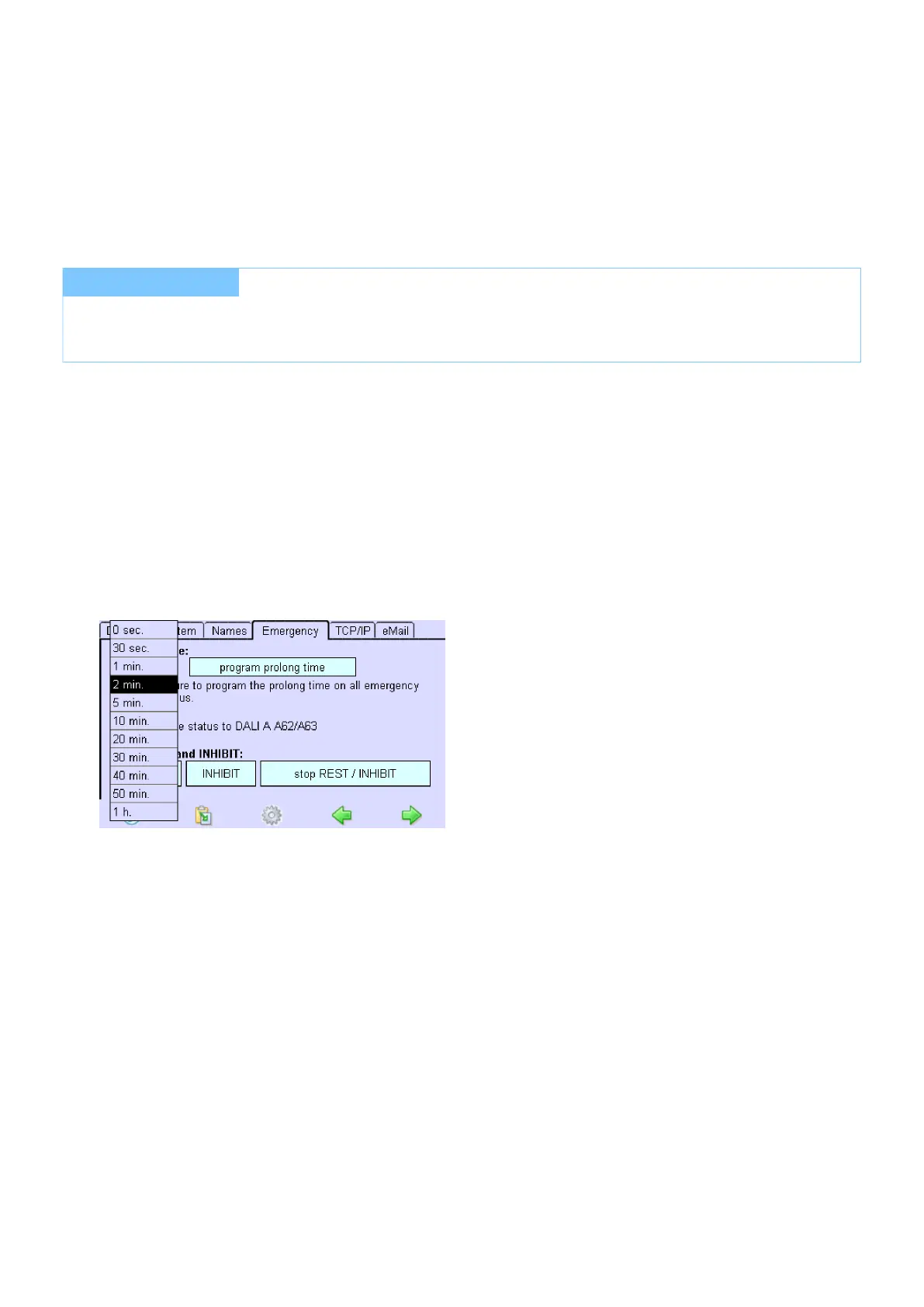
Click on the Prolong time dropdown menu and select the desired time.
Click on the Program prolong time button.
...
I NOTICE
The prolong time can only be maintained if there is sufficient battery capacity.
The Configuration menu is open.



 To Next Page