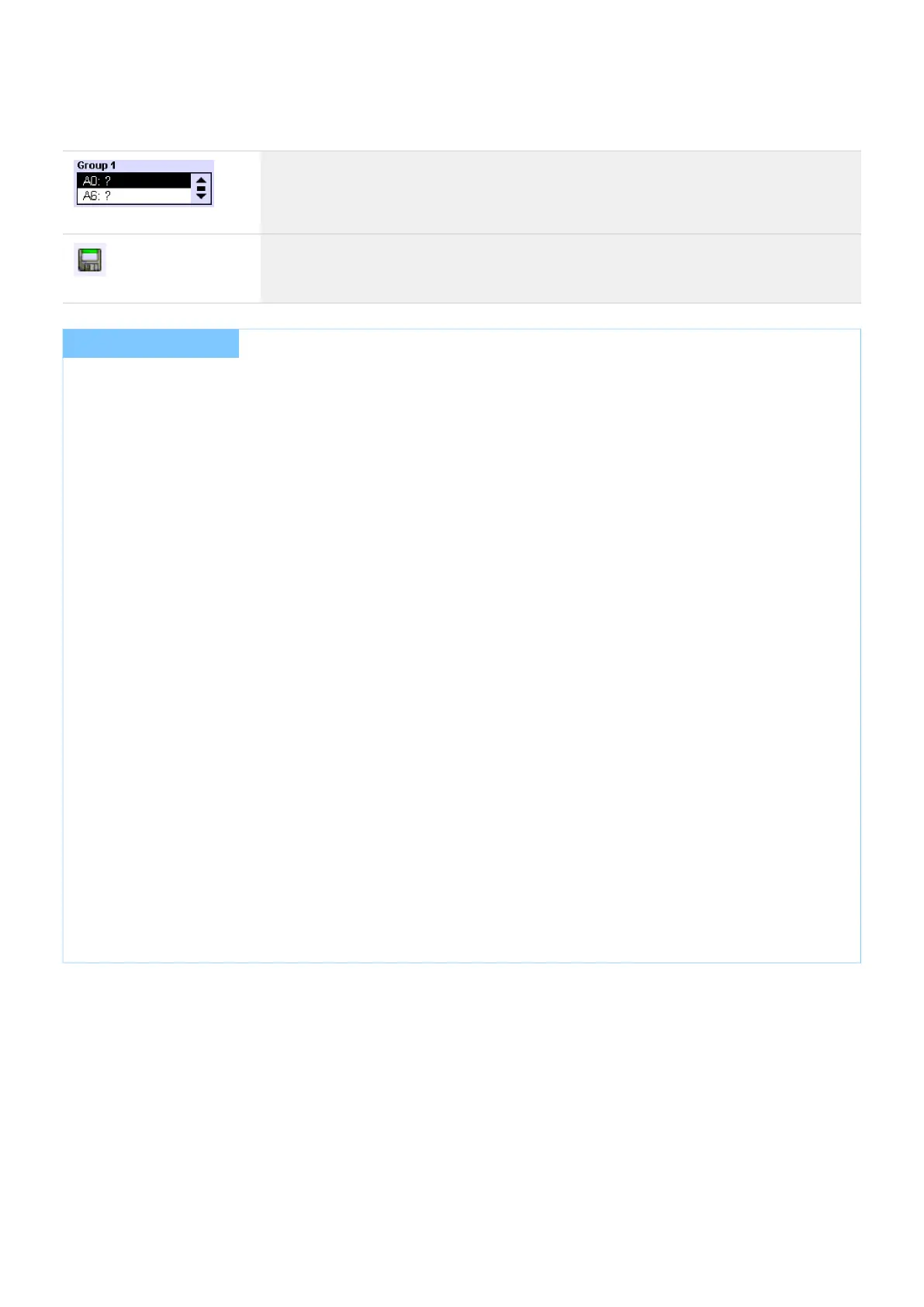
The "Group" box shows which operating devices belong to a specific group. Devices
can be selected and removed from the group
The Save button opens up the dialog box "Save as group". Select a group in which
you save the current settings.
...
I NOTICE
If an operating device is assigned to several groups, the value of the highest group number is saved.
For a more detailed explanation:
DALI has max. 16 groups_
Devices can be assigned to multiple groups_
Several groups can be assigned to a scene_
If now a scene is called and that scene is assigned to several groups. And several of these groups include the
same device , there may be a conflict, because it is not clear which of the values the device saves. In this case,
the rule above applies.
:Example 1
Device 1 is in G1 and G2_
Both groups are assigned to scene x:_
G1: 100% dimming level_
G2: 30% dimming level_
=> Device 1 goes to 30% dimming level (value of group 2)
Example 2:
Device 2 is in G1 and G2_
Group G1 is assigned to scene y:_
G1: 100% dimming level_
=> Device 2 goes to 100% dimming level (value of group 1)



 To Next Page