5.
6.
7.
8.
9.
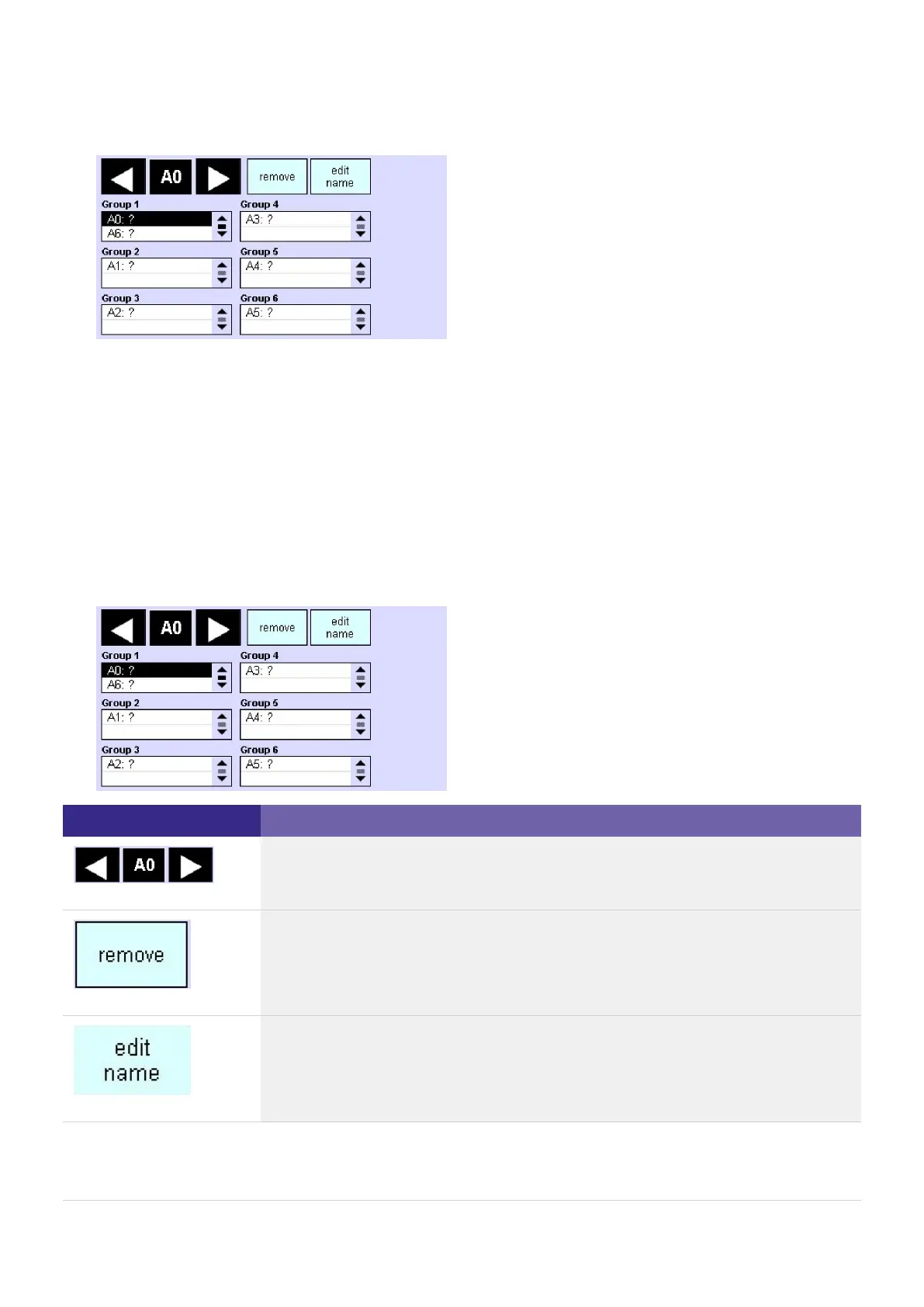
Mark the emergency unit for which you want to change the grouping in the Test group field.
- or -
Select the address of the emergency unit using the arrow keys.
Click on the remove button.
Move the address of the emergency unit to the desired group using Drag & Drop (Test group field).
-> The emergency unit is displayed in the group.
Repeat steps 1 to 3 for other emergency units if necessary.
-> After the automatic addressing, the addresses (DALI A0 to A63 and DALI B64 to B127) and specific
operating devices, if necessary, are displayed (e.g. HID).
-> The following operating elements are available for grouping:
Element Meaning / Function
Use the arrow keys to select the operating device that is to be assigned to a group.
Use the button to remove the selected device from the group.
Use the button to edit the name of the selected device from the group.



 To Next Page