1.
2.
3.
4.
1.
2.
3.
4.
4.2. Configuring the basic settings
4.2.1. Selecting the language
Click on the "Main menu" symbol.
-> The "Main menu" is displayed
Click on the "Configuration" button
-> The "Configuration" page is displayed
-> The "Display" tab is displayed.
Click on the arrow key next to the Language entry.
-> The list of languages is displayed.
Click on the desired language.
-> The software interface is displayed in the selected language.
4.2.2. Selecting the application
To call up another Application to the one currently being used:
Click on the "Main menu" symbol.
-> The "Main menu" is displayed
Click on the "Configuration" button
-> The "Configuration" page is displayed
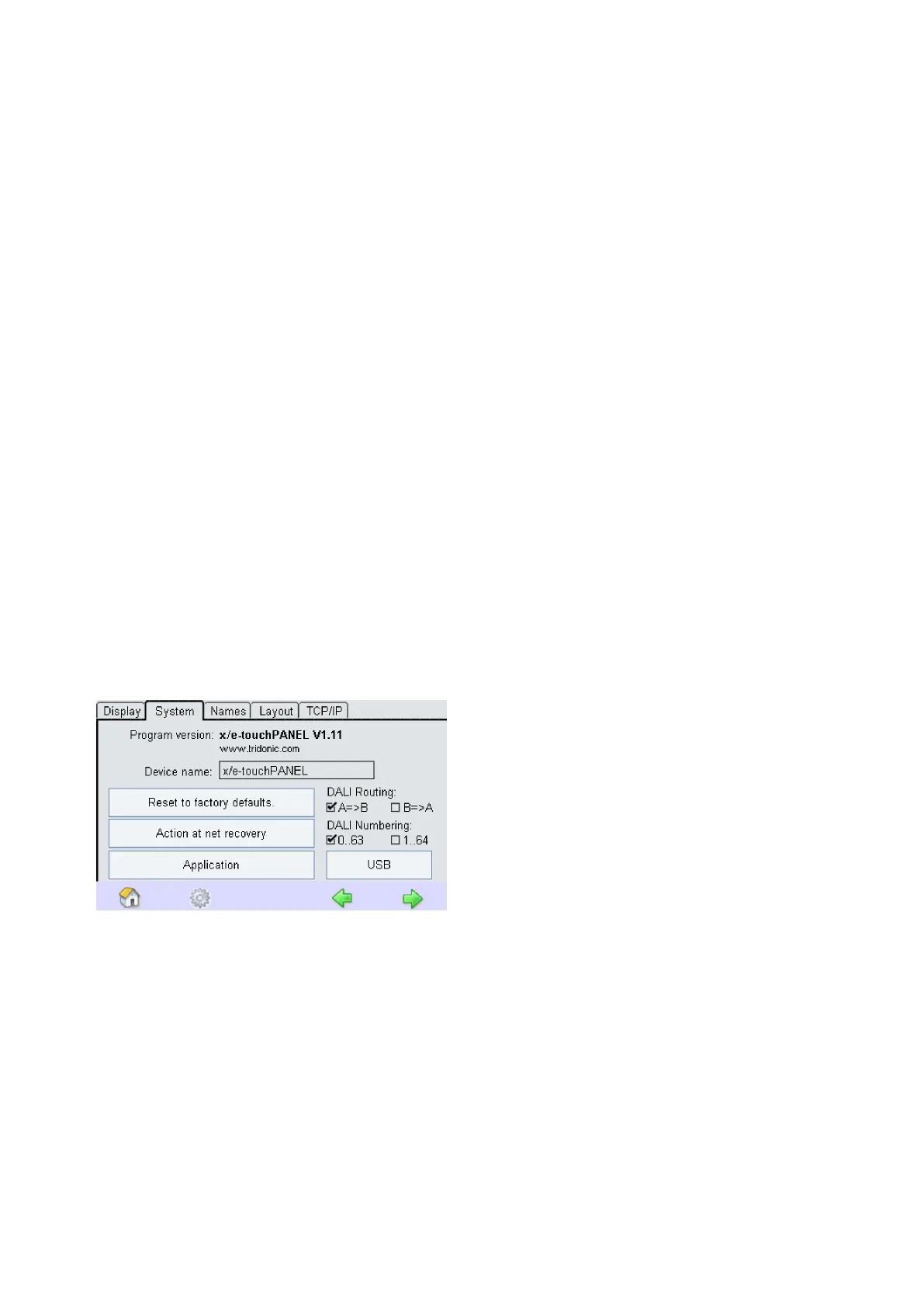
Select the System tab.
-> The System tab is displayed:
Select the Application.
-> The dialog box Application is displayed:



 To Next Page