4.
5.
6.
7.
1.
2.
3.
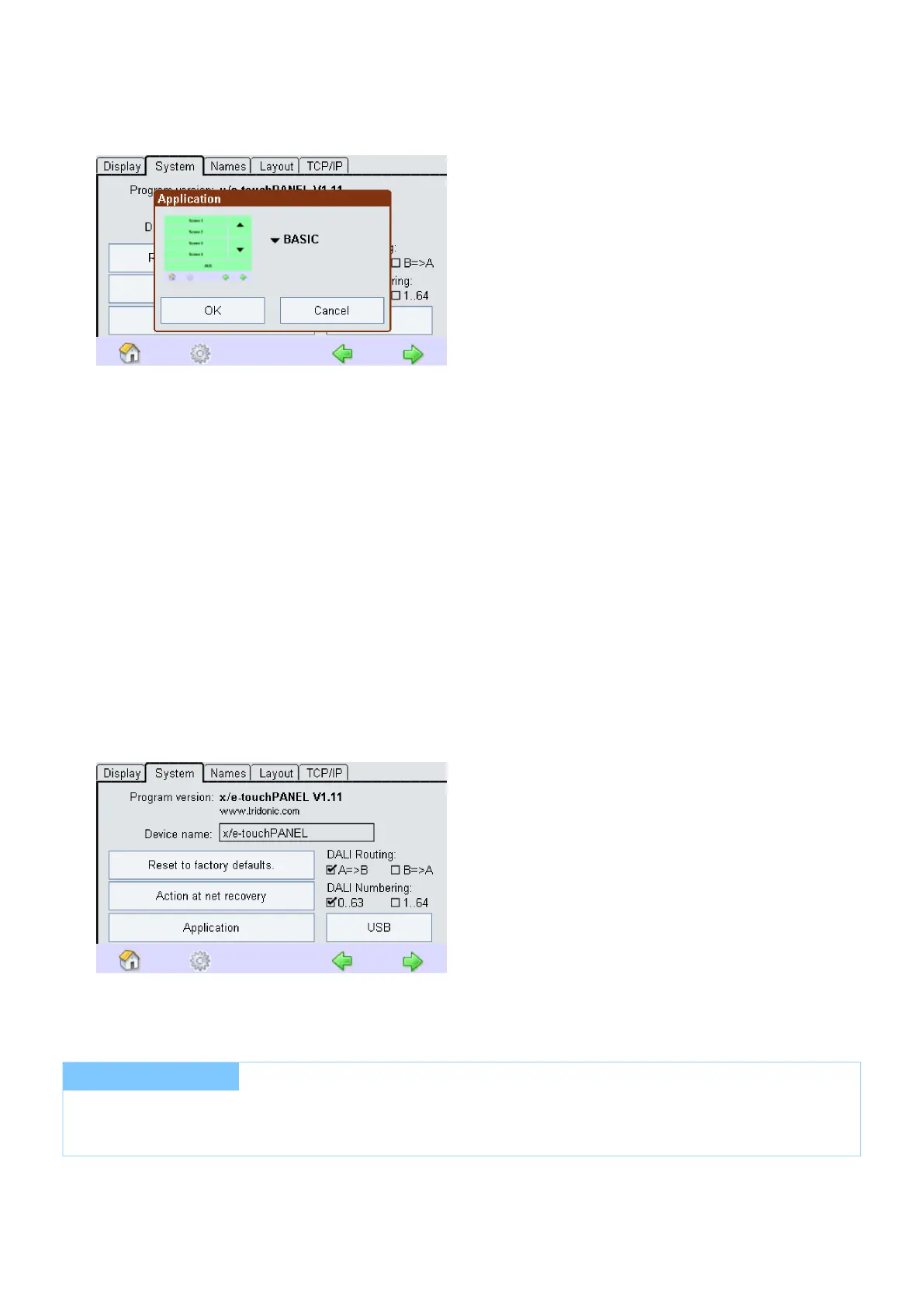
Select the Basic, Colour or Plug Application for the DALI operating modes or Emergency for controlling the
emergency lighting in the dropdown menu.
Confirm the selection with OK.
-> A dialog box is displayed indicating that a restart is essential depending on the Application selected.
Confirm the request with OK.
-> A restart of the x/e-touchPANEL is performed depending on the Application.
4.2.3. DALI Routing
Click on the "Main menu" symbol.
-> The "Main menu" is displayed
Click on the "Configuration" button
-> The "Configuration" page is displayed
Select the System tab.
-> The System tab is displayed
Allows to send commands from other controls (e.g. DALI XC, TOUCHPANEL 02) from DALI line A to line B and
vice versa.
This Function can be activated or deactivated.
I NOTICE
DAP commands will be forwarded on address, group and Broadcast level.
Scene commands will only be forwarded on Broadcast level.



 To Next Page