1.
2.
3.
4.
5.
Start
Scheduler
Starts scheduler. A sequence is restarted; the schedule and schedule list are continued.
Click on the "Main menu" symbol.
-> The "Main menu" is displayed
Click on the "Configuration" button
-> The "Configuration" page is displayed
Click on the "System" tab
-> The "System" tab is displayed
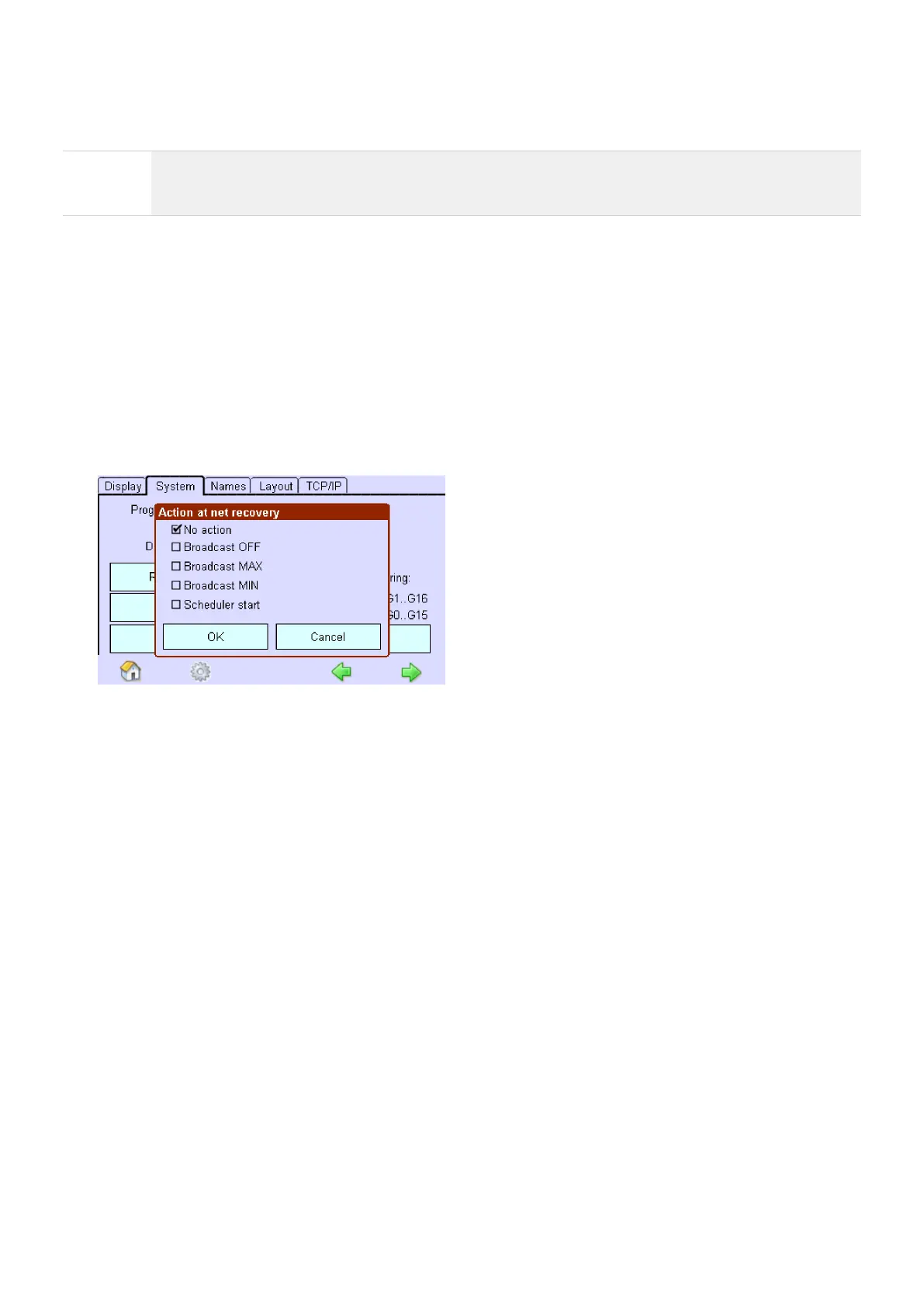
Click on the "Action at net recovery" button.
-> The dialog box Net recovery action is displayed.
Activate the check box and confirm with OK.



 To Next Page