1.
2.
3.
4.
5.
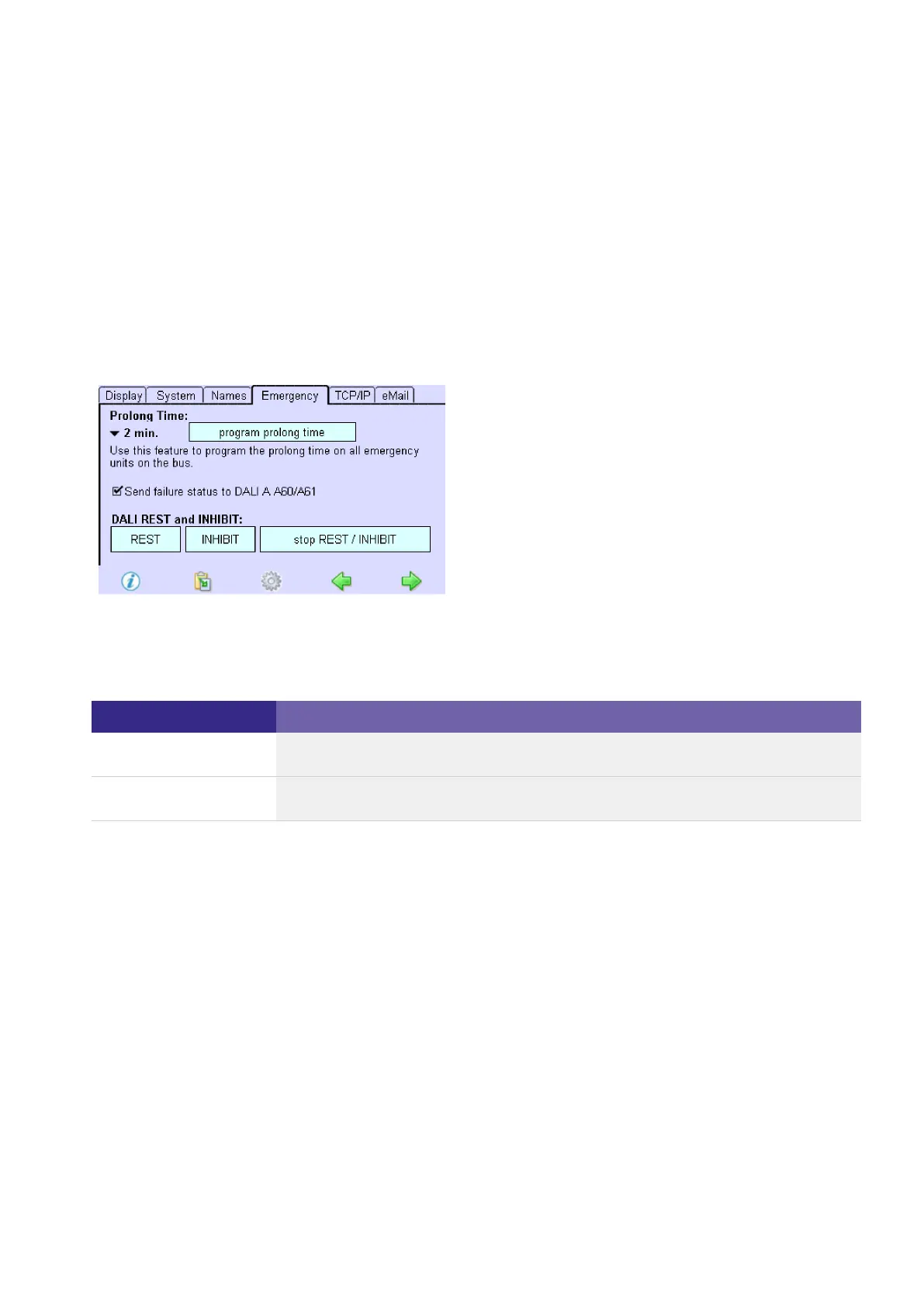
5.6.2. Activating the error signalling
Click on the "Main menu" symbol.
-> The "Main menu" is displayed
Click on the "Configuration" button
-> The "Configuration" page is displayed
Click on the "Emergency" tab
-> The "Emergency" tab is displayed
Activate the check box "Send failure status to DALI A...".
-> Error signalling is activated.
-> The following messages are displayed at the error signalling addresses:
Status report Meaning
OK No error is present on both DALI lines.
Error An error is present (on one of the two DALI lines).
...



 To Next Page