Commander Installation Guide
Trilogy Communications Limited
3.4 OTHER MATRIX CONNECTIONS
A number of other connections are provided on the rear of the matrix. For legacy Sub D9
matrix connectors, see section 8.4.
3.4.1 MATRIX PORTS – RJ-45
Commander systems delivered from spring - 2003 onwards are fitted with RJ-45 connectors
for the matrix ports. Rear connector unit part number is 500-07-50.
The 500-07-50 is fitted with a Sub D25 Fixed Socket which provides the 4-wire audio signals
for the 6 channels of that rear connector. These are in parallel with the existing signals on
pairs 3 and 4 of the corresponding RJ-45.
3.4.2 CAMERA CONNECTOR
This option provides a mixing pad for up to 6 camera inputs, and a single feed for audio
connection to cameras. The connector may be identified as a D15 socket on the rear
connector unit.
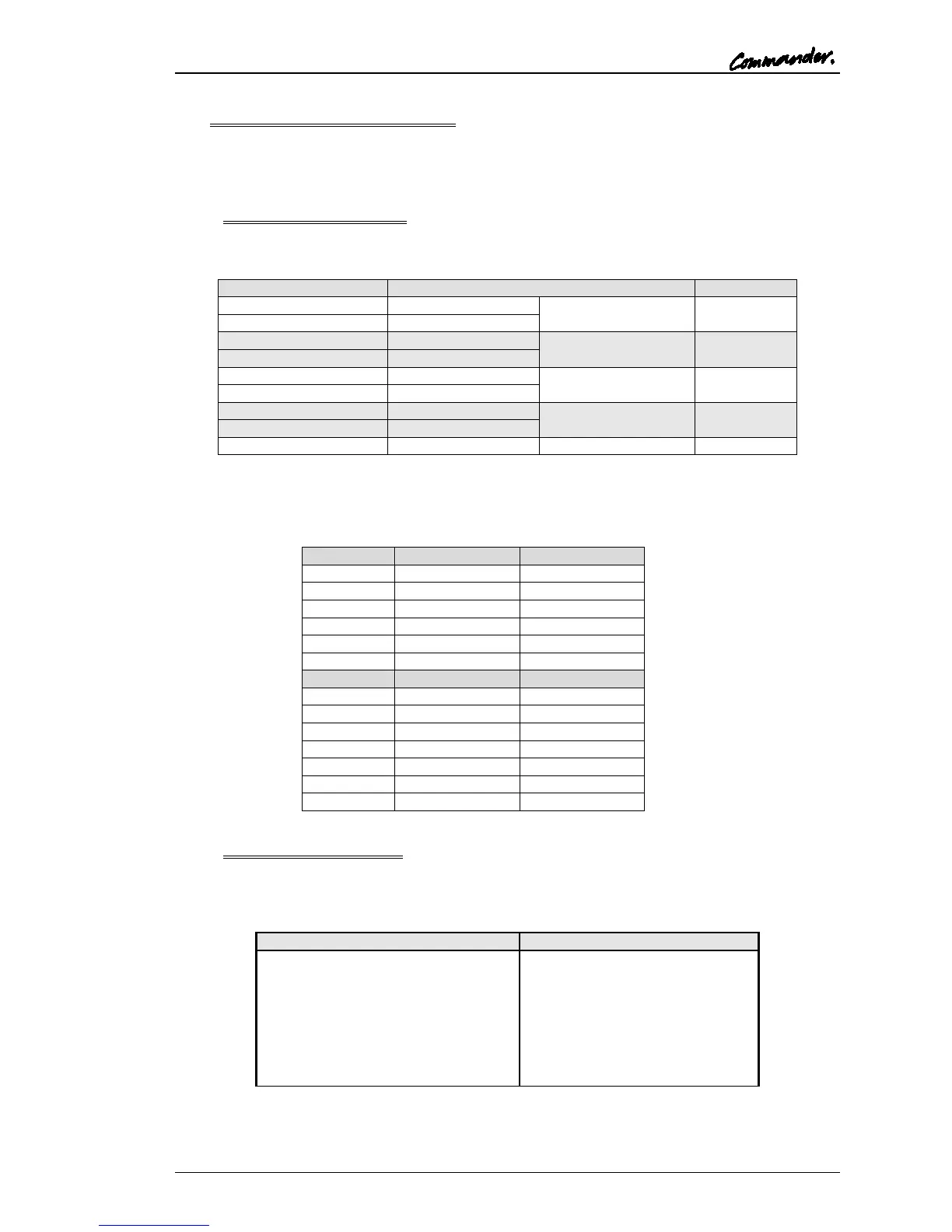
Matrix Sub-D15 Fixed Socket Pin (+,-)
Camera 1 input +,- to matrix
Camera 2 input +,- to matrix
Camera 3 input +,- to matrix
Camera 4 input +,- to matrix
Camera 5 input +,- to matrix
Camera 6 input +,- to matrix
Cameras Output +,- from matrix
NOTE: Since the Camera connector unit performs a passive mix, the gain must be
increased on the corresponding 500-06 matrix card. See section 3.5 of this guide.



 To Next Page