6.2.2 STARTING THE PROGRAMME
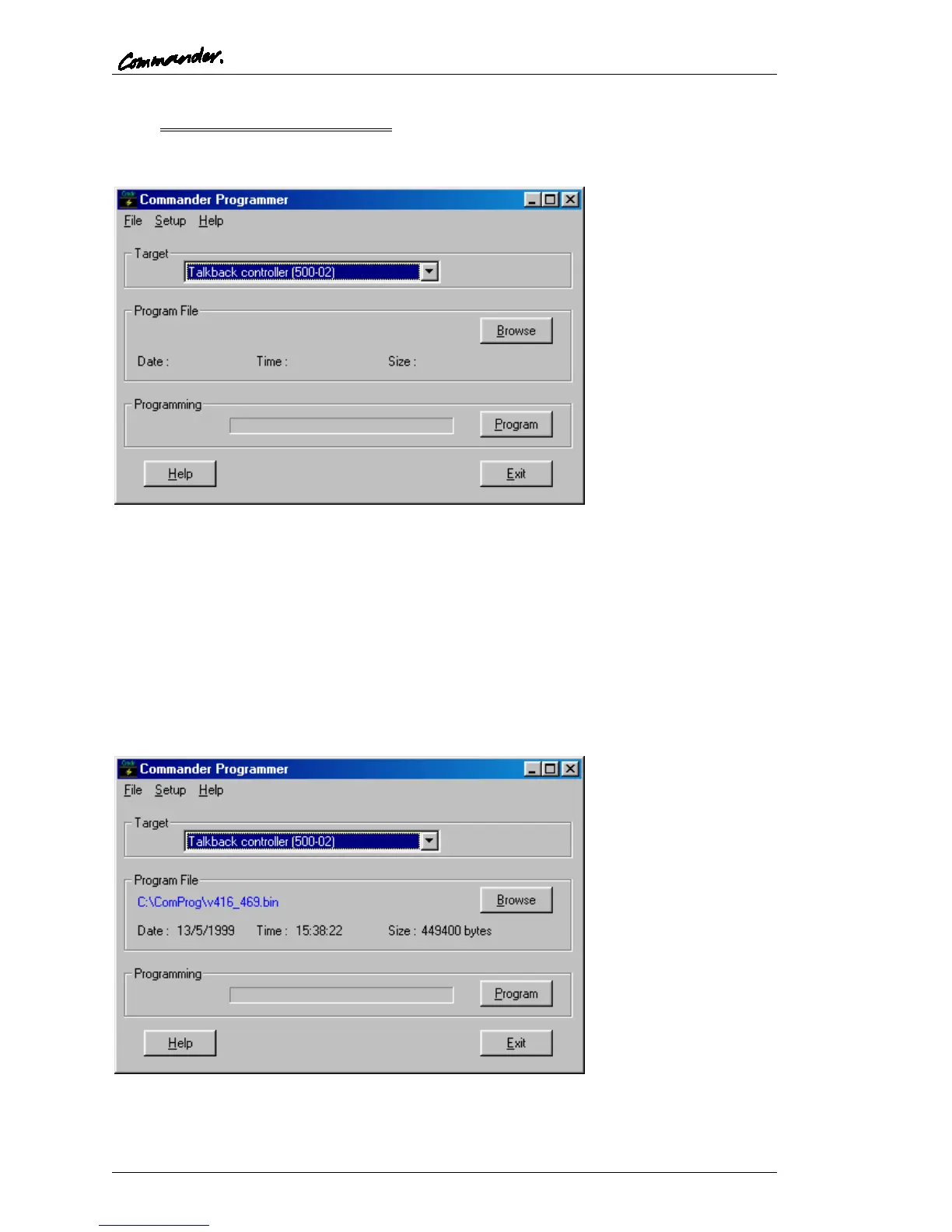
From the Start menu, select the item “TTprog” to launch the program. The window shown
below is displayed.
From the drop-down list, select the type of hardware to be reprogrammed (see Section 6.1).
To update the hardware, a revised “bin” file is required. This may be supplied: -
• on floppy disk
• by e-mail
• from the internet
If the file has been supplied in zip format, it should be decompressed to a local drive.
Use the “Browse” button to locate the file. The example below shows the program
configured to program a 500-02-11 Talkback Controller with a file named 416_469.bin.



 To Next Page