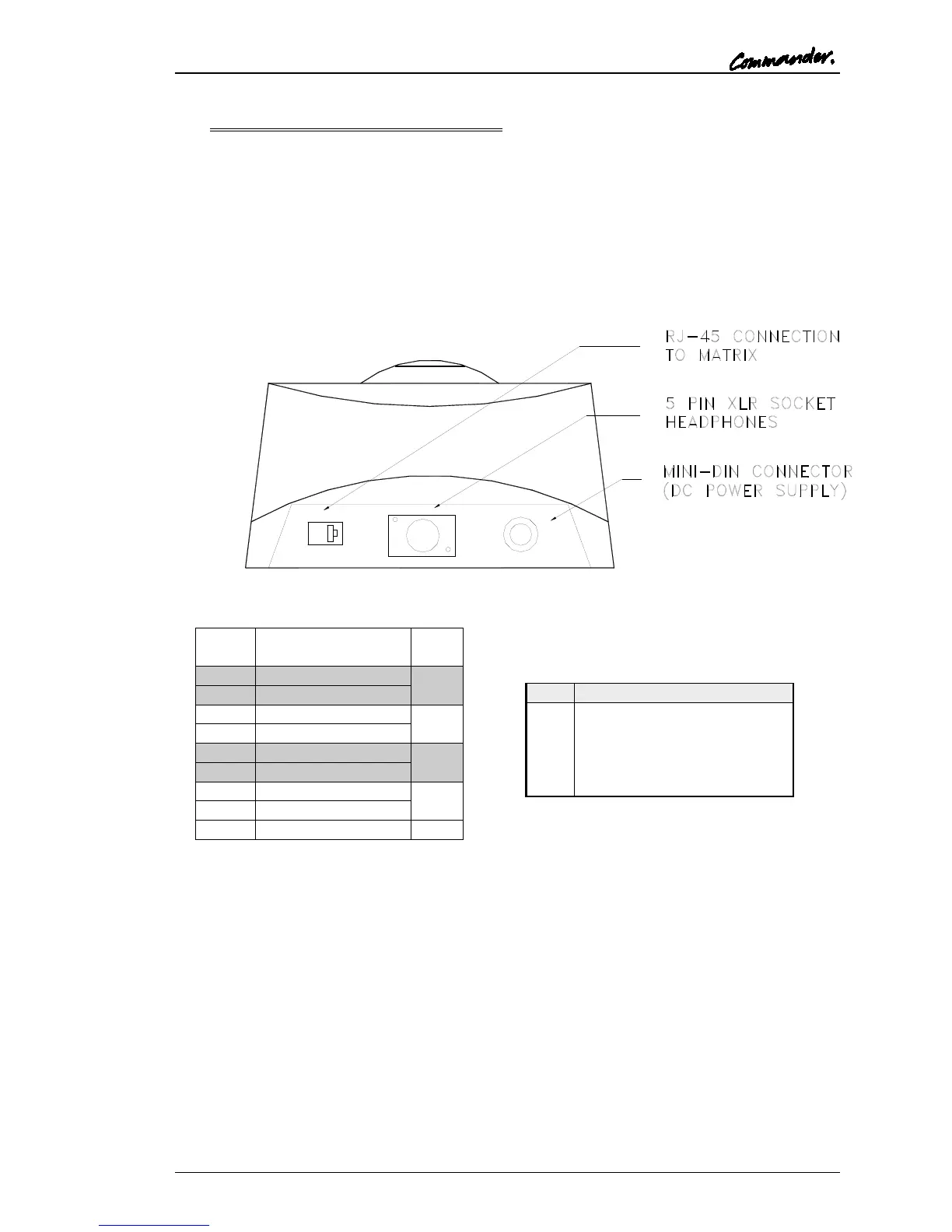
5.4 500-41-XX SERIES DESKTOP PANELS
Early desktop panel were DC powered from a mains power supply unit connected via a mini
DIN connector on the rear. From 2003 onwards, panels have an internal mains power
supply. The only remaining user connection is to the Headset connector on the rear of the
desktop.
The following wiring applies to panels marked "Mod State 2" and later. Earlier panels had
pins 4 and 6 transposed internally, with corresponding changes to the interconnecting cable.
The later wiring allows operation over longer cable runs.
RJ-45 connection to Matrix
Note: As delivered, 500-41 Series Desktop Panels will not operate with T-Edit (early DOS
configuration editor) based systems. An internal link must be changed and full details are
given in Section 10.1.



 To Next Page