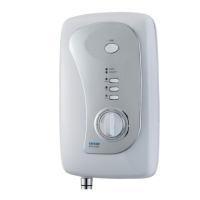
T100e thermostatic care & care plus
16
single ‘bleep’). During this time, the flow rate
decreases to try to achieve the same temperature
as before.
Note: If the temperature setting was high at full
power, then it will not be possible to obtain the
same temperature as before on the economy
setting. The shower will attempt to provide the
highest temperature at the best flow rate.
Adjust the temperature via the temperature
control.
Note: If the stated flow rate required for the unit
cannot be met due to low water pressure, it will
be necessary to operate the shower on economy
power during hot months because of flow rate
limitations entering the unit.
If the shower is on economy power or the cold
setting and the power button is pressed, both
LED’s will light up (and the Care Plus will emit
a single ‘bleep’). During this time, the flow
rate increases to achieve the same temperature
as before or to correspond to the current
temperature control position.
It is advisable to select full power at all times,
except during periods of hot weather.
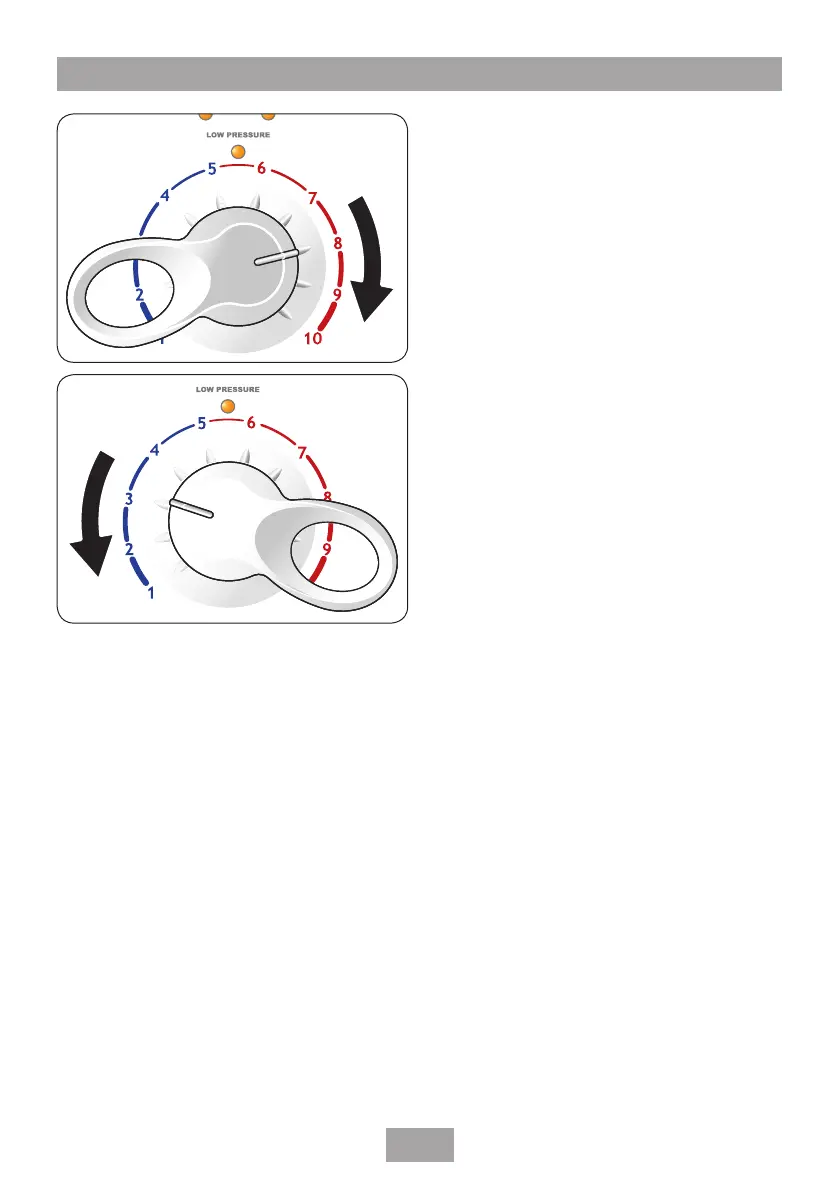
Adjusting the shower temperature
The showering temperature is varied by turning
the temperature control which changes the mix
of hot water coming from the heater can and
the incoming cold water.
On the display circumference are ten marked
outer segments which represent the total
angular movement of the temperature control.
To increase the shower temperature turn the
temperature control clockwise (fig.22). (The
Care Plus will ‘bleep’ three times when an
outlet temperature of 41°C or above has been
reached).
To decrease the shower temperature turn the
temperature control anti-clockwise (fig.23).
After obtaining your preferred showering
temperature the control can be left as the
normal setting.
Setting the adjustable temperature stop
This shower unit is fitted with a temperature
stop. This is factory set to allow the full range
of temperatures to be selected. If required,
Fig.23
Fig.22


 To Next Page