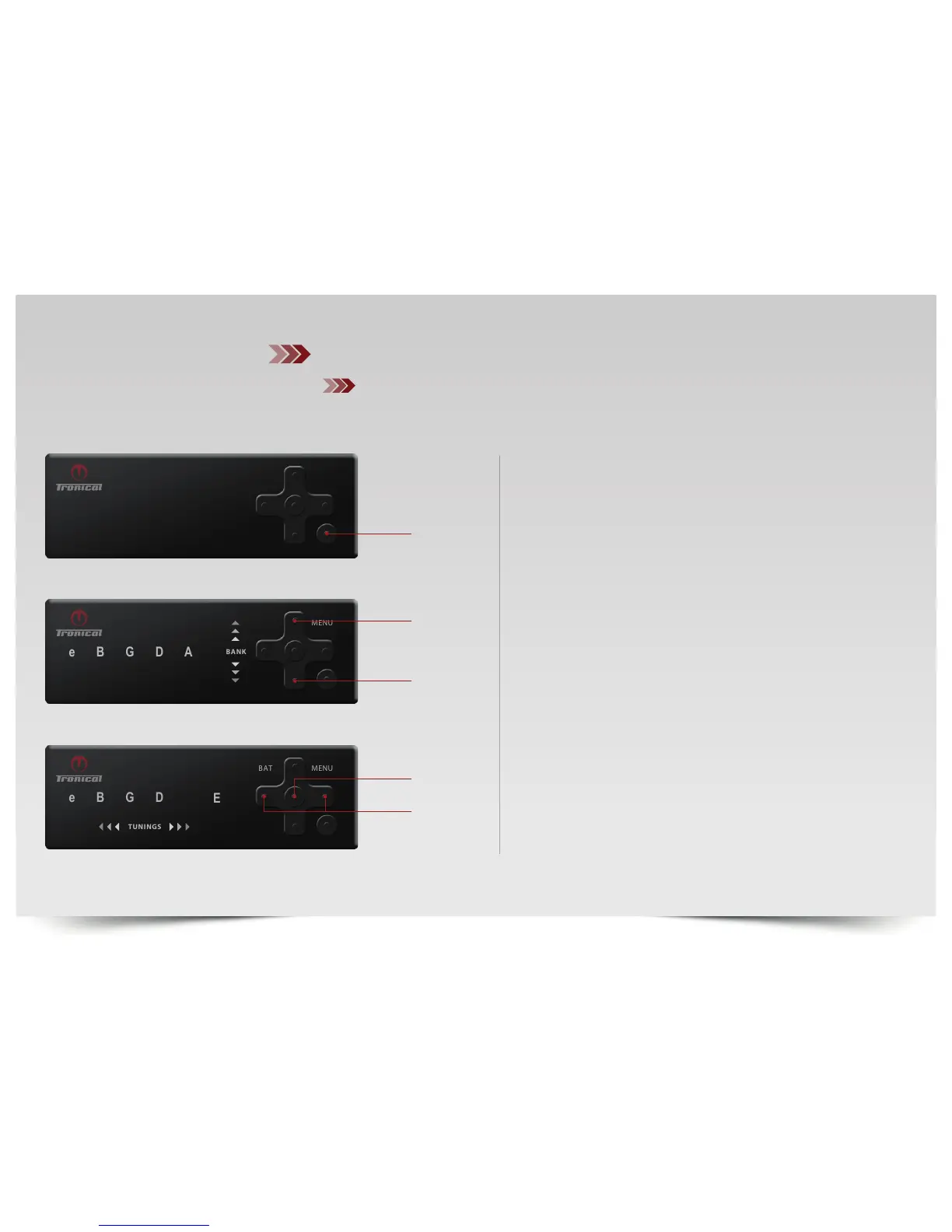
PRESS ”ON”. The MULTISTRING MODE activates with the last completed
tuning.
Now PRESS ”BACK” on the tuner controller for TUNING SELECTION.
The MENU LED will switch OFF.
PRESS ”UP/DOWN“ to navigate between the RED (Standard),
GREEN (Major) and BLUE (User) Banks. Each bank holds 6 tunings.
PRESS ”LEFT/RIGHT“ to select any Tuning (E-e)
SINGLECLICK ON ”ENTER“ to activate selected tuning in MULTISTRING
MODE or PRESS AND HOLD “ENTER“ for SINGLESTRING MODE.
The MENU LED will light up BLUE.
ON/BACK
DOWN



 To Next Page