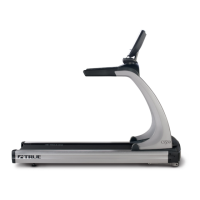
Fig 9
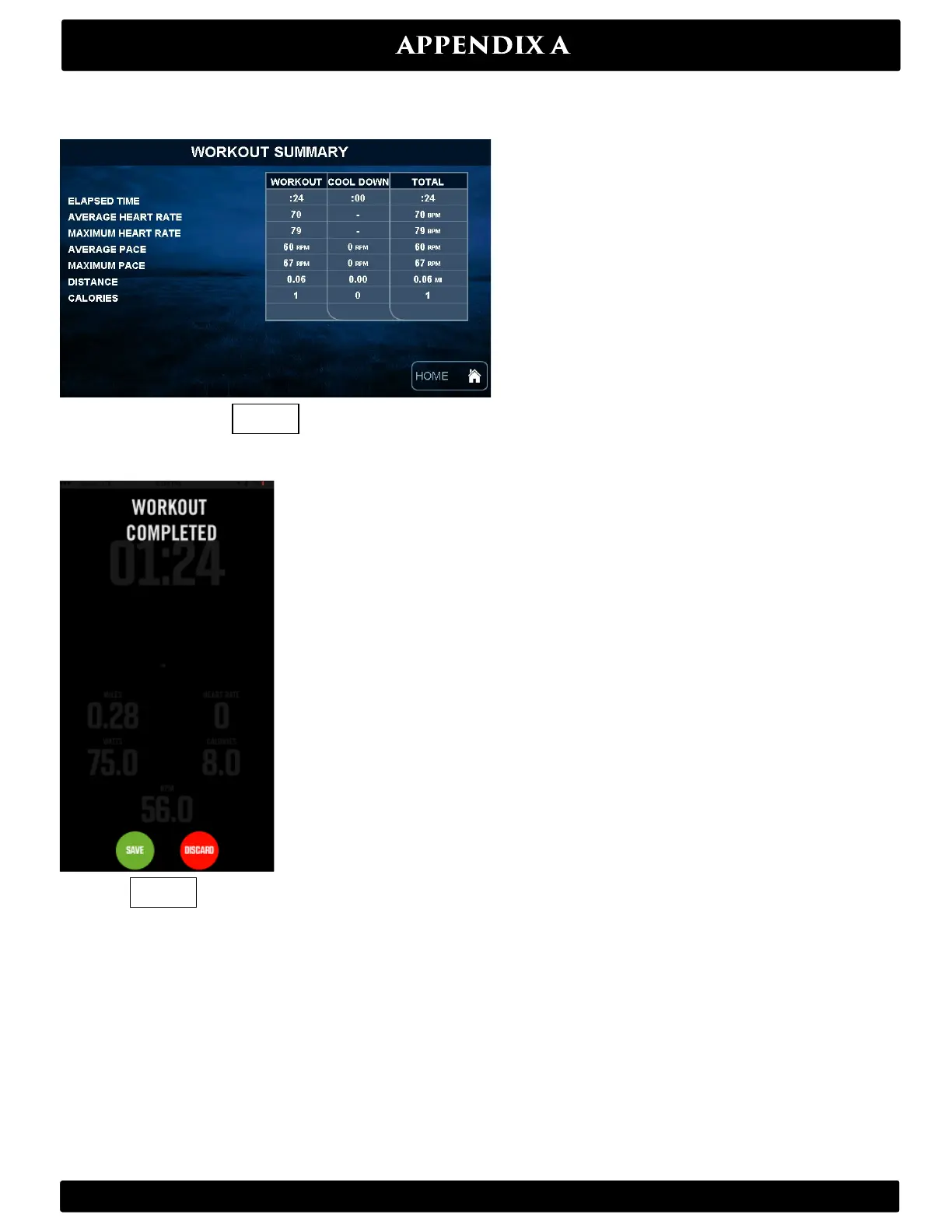
Fig 8
Upon completion of workout – Press Stop on the center console to Pause the workout.
Press Stop again to end the workout. Your data will appear on the screen (Fig 8).
When the workout is complete you will have the option to Save or Discard the data on your smartphone/device (Fig 9).
If you choose to discard, the information will be deleted.
If you elect to save your workout your data will go into the Results section of your Wahoo Fitness RunFit app. Choose
the workout you wish to share (Fig 10). You will be taken to a results page (Fig 11) where you can see details of your
workout. From there, you can click on the share option in the top right corner of your iPhone (Circled on Fig 11) where
you will be taken to a page with multiple sharing options (Fig 12) – including Email, iTunes and the various apps listed
above if they are on your device.
Truefitness.com / 800.426.6570 / 636.272.7100
53


 To Next Page