8
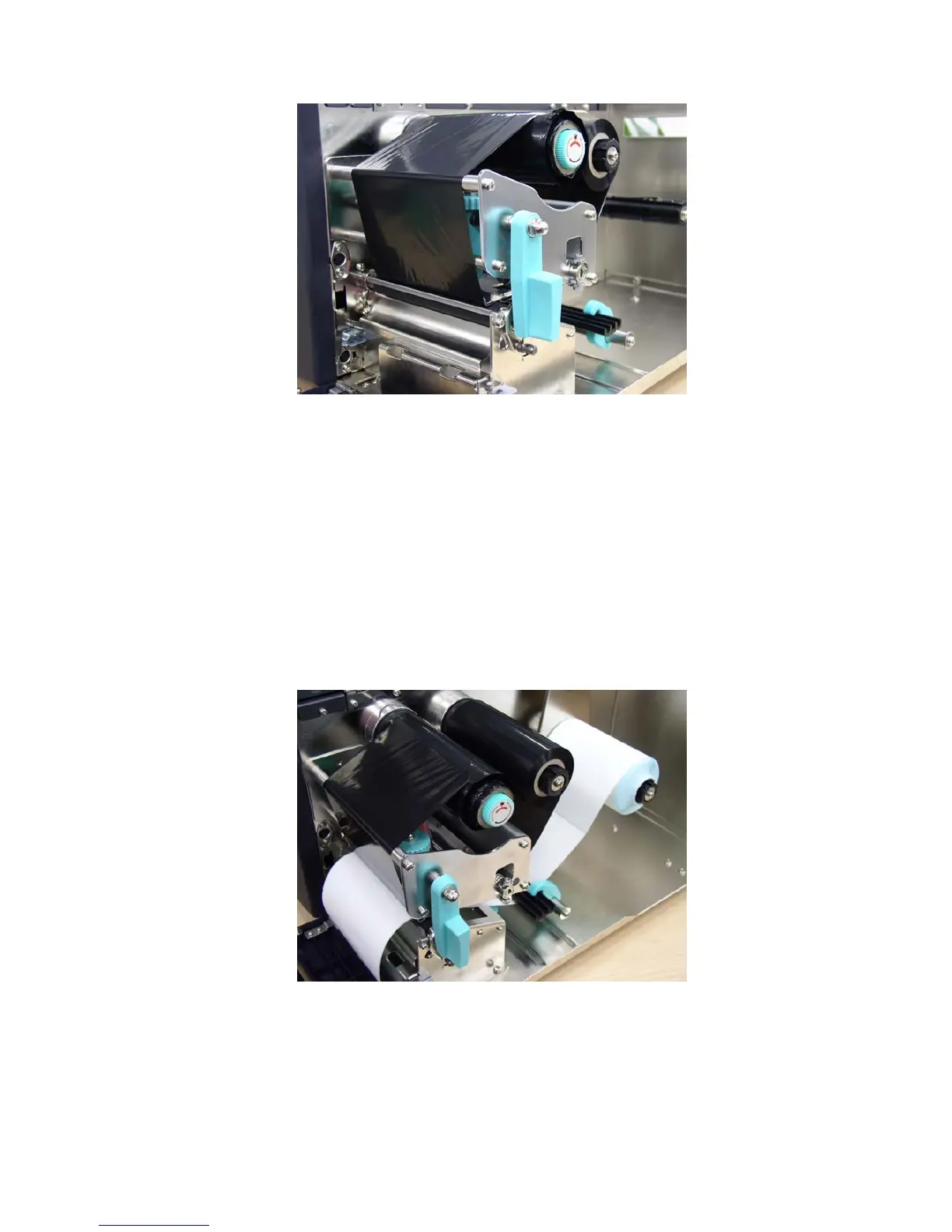
Figure 6. Installation of thermal transfer ribbon
3.3 Label Roll Installation
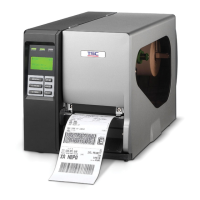
1. Insert a new label roll into the label spindle.
2. Pull label roll leading edge forward through the black media guide bar,
gap/black mark sensor and place the label leading edge onto the platen
roller.
3. Adjust the label guide to meet the width of the label, and buckle it onto the
black media guide bar.
4. Engage the print head lift lever.
5. Close the lower front panel and printer cover.
6. Switch on the power. Now, the printer is ready to print.
Figure 7. Insert a label roll into label spindle.












 To Next Page