TTL Air curtain systems - control and automation panel type Touch
22
9. Displays and general operating settings (cont.)
9.2.3 Menue 3 - settings (cont.)
OK
Cancel
automatic contact delay
automatic contact inverting
operation message setting
selenoid valve switching
1 2 3 4 5 6 7 8 9 10
1
2
OFF
/settings/automatic contact inverting
automatic contact
effect inverted
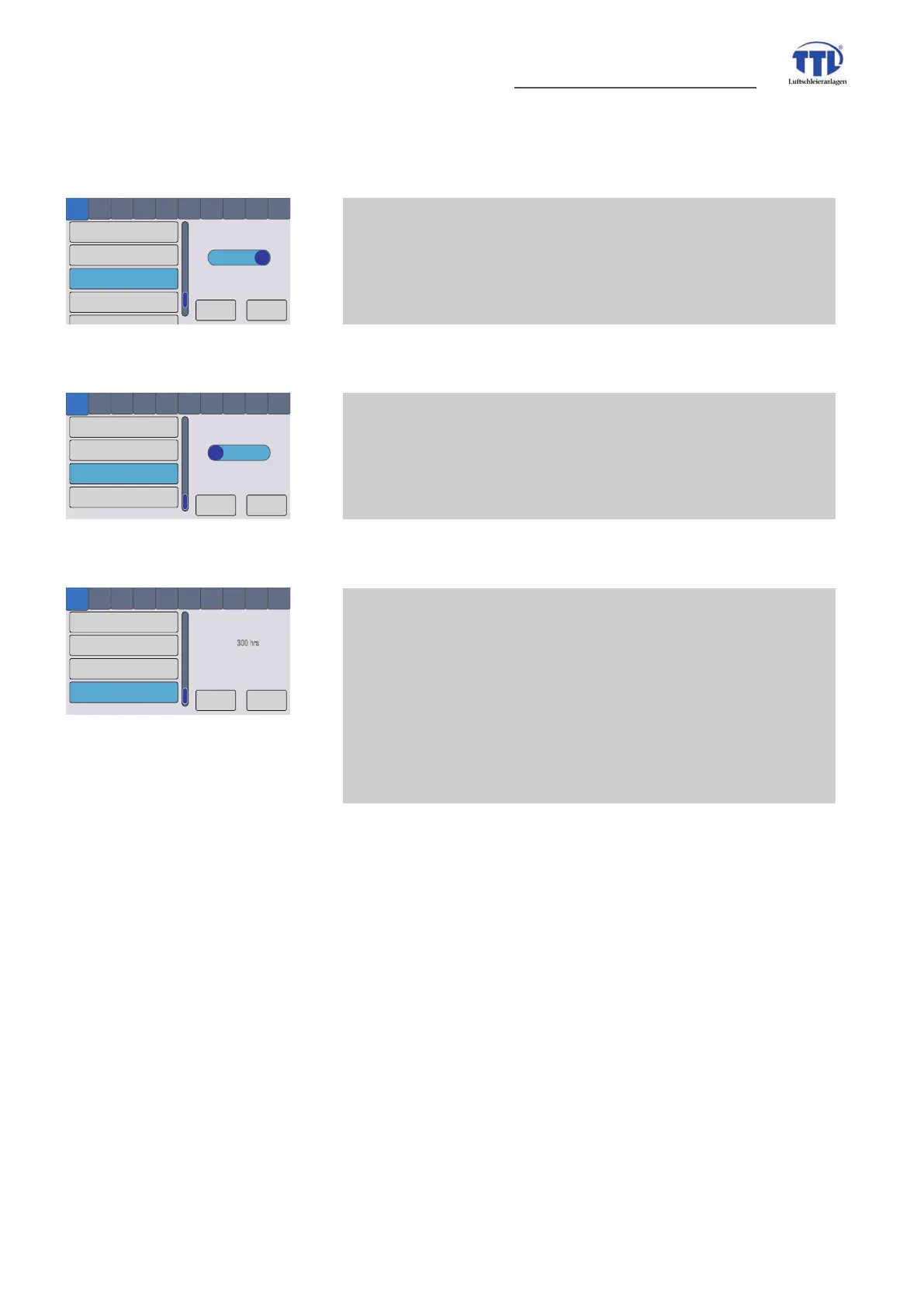
3 Settings menue 12 - auto signal inverting
automatic contact inverses, i.e. it operates not for closer but
for opener
OK
Cancel
automatic contact inverting
operation signal setting
filter change schedule
automatic contact delay
1
2 3
4
5 6 7 8 9 10
1
2
ON
/settings/operation signal setting
operat. signal set to
ready-to-operate
3 Settings menue 13 - operation message setting
setting for operation message even at operation ready status
or only at opeartino, i.e. running fans
OK
Cancel
automatic contact inverting
operation message setting
filter change schedule
automatic contact delay
1
2 3
4
5 6 7 8 9 10
1
2
300 hrs
remaining filter
operation time
/settings/filter change schedule
3 SettingsPHQXHÀOWHUFKDQJHVFKHGXOHO
SUHVHOHFWLRQRIWLPHIRUÀOWHUFKDQJHLQPDLQWHQDQFHF\FOH
this time have to be ascertained empirical according to
operation conditions and possibly adjusted, after expiration of
WLPHRFFXUVDPHVVDJHWRFKDQJHÀOWHUVUHVSE\FKDQJLQJ
symbol color in status bar in opeartion view (compare menue
item 7.2 - display symbols)


 To Next Page