33
6. FUNCTIONS:
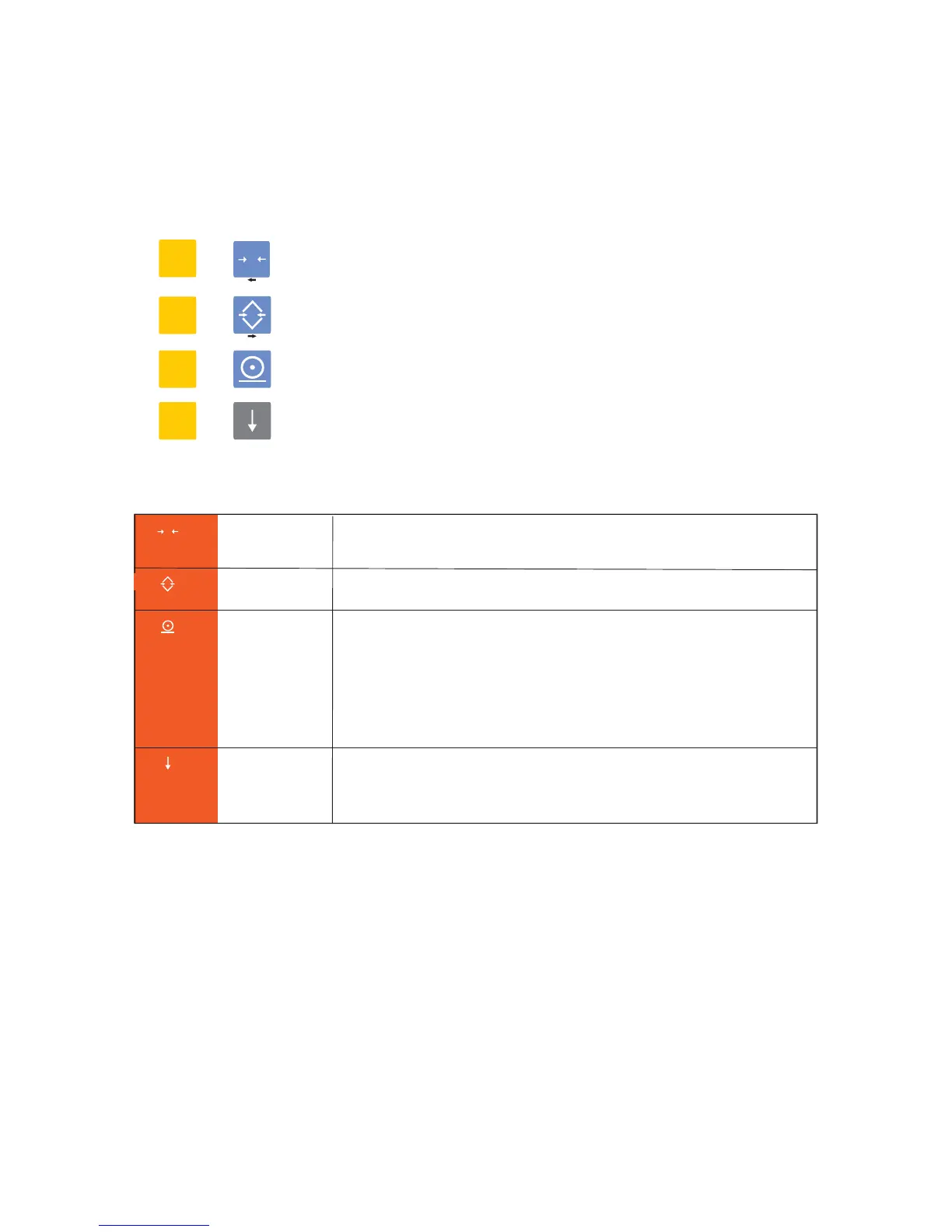
F Date
DATE ? message will appear. Press enter button to see and
change date (date format is: ddmmyy)
Time
HOUR ? message will appear. Press enter button to see and
change time (time format is: hh mm)
Hour (Time)
Piece Counting
x10 Viewing
Date
F
F
Piece
Counting
First of all put a few of items you wa nt to count on the scale
and select this function. COUNTIN? message will appear.
Press Enter button and write number of pieces on the scale,
then press enter button again . Number of pieces will be seen
on display and pcs signal will light. Now you can put all of items
you want to count. Use Esc button in order to exit from this
function.
F
x10 Viewing
Ent 10?
message will appear. If you
press
Enter button
verification scale interval will be divided by 10 and device will
be 10 times more sensitive. X10 viewing will last 5 seconds.


 To Next Page