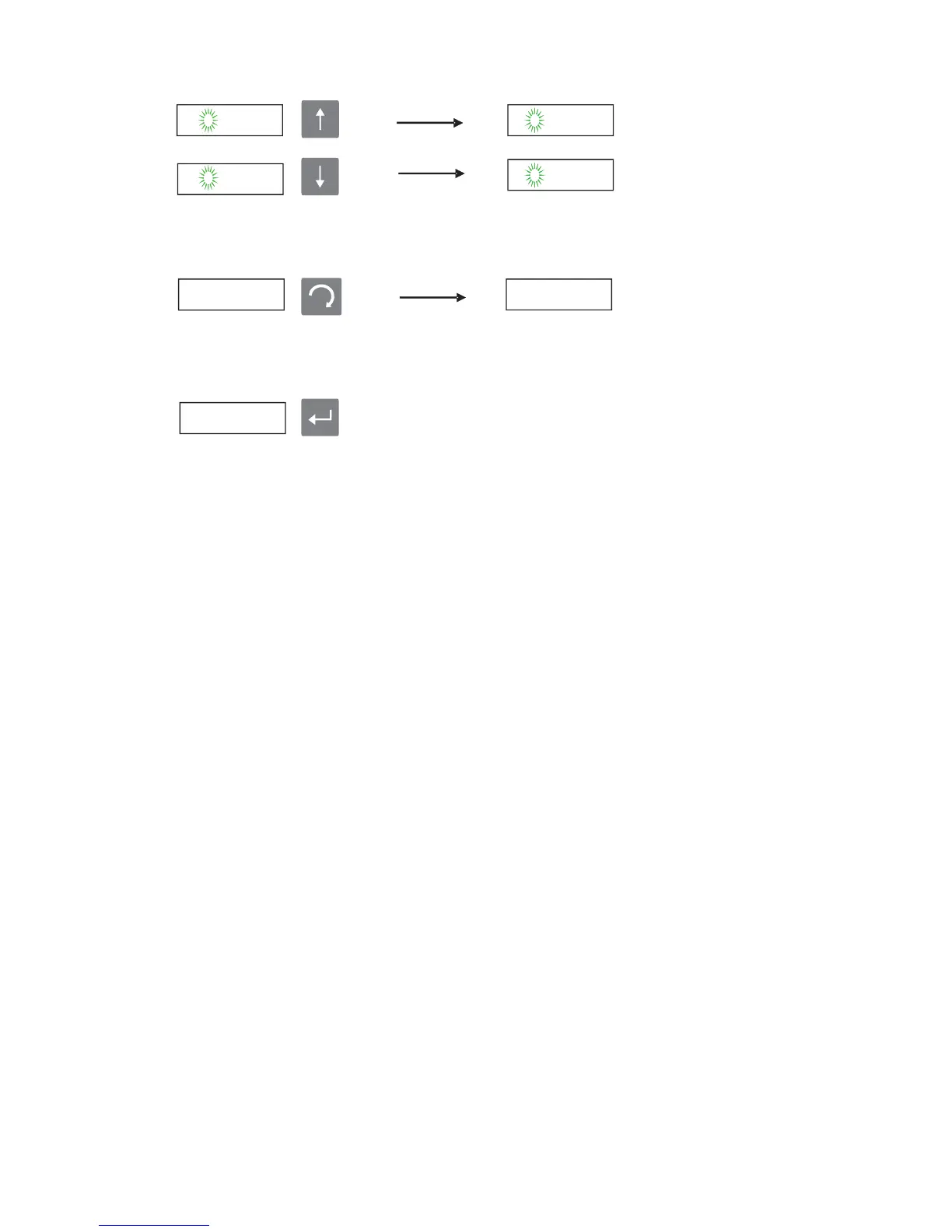
· After changes are confirmed by enter button u
,
se Esc button to go back to main
menus from sub menus,
· In order to exit from programming and calibration menus, g
to
o
“End”
menu and
press Enter button, During SAVE ? message, press Enter button in order to save
differences or use Esc button to exit without saving.
Calibration Sequence Summary:
1. Close calibration jumper J1 (for P1, P2, P3, P4)
2. Go through steps P1…P9 and select END
3. Open calibration jumper J1
4. Close and seal the weight indicator housing as described in this manual.
P1.0 0


 To Next Page