22
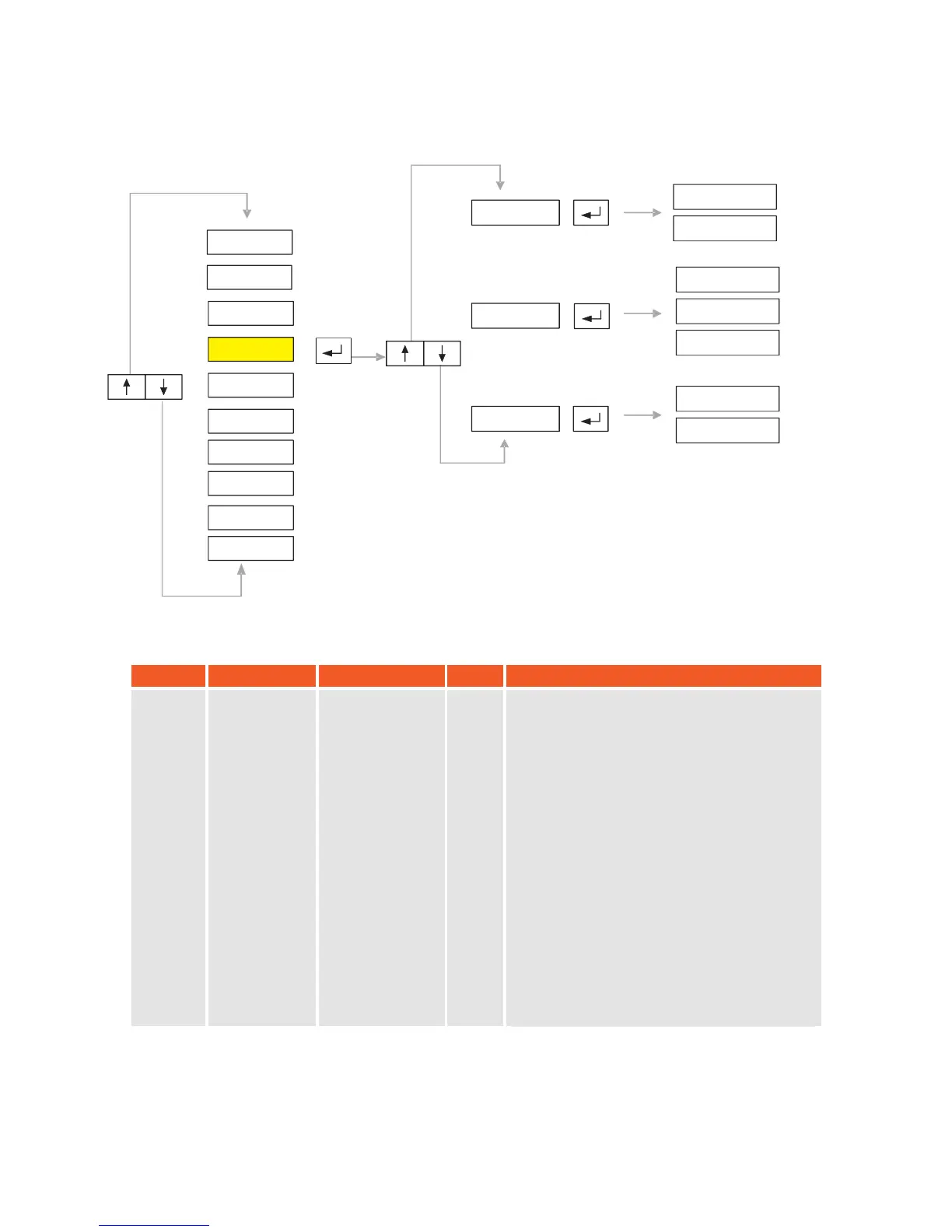
5.4. P4-Calibration:
SY
MBOL
NAME
ALTERNATIVES
DEF.
EXPLANATION
P4.0
Calibration
With Weight
-------
Note: Maximum capacity and and division
interval values must be set before starting
calibration process.
After
No Load
message appears, make sure
that scales platform is empty
and press
Enter button. Device will show “BUSY”
message.
“Add Load”
message will appear.
P ut
calibration weight on scales platform (min
10 % of full scale,
prefer
ably close to
maximum capacity) and press Enter
button.
Then, write this
calibration weight value
via
keypad and press Enter button. D
evice will
display “ BUSY ” message again
.
After
calibration is completed
, main
menu will be
seen on display.
After c
with
alibration weight
process
is implemented, gravity acceleration
values will be zeroed.
P4.2
P4.1
P4.0
No Load
Add Load
Lc Cap
Lc Sens
No Load
Gr-Cal
Gr-Use
P2-PAR
P1-GEN
P3-CON
P4-CAL
P5-POR
P6-INO
P7-PRP
P8
P9
-
-
DIS
ANA
-END-
KM.LL2E.002


 To Next Page