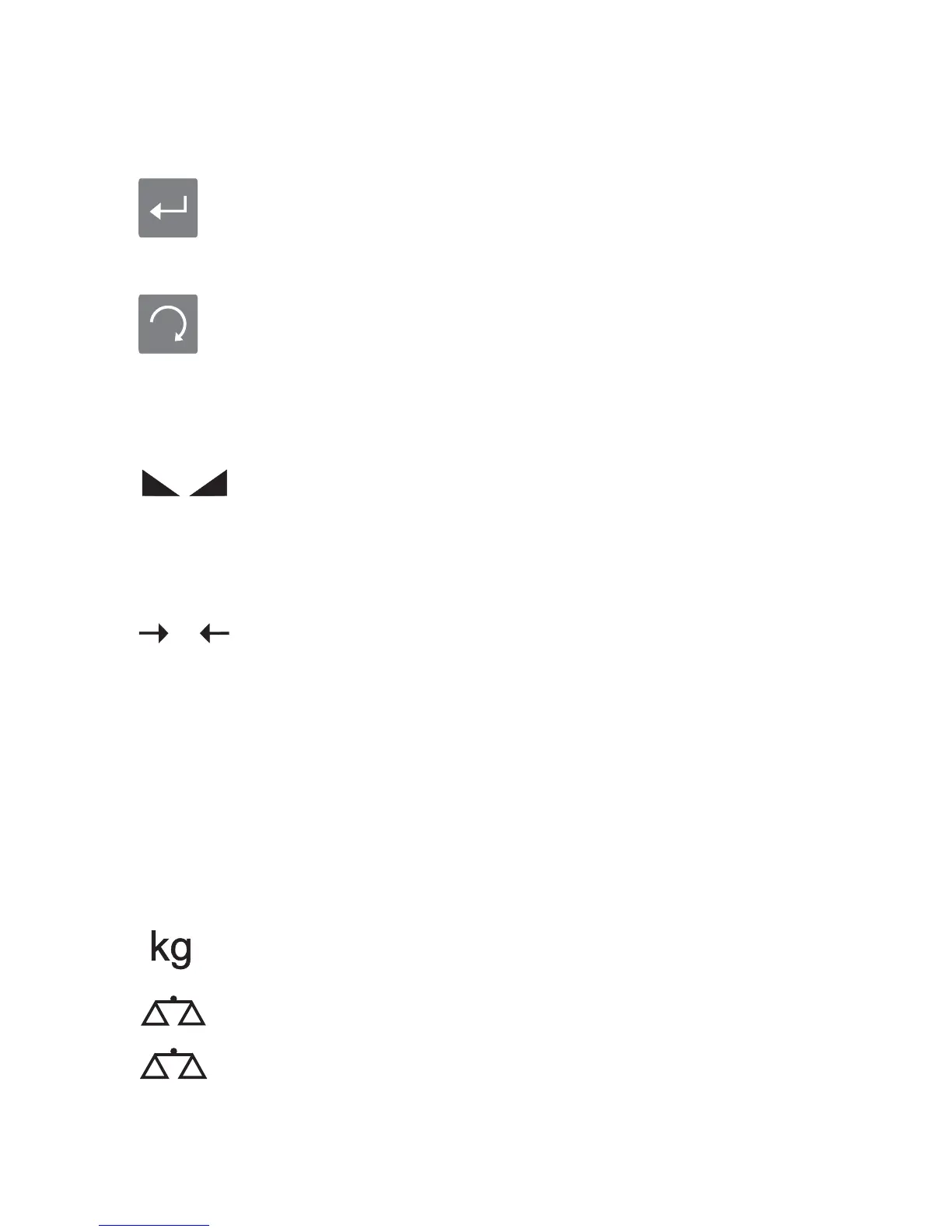
ENTER Enter button is used to enter programming and
calibration menus and to make selection
among
alternatives. It is also used as
“Yes”
button
for
question messages.
ESC Esc button is used to go back to upper menus from
sub menu
s
. It can be used
to exit without changing
parameters. It is also used as cancel button for
question messages.
4.3. Status Signals:
STANDSTILL Standstill signal shows that the load on the
platform
does not move . It lights up as soon as “no motion” is
anymore detected within the initially set range and
time ( If the difference between consecutive weight
values is smaller than the value selected in P2.7, then
this signal will light after the time selected at P2.8
is
elapsed).
ZERO Zero signal shows that there is no load on the scale. It
lights as soon as the actual gross weight is equal to
zero.
NET Net signal will light during net weight value is seen on
display (lights up as soon as having tared by pressing
tare or preset tare button).
PIECES Pieces counting signal
will light if
pices counting
function
is activated
.
12
NET
POUND Lb signal will light if “ pound” is selected as weighing
unit.
KG
Range 1
Range 2
Kg signal will light if “kilogram” is selected as
This symbol shows 1st weighing range. If the weight is smaller
than Max1 value, it will light.
This symbol shows 2st weighing range. If the weight is greater
than Max1 value, it will light.
weighing
unit
.


 To Next Page