998-2300 Rev. H Page 31
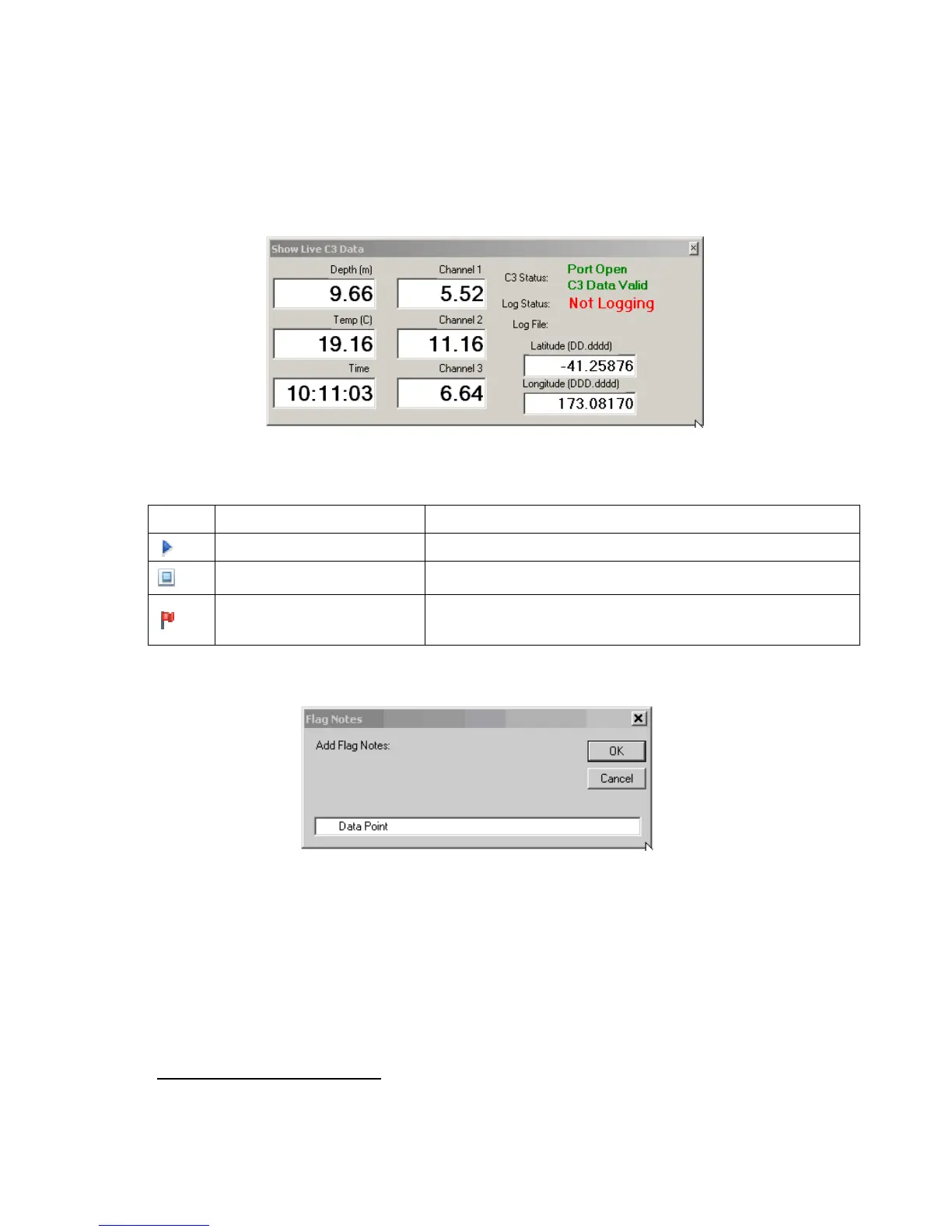
• Open Show Live C3 Data form which shows larger version of C3 data along with GPS
data and Port/Logging Status.
• Start/stop logging to file using toolbar buttons
Button
Name Function
Log Data To File Starts Logging to file based on Log interval
Stop/Pause Logging to File Stops/Pauses logging
Flag Data Point
1
Adds Flag to current data point and gets user notes on flag
(e.g. “Bad reading C3 out of water” or “Start Transect 3”)
1
Note that flag only commits point once the OK button is pressed on user input. Long delays in writing
notes may influence location of flagged point.



 To Next Page