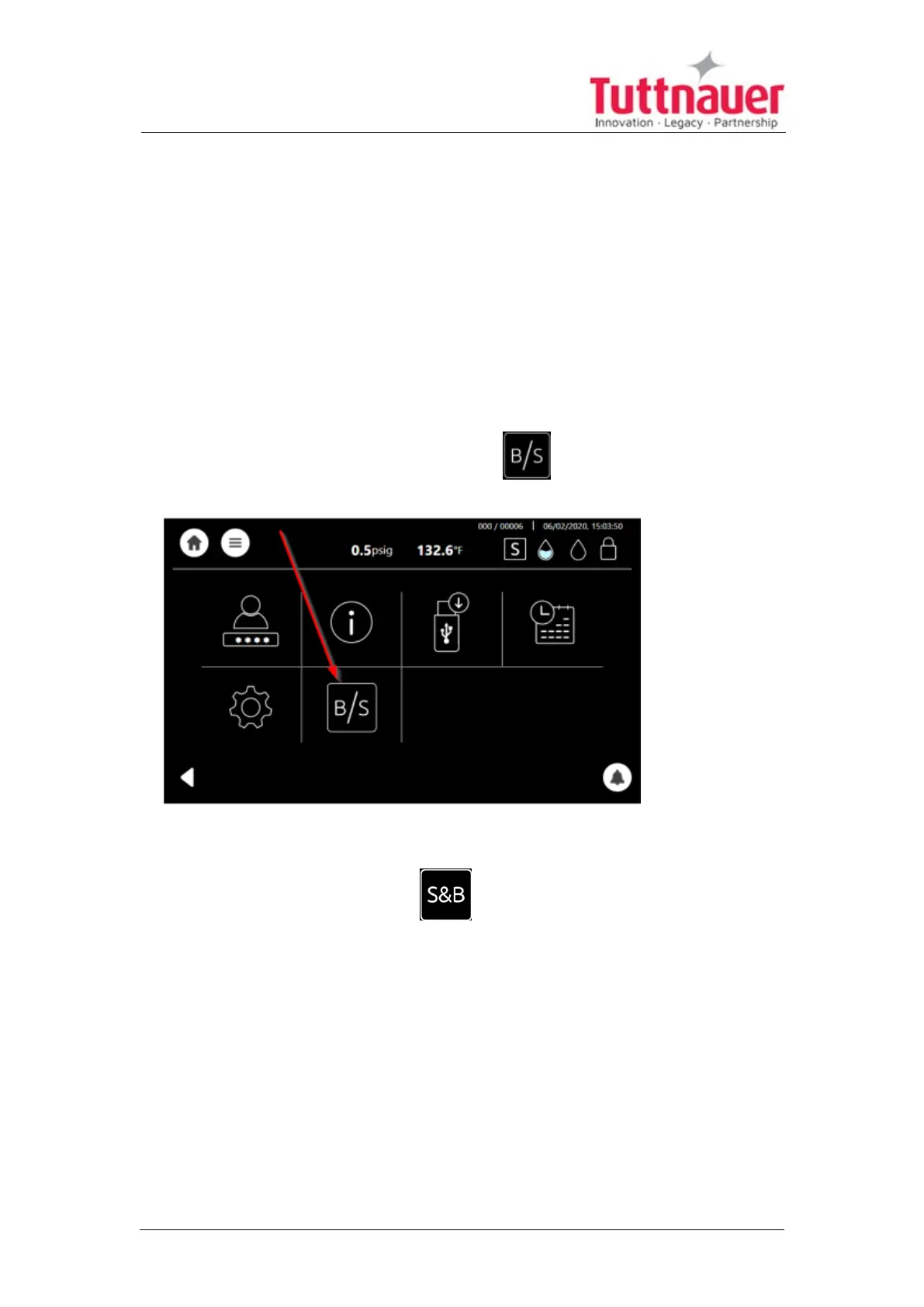
7.7 Setting Class S and Class B
Your autoclave contains Class S as a standard. If you (the customer) would like
to upgrade your system to a Class B, please contact Tuttnauer USA
representatives or your dealer. Tuttnauer will ask you for the autoclave serial
number. In return Tuttnauer will provide you with a code/password.
After entering the new code password by the customer user, the autoclave will
contain now the Class B features.
The following details the procedure to access Class B and how to switch from
Class S to B, and from Class B to S.
1.
From the Quick Option screen press to select Class B.
Note: The autoclave presently is in Class S.
2.
Press on the required class type.
3. The Class Settings screen is displayed, and the Class B is now
displayed.
Page 39





 To Next Page